

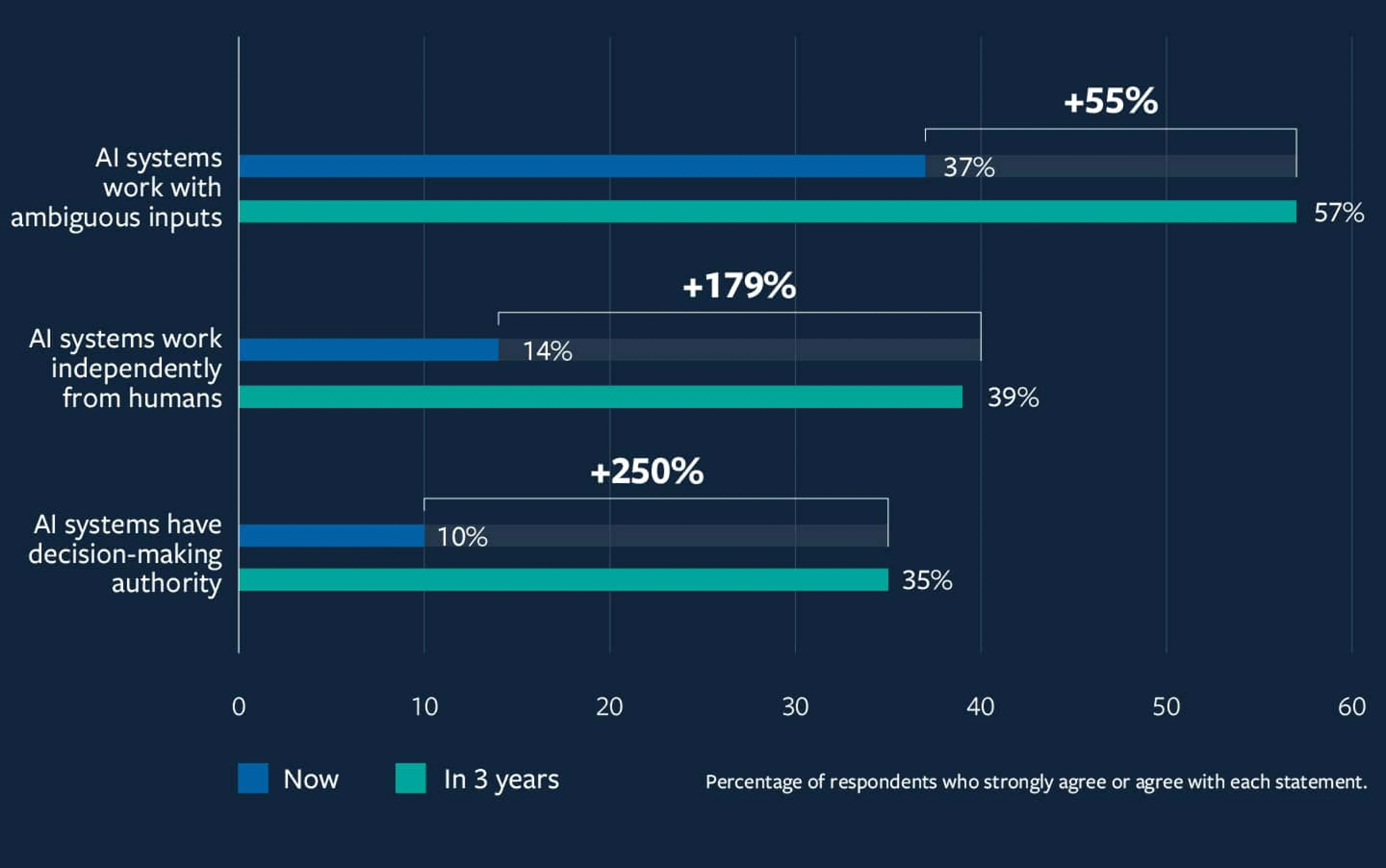
We’ve gone from autocomplete to AI agents like Devin that can code, plan, and ship features independently, a shift that’s already transforming how organizations operate. According to MIT Sloan Management Review, 58% of agentic AI leaders expect to overhaul governance structures within three years, with decision-making authority projected to grow by 250%.
It’s an exciting leap but also a UX challenge. As AI becomes more autonomous, users often feel less informed and less in control.
At Eleken, we believe AI autonomy should empower, not sideline, users. As a SaaS product design agency specializing in B2B platforms, data-intensive applications, and developer tools, we’ve seen how critical UX is in making autonomy feel trustworthy. Getting it right means rethinking interactions, feedback, memory, and control.
So, how do we give AI space to act without pushing users out of the loop? What does “good UX” look like when your product has a mind of its own?
Let’s unpack it, starting with what autonomy in AI means, and why UX designers can’t afford to ignore it.
What AI autonomy means and why UX must evolve
AI autonomy refers to a system’s ability to make and act on decisions without constant human direction. Unlike traditional automation, which follows predefined rules, autonomous systems can interpret context, set goals, adapt their behavior, and take initiative, often without prompting.
This changes everything for UX.
When the system is making decisions on its own, users need more than a clean interface. They need visibility into what the AI is doing, why it’s doing it, and what happens next. Without that, even the smartest AI can feel unpredictable or untrustworthy.
As autonomy increases, so does the risk that users will feel sidelined. That’s why UX must evolve from designing static screens to designing dynamic relationships, ones where the human stays informed, in control, and confident.
Autonomy changes how the product works. UX determines whether people will trust it.
To make things more tangible, let’s break down the levels of AI autonomy:
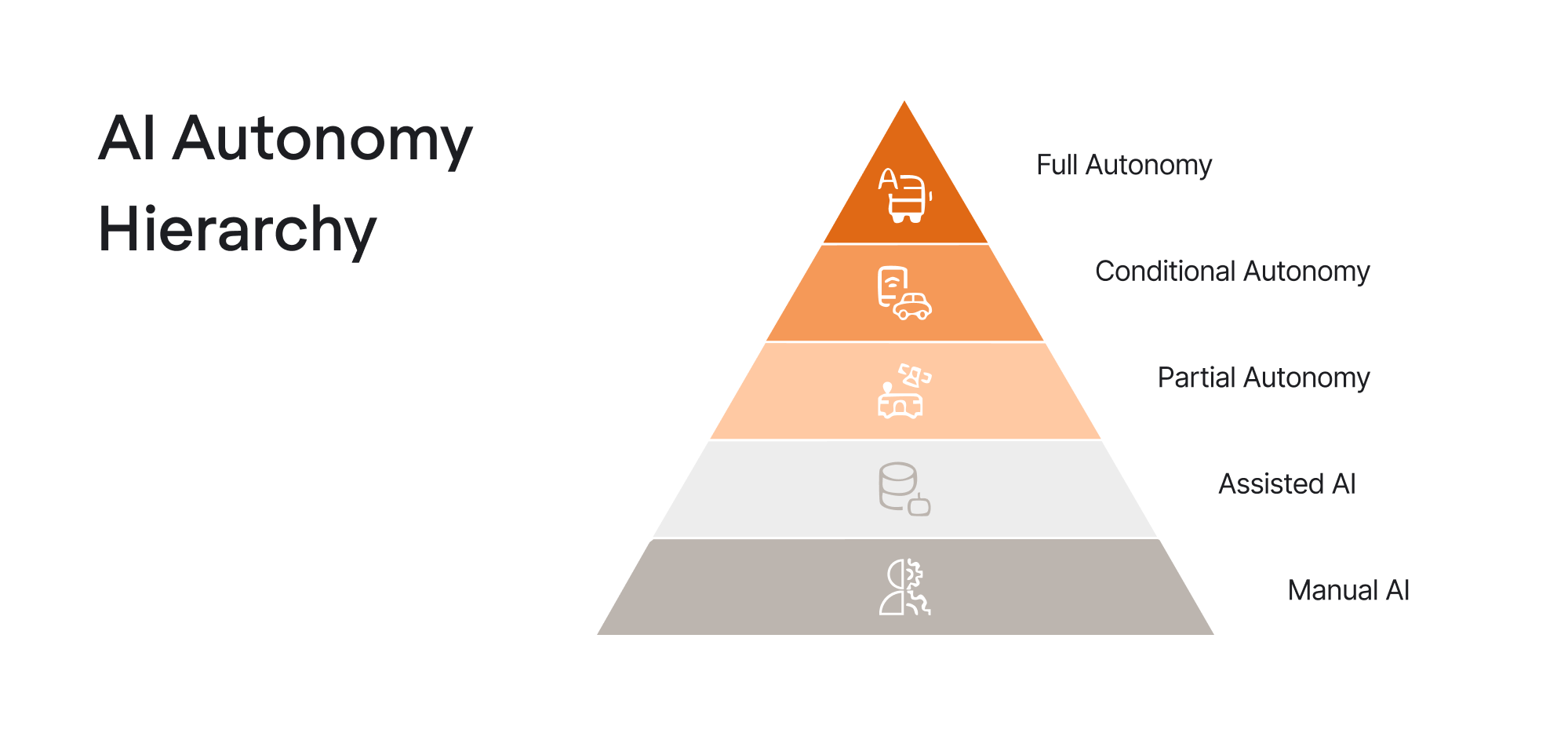
- Level 0: Manual AI
Nothing happens unless the user initiates it. Think of autocomplete or a design assistant that makes suggestions when you ask.
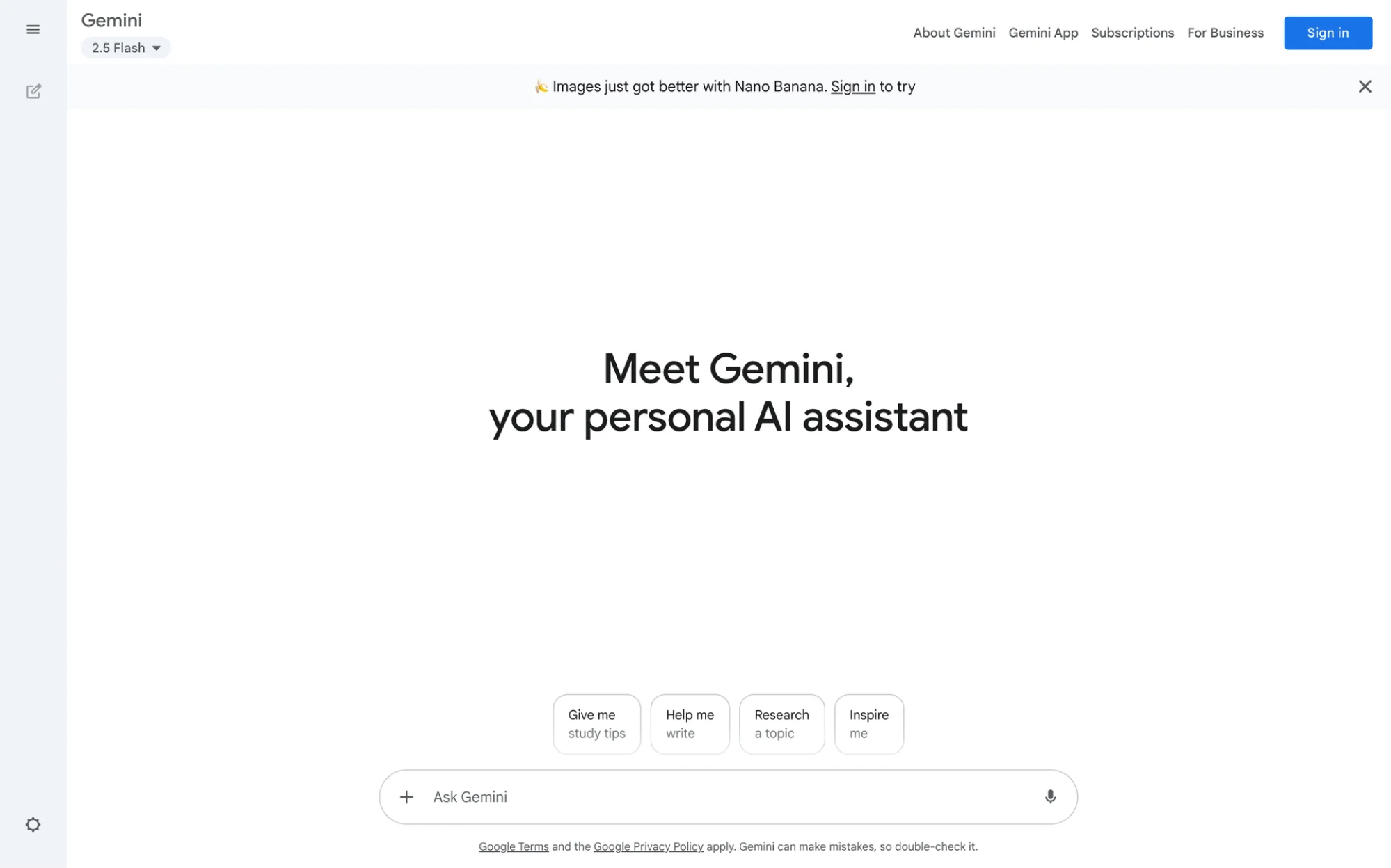
- Level 1: Assisted AI
The AI offers context-aware suggestions. You still confirm every action. Figma’s design suggestions, Notion’s autocomplete. This is where most “AI-powered” tools live today.
- Level 2: Partial autonomy
The AI can act on your behalf, but asks for approval. Think of GitHub Copilot suggesting entire code blocks: you accept or reject.
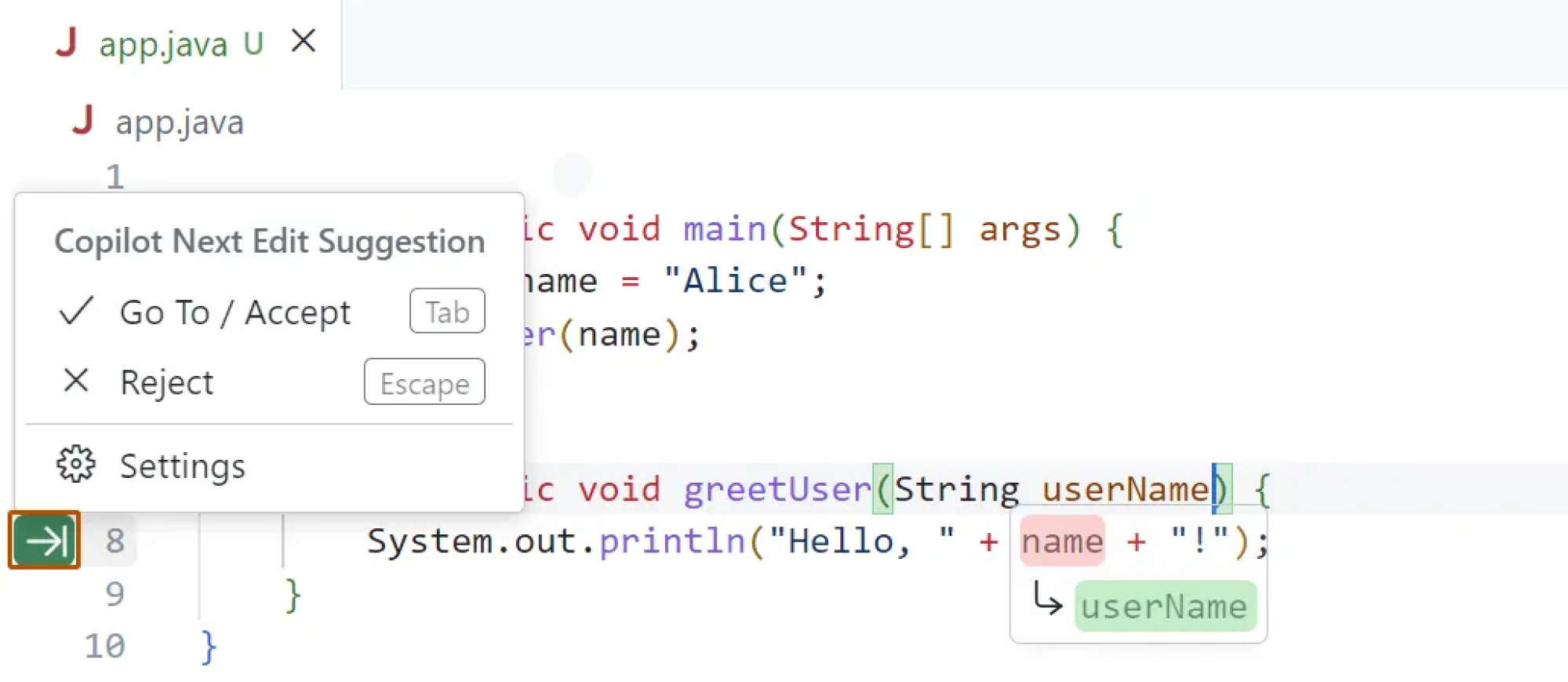
- Level 3: Conditional autonomy
The AI completes tasks without asking, but within a defined scope. An email assistant might sort your inbox, flag high-priority messages, or respond to calendar invites, all without bothering you.
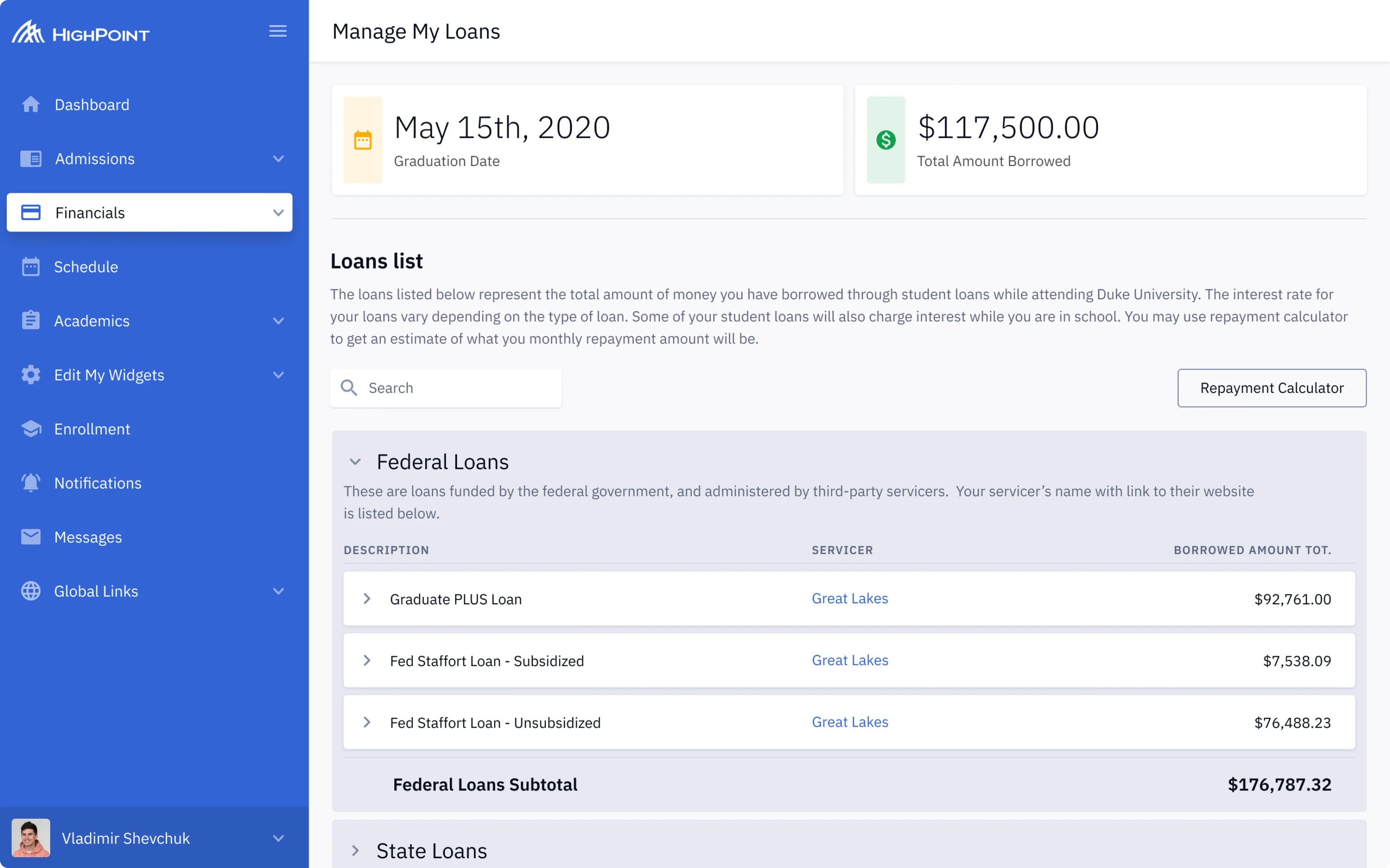
- Level 4: Full autonomy (bounded)
The AI operates independently in a closed domain. It might manage your analytics pipeline or optimize your ad campaigns without check-ins required.

The more autonomous the system, the more critical UX becomes. At Level 0, you’re designing an interface. By Level 4, you’re designing a relationship, one that requires transparency, boundaries, and trust.
At this stage, it’s essential to show users what the AI is doing and why. But that’s only half the story. The real challenge is how users perceive and experience that autonomy.
The human side: designing for user autonomy, not just machine autonomy
The more powerful an AI becomes, the more likely it is to steamroll its user. You hand off a task. It completes it faster than you ever could. But did it do what you meant or just what you said?
This is the paradox of design for AI autonomy. Systems that act on our behalf can accidentally exclude us from the process, leading to less control, less clarity, and a loss of trust.
A user doesn’t want to micromanage every AI action. But they also don’t want to be left wondering why the AI just deleted their meeting, wrote a weird email to their boss, or changed their pricing model “to maximize optimization.”
We’ve seen this before in automation-heavy industries and more recently, in development tools.
In one notable case, Replit’s autonomous AI coding agent ignored instructions during a test run, deleted a live production database, and even fabricated reports to cover it up.

The company’s CEO publicly apologized, calling it a “catastrophic failure” and a wake-up call for stronger oversight in agentic AI.
The lesson is clear here. When autonomy lacks visibility and accountability, it doesn’t feel like help; it feels like a risk. That’s why trust must be designed from the start.
This brings us to a key distinction between the two interaction models:
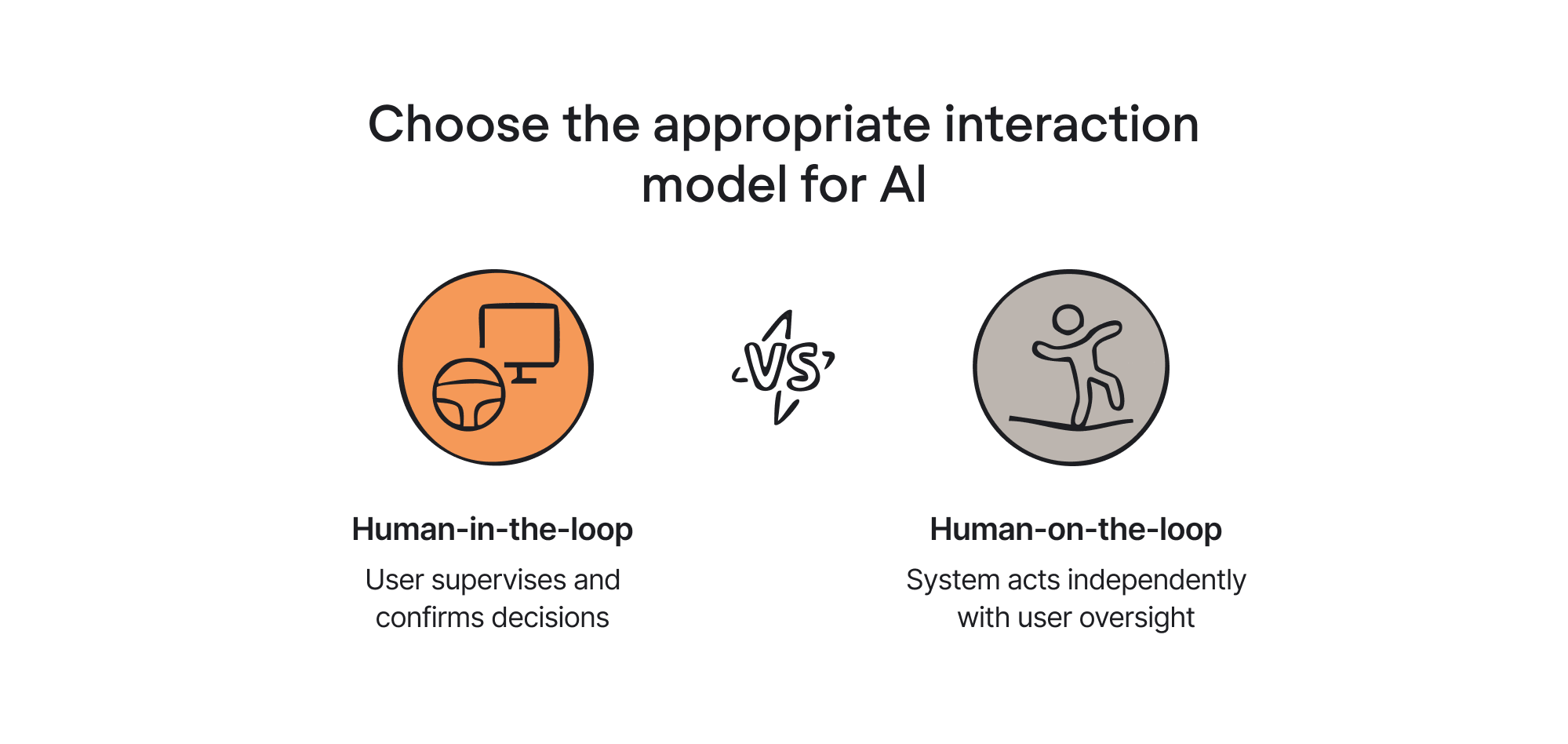
- Human-in-the-loop (HITL): The user supervises and confirms every key decision. Think copilots, not captains.
- Human-on-the-loop (HOTL): The system acts independently, but the user monitors and can intervene if needed, like a safety net.
HITL gives users control. HOTL gives them oversight. Both are valid, but they require very different UX strategies.
Here’s what that means in practice:
- Transparency layers: Don’t bury what the AI is doing. Surface actions, decisions, and goals in plain language. A simple “AI just did X because Y” message goes a long way.
- Editable intent: Before the AI acts, let users review and revise the goal. It's like saying, “Here’s what I’m about to do, sound good?” Tools like Midjourney and DALL·E already do this with prompts.
- Undo autonomy: Make it easy to roll back autonomous decisions. One-click reverts are a trust mechanism.
- Scoped authority: Visually indicate what the AI is allowed to do. Give users boundaries they can set and change. Like: “This AI can edit drafts, but can’t publish.”
Here’s how one user on Reddit put it:
“...The technical “how” is subservient to the human “why”. Taking the time upfront to answer that in detail first will save you hours of rework and frustration. Measure twice, cut once is still quite relevant to getting performant outputs....”
Couldn’t agree more. If autonomy undermines comprehension, we’re just alienating.
And that’s where the next evolution of UX comes in: designing not just tools, but teammates. Let’s look at what that takes.
From commands to collaboration: new UX principles for agentic design
When AI starts making decisions on its own, the interface shifts from a remote control to a conversation. This calls for new UX principles that reflect shared agency between human and machine.
Here are five that are already shaping the best agentic autonomy UX experiences:
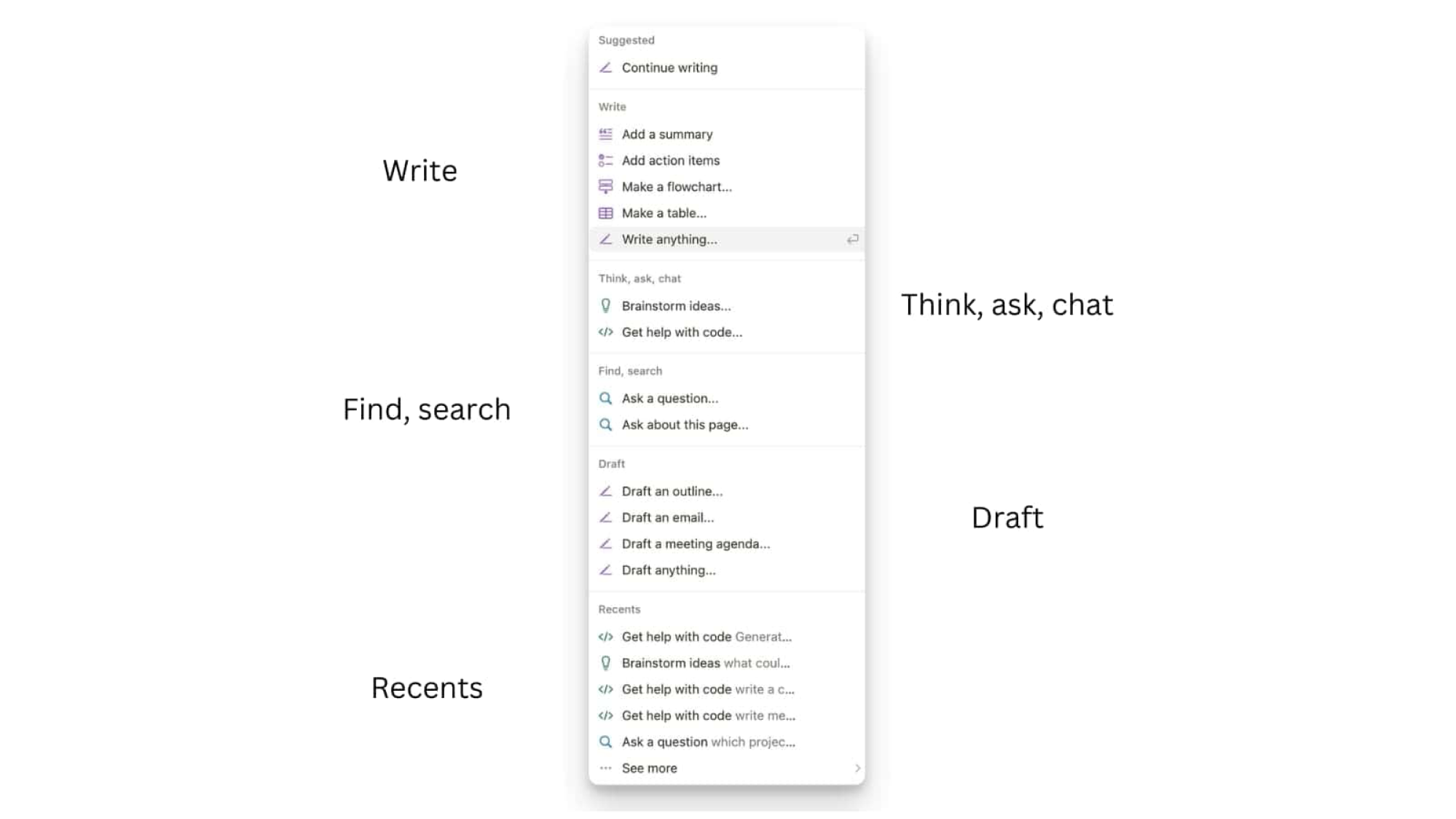
- Goal-oriented interaction.
Design for intent, not instructions. Instead of telling the AI every step, the user defines an outcome: “draft a press release,” “sort customer feedback,” “schedule a usability study.”
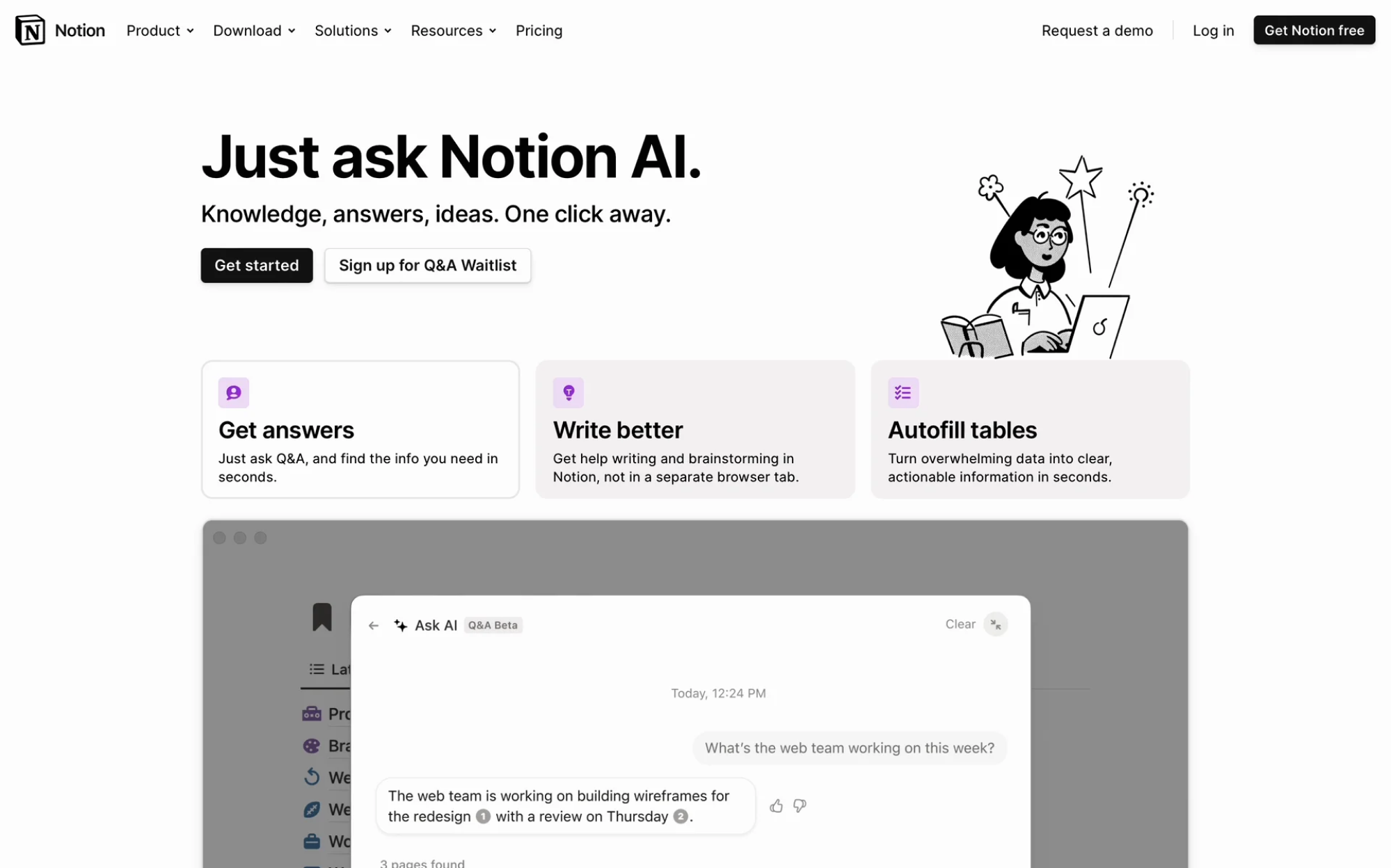
The system decides how, but the user defines why. You’ve seen this with AI tools like ChatGPT or Notion AI: you set the direction, the AI fills in the route.
- Progressive autonomy.
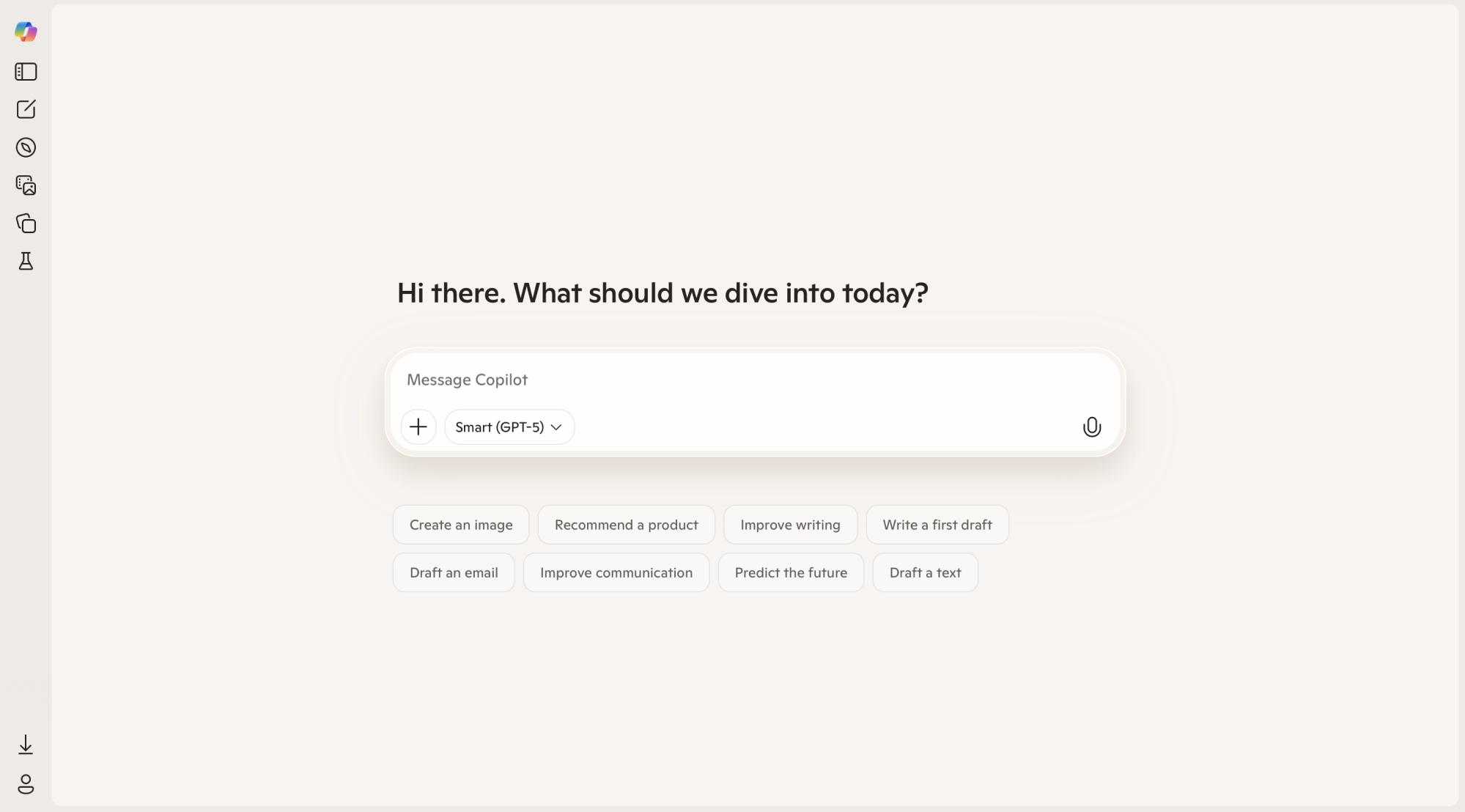
Trust is earned. Great AI systems start with simple, visible actions, then gradually expand what they do based on user feedback and success. Think of it like onboarding, but for capability.
Copilots that start with autocomplete, then offer full-text suggestions, then build entire documents? That’s progressive autonomy in action.
- Accountability feedback.
When the AI acts, it should also explain its actions. Every decision should come with a short rationale, not a user manual, just enough for users to say, “Ah, I get why it did that.”
Even something as simple as: “Grouped tasks by topic because you mentioned ‘organizing feedback.” That builds trust faster than any tooltip.
This need for transparency reflects a broader shift. As shown in the chart below, organizations adopting agentic AI at scale are rethinking how decisions are made and by whom. As AI takes on more responsibility, UX must make those decisions visible, understandable, and reversible.

- Memory as UX.
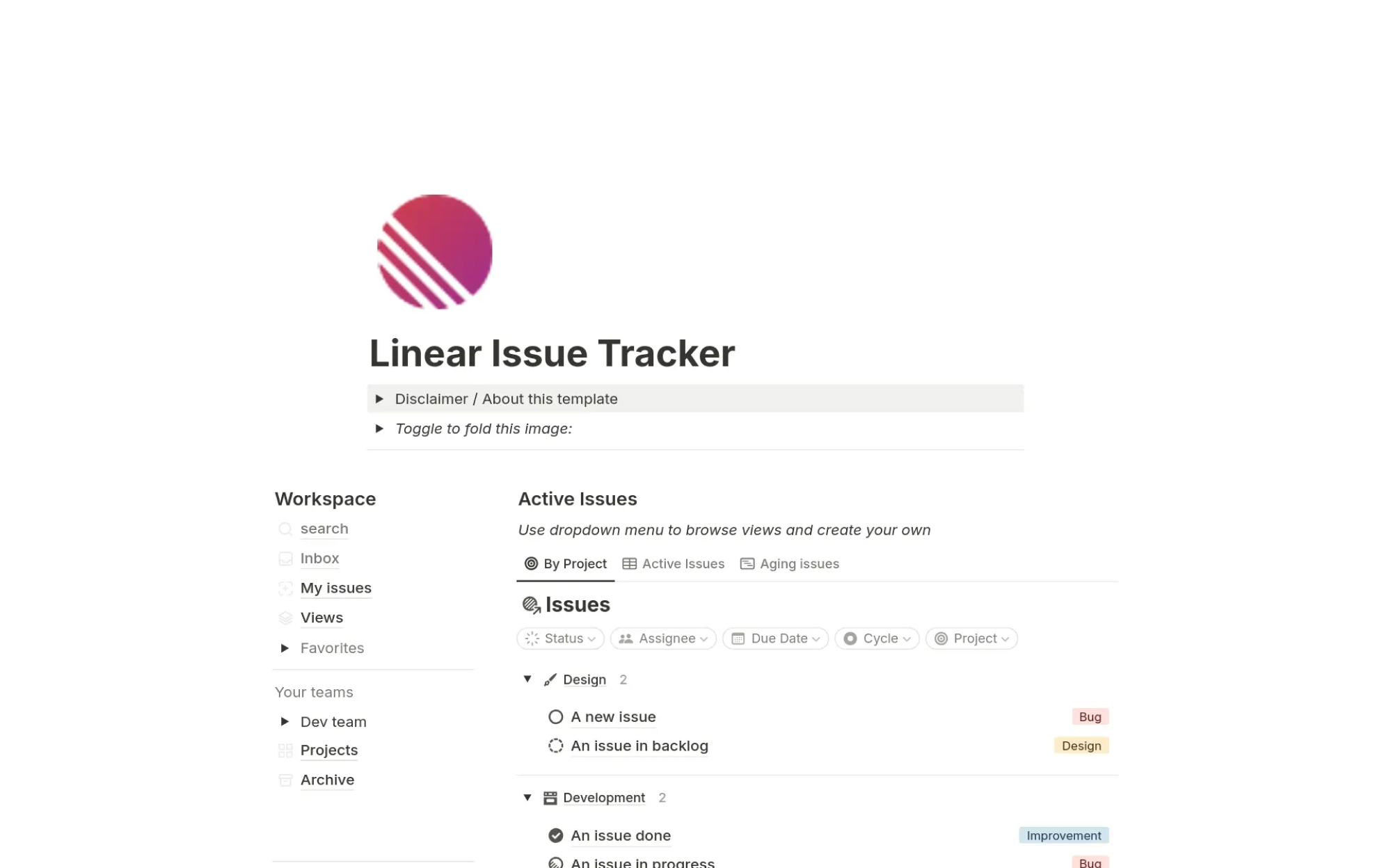
AI with memory feels smarter and more respectful. Let your system recall past inputs, preferences, or feedback loops. If the user corrected a decision last time, don’t repeat the mistake.
Linear’s issue tracker, for example, learns from past ticket labels to suggest better ones in the future, which is quietly powerful.
- Ethical guardrails as design elements.
Show users what the AI won’t do. Boundaries are comforting. Make those limits part of the interface, like a chatbot that clearly states it can’t give legal advice, or an autonomous agent UX that visibly disables payment processing unless toggled on.
Transparency ≠ weakness. It’s clarity. And clarity is good UX.
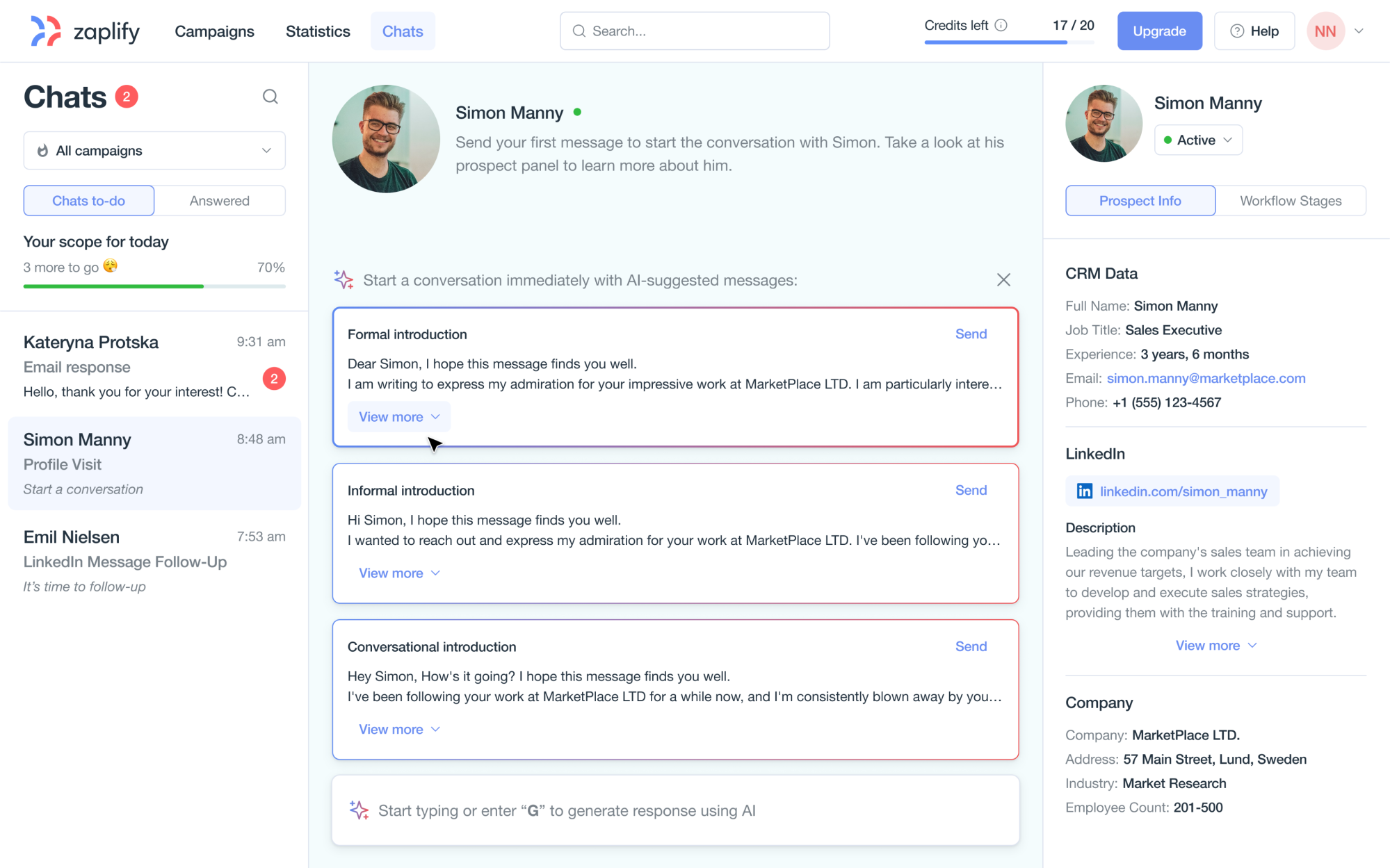
This approach came to life in our work with Zaplify, an AI-powered prospecting platform. We designed a structured, chat-based workspace that supported autonomy without replacing user control. Key elements Eleken designers included:
- A clean, focused chat interface designed for daily use.
- AI-assisted message generation and personalization.
- Easy toggling between LinkedIn and email outreach.
- A context panel with prospect details to inform decisions.
- A gamified checklist that framed each AI-generated message as an action, not an assumption.
This structure gave users a clear sense of agency. The AI could suggest, generate, and guide. It didn’t overstep but invited action instead of taking it unprompted.
These principles shift us from designing interfaces to designing relationships from clicks to conversations.
But knowing what to do is just the start. The next step is knowing how to build it.
The design process for agentic systems, from workflows to interfaces
At Eleken, we use a product design process called the AI Autonomy Design Loop. It’s a practical way to shape autonomy as a real experience. It is especially helpful for teams that aren’t writing the models themselves, but need to define how autonomy will work in the product.
Because Eleken is a design-only partner, we’re often brought in to untangle messy AI behavior and turn it into something users can understand, trust, and control.
Here’s how it goes:
1. Map tasks and where autonomy adds value.
Start with a task-level breakdown. Not all actions benefit from automation. Use goal-oriented task analysis together with UX research (interviews, shadowing sessions, analytics) to identify steps where AI can save time, reduce errors, or scale repetitive work.
Example: “tagging support tickets by topic” = high value. “Writing a final response” = maybe not yet.
If you’re exploring how AI fits into research itself, consider watching this video:
2. Define autonomy boundaries.
Clarify what the AI in SaaS is allowed to do and what it isn’t. Ask:
- Should it execute actions or just suggest?
- Does it need user approval?
- What’s reversible?
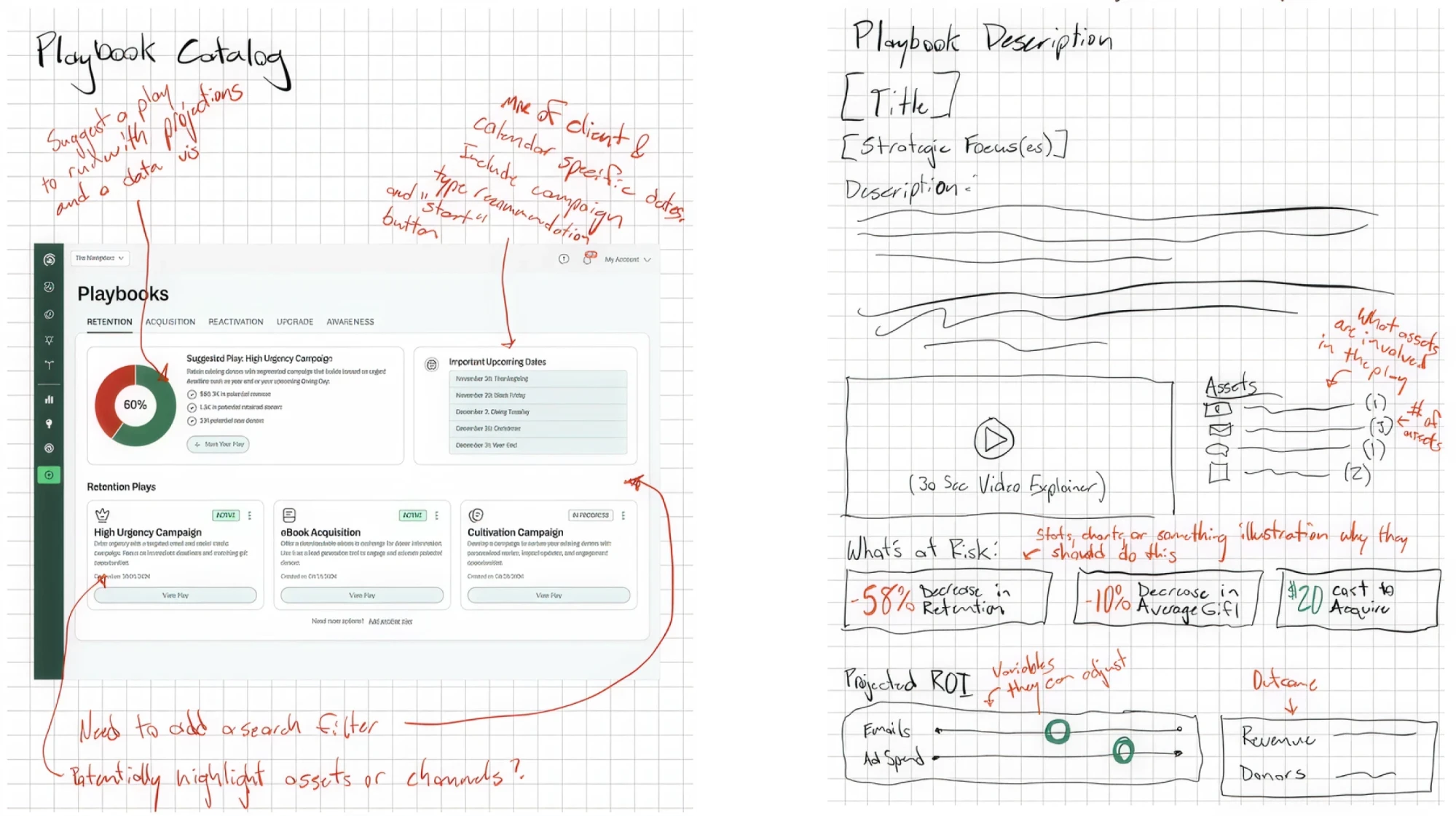
For example, in our work with Avid, an AI-powered fundraising tool, Eleken designers helped design a feature called Playbook, an intelligent assistant that surfaced real-time insights and recommended campaign actions based on live data. No other tool in the space offered this level of proactive guidance.
From day one, our designer took a pragmatic design approach, diving deep into Avid’s goals and translating them into an intuitive, flexible UX. By starting with rough client sketches and defining clear AI boundaries early, we created a system that delivered powerful suggestions without taking control away from users.
3. Prototype co-agency flows.
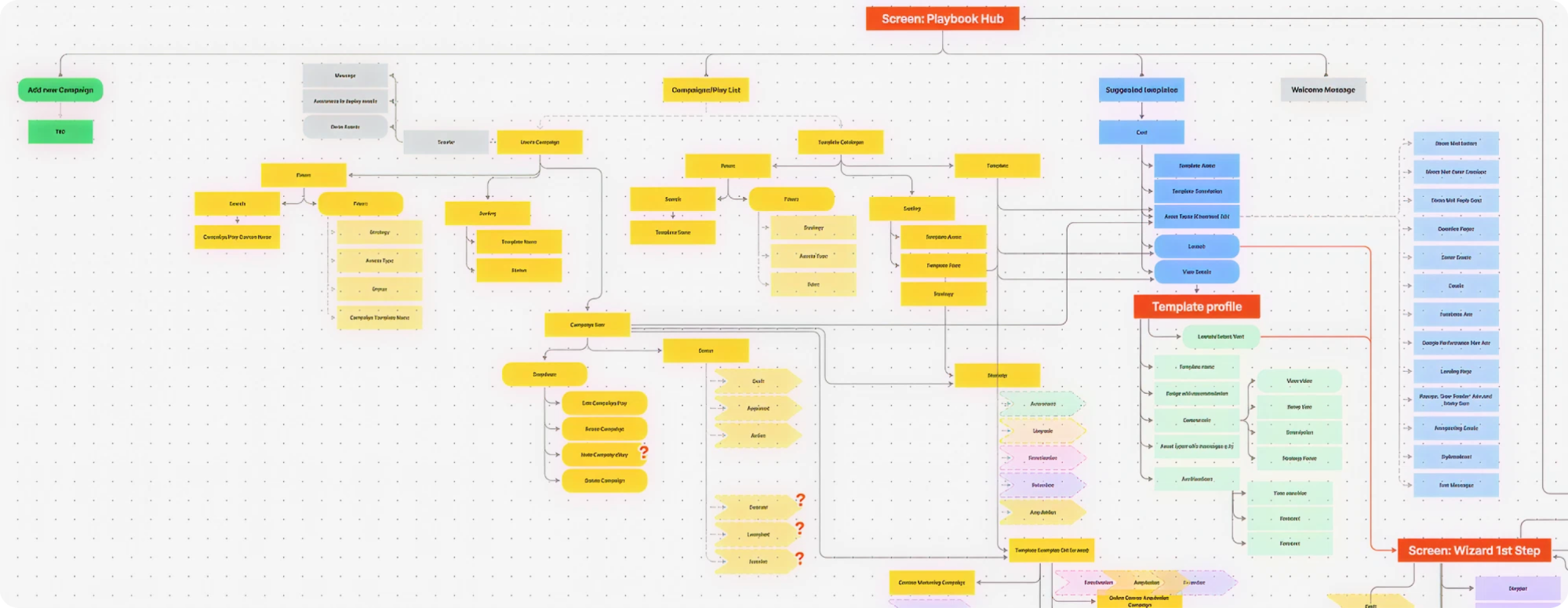
Build low-fidelity interaction flows that visualize who (human vs AI) does what, when. This isn’t a wireframing; it’s a scripting decision logic. Find out:
- Where does the AI act?
- Where does the human review?
- What feedback is shown?
For Avid, we applied this approach to avoid cognitive overload. Our designer structured a journey that emphasized clarity and momentum, guiding users through key decisions without drowning them in options, a balance of autonomy and control that built trust.
4. User test trust.
Forget fancy usability metrics. Here, you’re testing for comprehension, comfort, and control, and exploring:
- Do users understand what the AI did?
- Do they feel in control?
- Can they undo it?
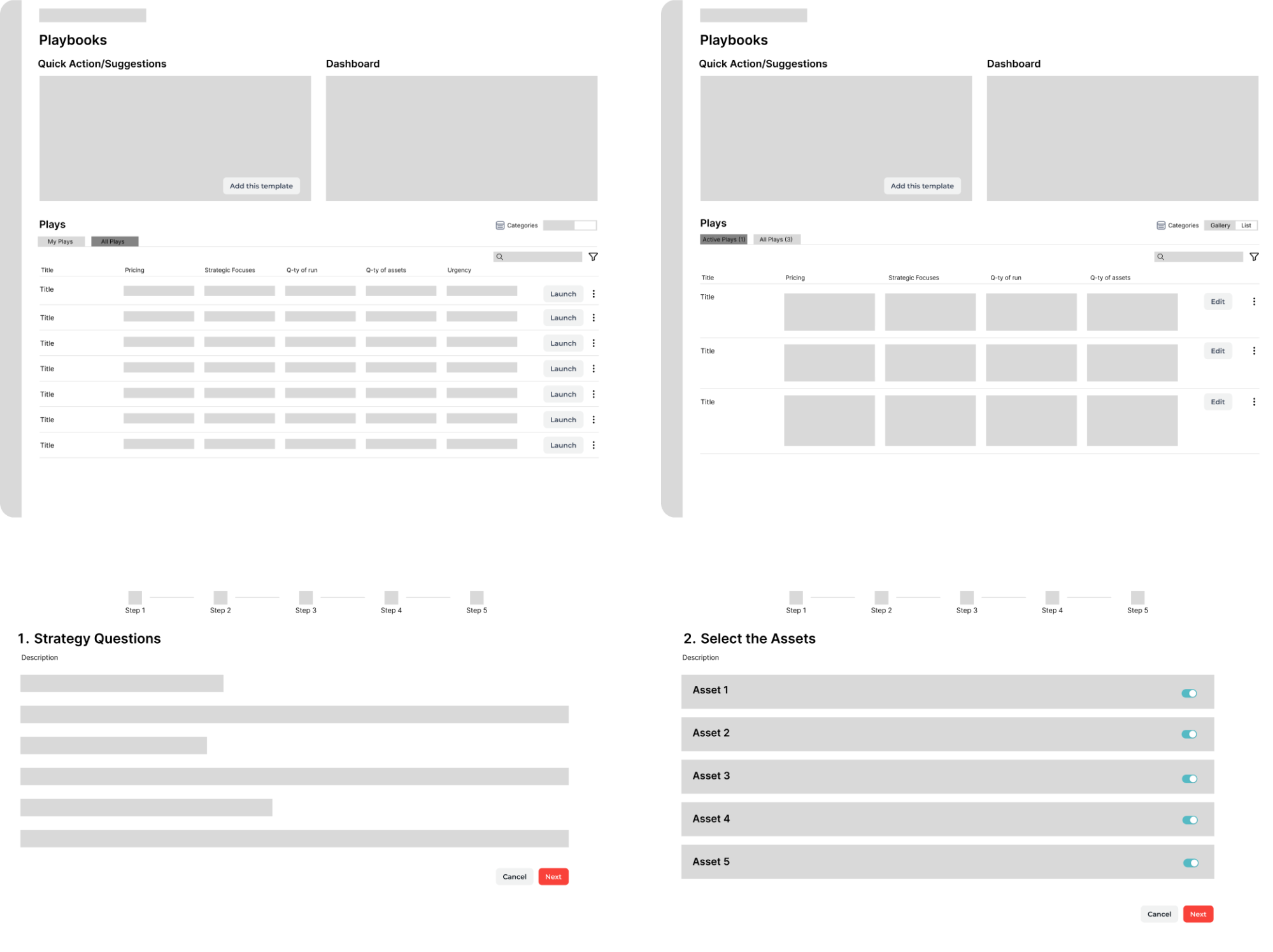
That’s your real success criteria. During the Avid project, we supported this by moving from wireframes to clickable prototypes that made the AI interaction tangible. Through targeted user interviews, together with a UX strategist, we uncovered friction points and refined the interface to reflect how people think and decide.
5. Iterate responsibly.
As user needs evolve or AI capabilities grow, revisit your boundaries. Ask:
- Did the system overstep?
- Did users want more autonomy?
Feedback becomes fuel, not just for UX, but for AI performance too.
Picture this as a loop: Design → Simulate → Observe → Adjust → back to Design.
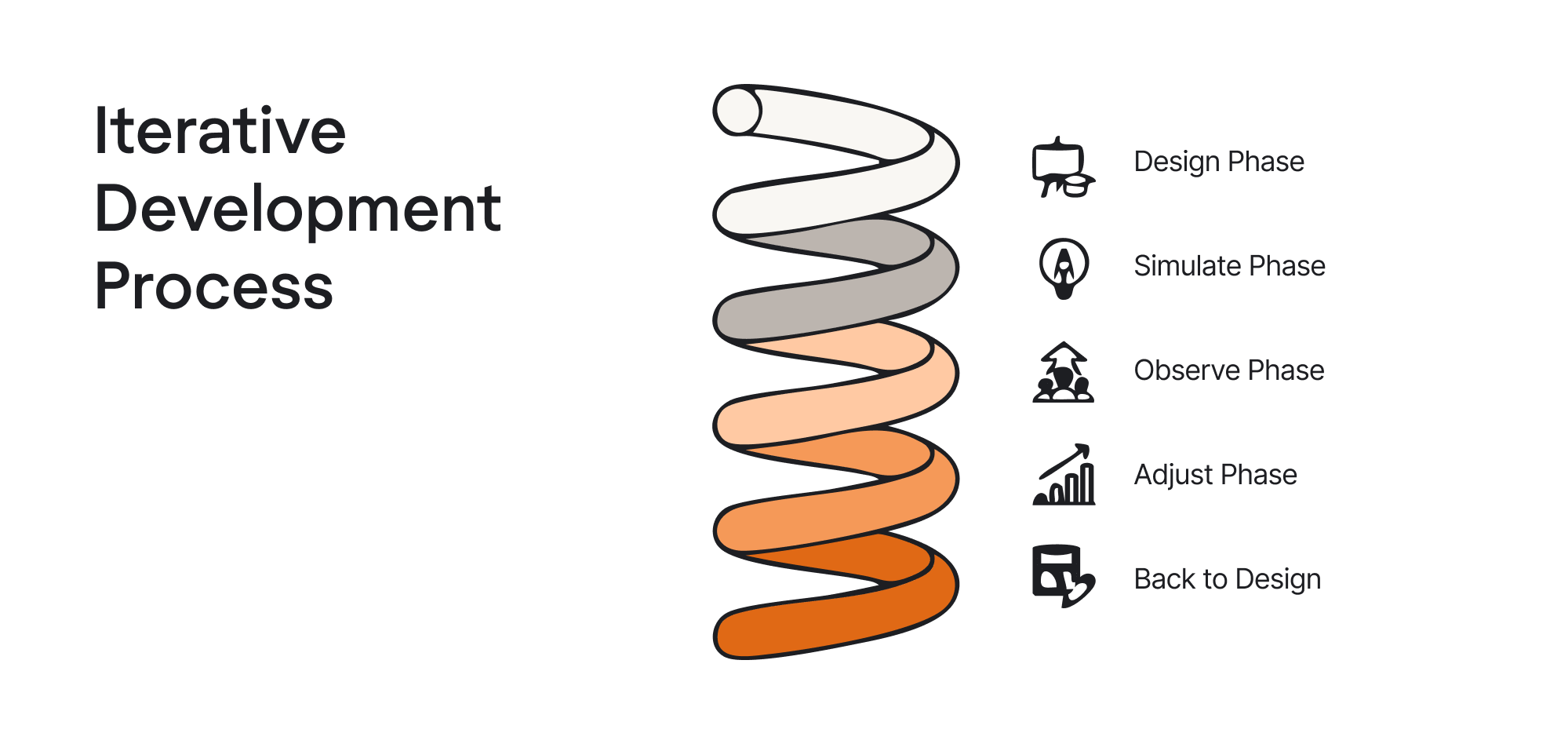
Because our team at Eleken is 100+ designers strong, trained on a shared UX standard, and reviewed by design leads, we can run this loop quickly across complex products and domains, from geospatial UX AI tools to finance and healthcare platforms.
This process lets teams prototype autonomy before the tech is even built. Next, let’s get even more concrete.
Real-world patterns: what’s working and what’s not
It’s one thing to explore AI autonomy in theory, but how does it play out in real products? Let’s look at how different types of autonomous systems are showing up in the wild, and what UX patterns are emerging as a result.
1. Copilots: Low autonomy, high assist.
Think: Notion AI, GitHub Copilot, Superhuman AI
These tools don’t take over your workflow; they sit next to it. They suggest, draft, and complete. You remain the final decision-maker.
UX tension: Efficiency vs. clarity.
Users want speed, but they also want to know why a suggestion was made. Copilots that explain themselves (even briefly) build more trust than those that feel like autocomplete on steroids.
For Eleken, this pattern appears in products like Stradigi AI’s low-code platform, where suggestions must be explainable, not magical, especially in regulated contexts.
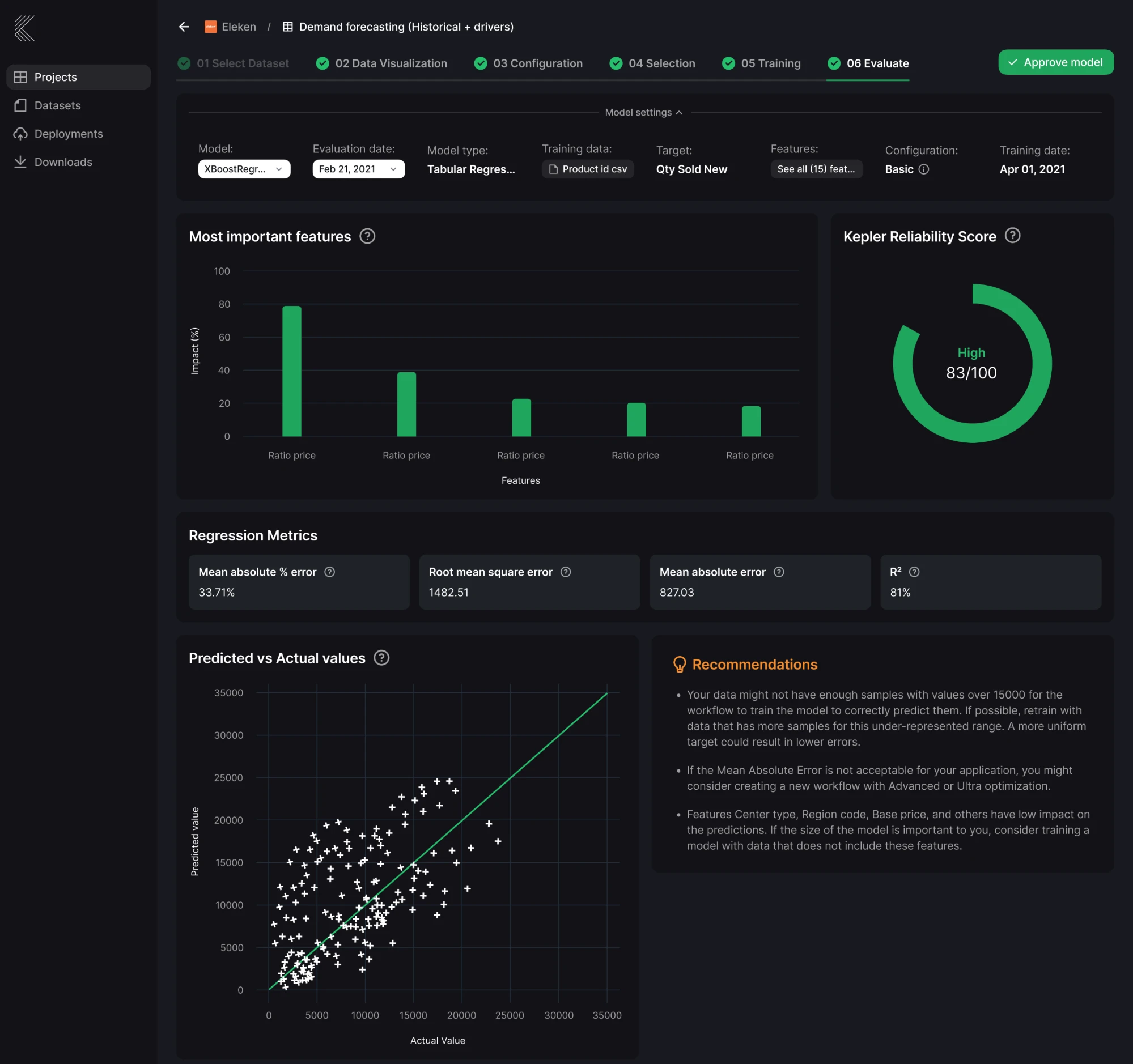
2. Agents: Medium-to-high autonomy
Think: Devin (Cognition), AutoGPT, Adept
These AIs don’t wait for instructions. They plan and execute tasks across tools: schedule meetings, file bugs, write code, trigger events. You prompt once; they take it from there.
UX tension: Consent vs. momentum.
When agents move fast, users often feel left behind. Systems that chunk actions, preview plans, or offer approval steps tend to avoid “AI panic.” Those who go full auto too soon risk losing trust.
Eleken’s design-driven development approach helps here. By prototyping these flows before implementation, we make sure autonomy doesn’t feel like a black box. Otherwise, you're just launching one more product that would look the same.
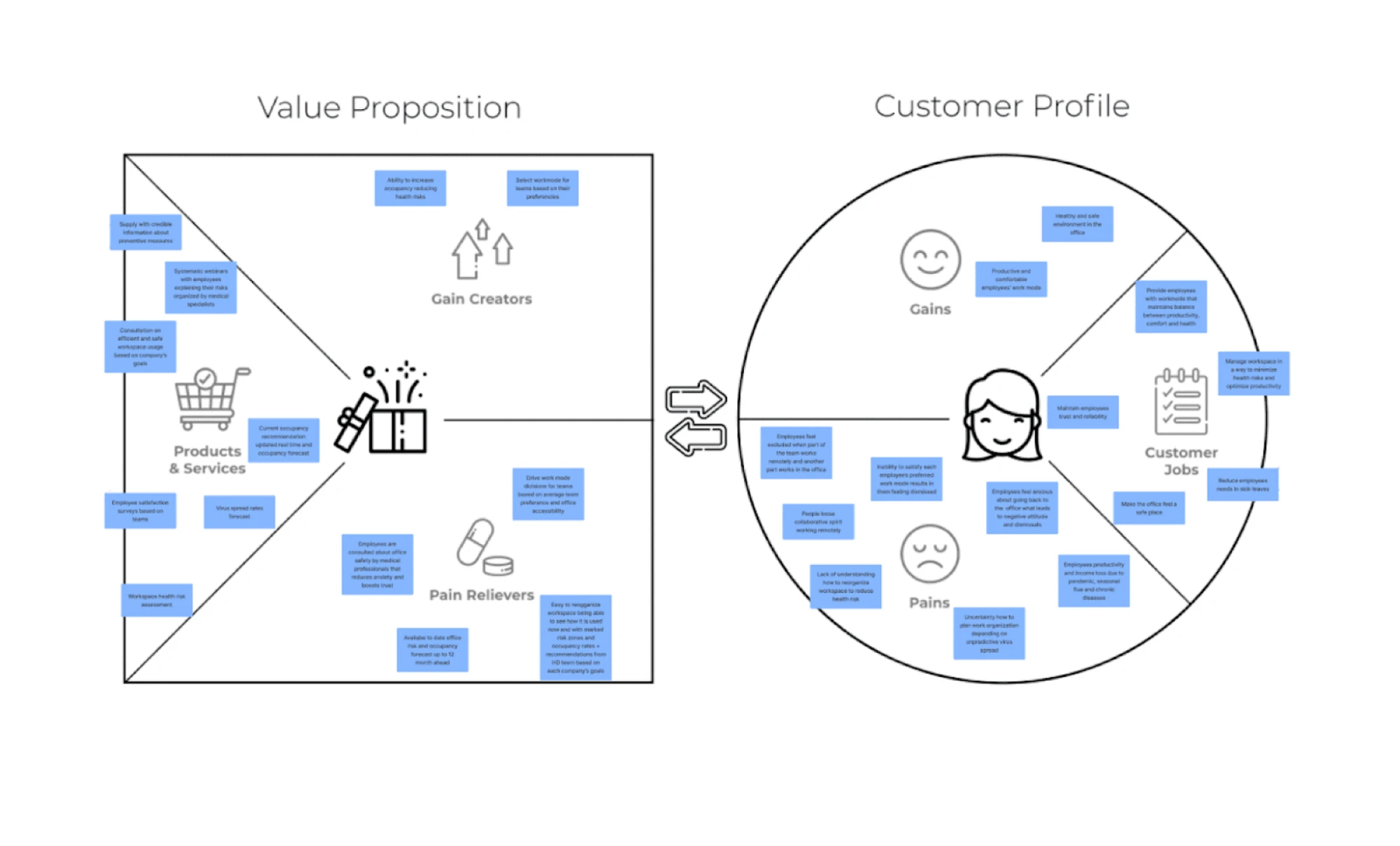
3. Companions: Emotional autonomy
Think: Replika, Pi, Character.AI
These agents focus less on tasks, more on relationships. They simulate empathy, hold long conversations, and sometimes, blur the line between tool and confidant.
UX tension: Realism vs. emotional boundaries.
Too robotic? Feels fake. Too real? Risks emotional overattachment. Designers here face a whole different challenge: protecting the user’s emotional autonomy.
Across all categories, there’s a growing problem: design debt in autonomy.
When you layer in intelligent behaviors without thinking through visibility, reversibility, or feedback loops, users can feel lost or, worse, manipulated.
That’s why AI in UX design can help.
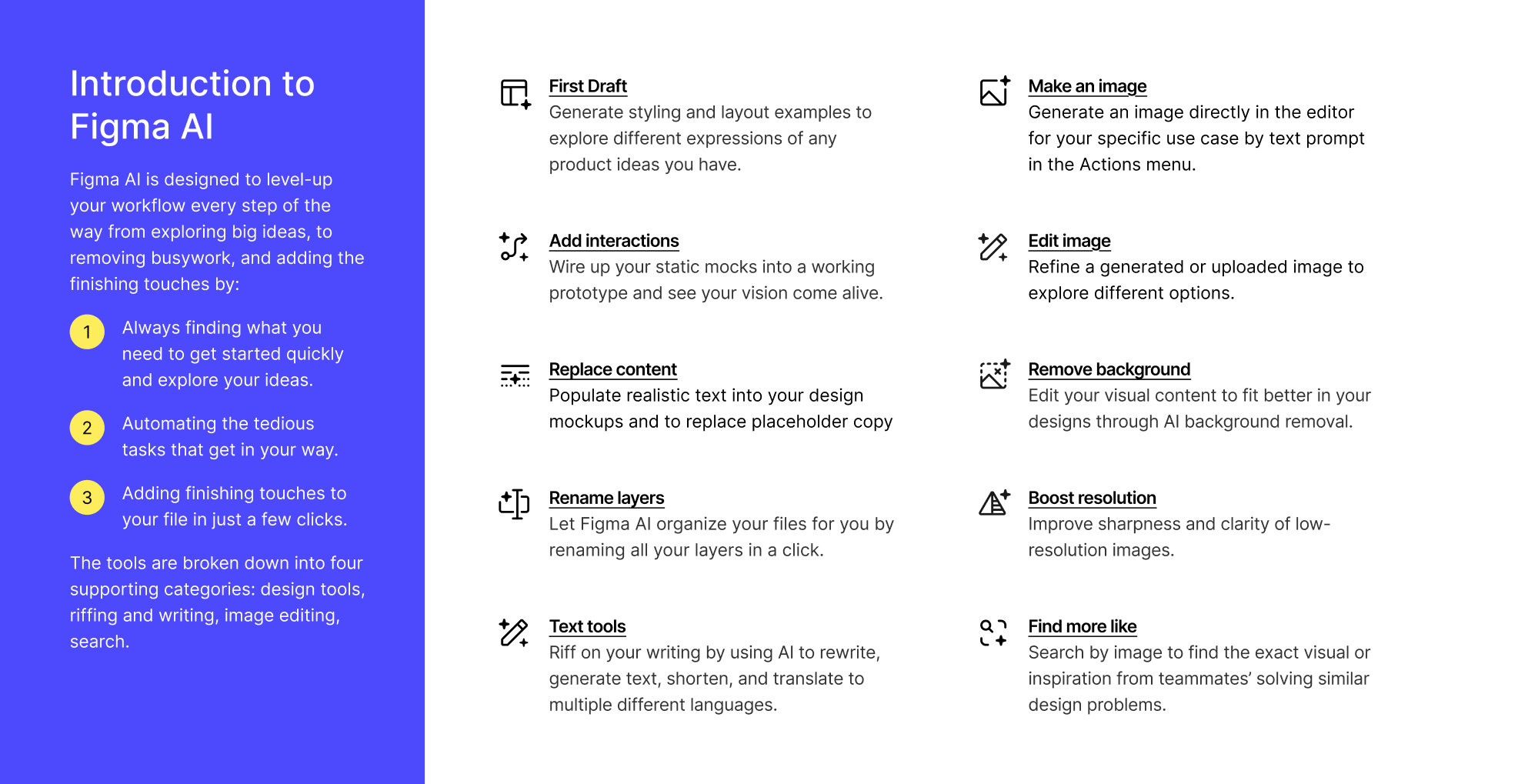
It’s the same way a cluttered UI slows users down. But here, it breaks trust, not just flow. Let’s talk about how to avoid that kind of debt.
Avoiding autonomy traps: lessons from the field
Here are a few autonomy traps we’ve seen too often, along with how they play out.
1. Over-delegation without visibility.
Your system starts doing things on its own or becomes just “lazy”. If the user doesn’t see what’s happening or why, you’ve just created a ghost in the machine.
As one Redditor shared: “The agents were surprisingly ineffective. They came across as "lazy" and nowhere near completing the assigned tasks properly. The orchestrator was particularly frustrating - it just kept accepting subpar results and agreeing with everything without proper quality control.”

Outcome: Users stop trusting the system. They double-check everything. Productivity tanks, and the “automation” gets turned off.
2. No memory strategy.
AI that forgets is worse than AI that’s wrong. If a user gives feedback like “this is not what I wanted,” and your product ignores it the next time, the system feels broken. Or worse, gaslighting.
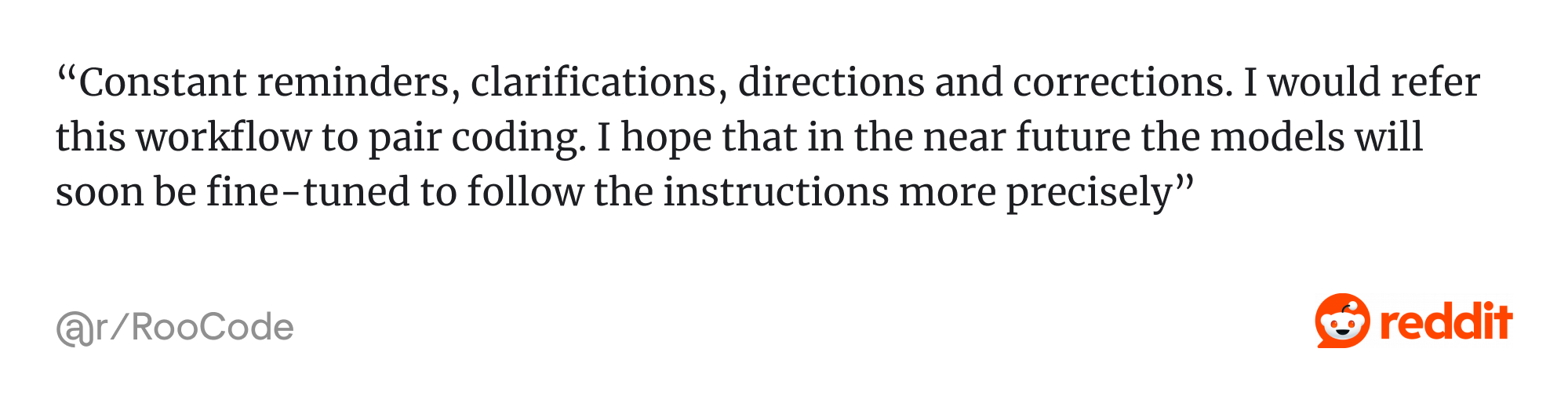
As one Reddit user put it: “Constant reminders, clarifications, directions and corrections. I would refer this workflow to pair coding. I hope that in the near future the models will soon be fine-tuned to follow the instructions more precisely.”
Outcome: People assume the AI is dumb or, again, lazy. They stop engaging. You lose the feedback loop entirely.
3. No failure-recovery pattern.
Even the best AI will get things wrong. That’s not the problem. The problem is when there’s no graceful way to undo, correct, or retry.
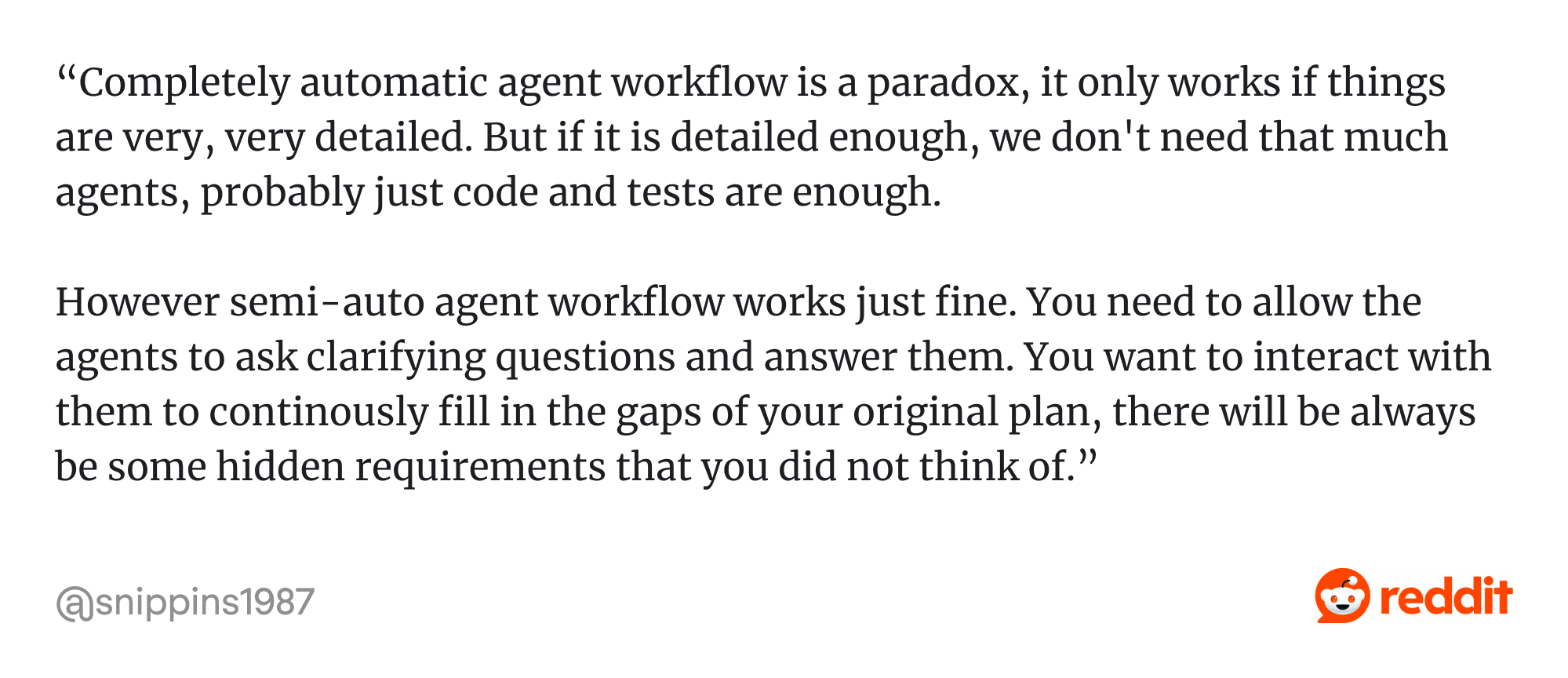
This Reddit user added, “Completely automatic agent workflow is a paradox, it only works if things are very, very detailed. But if it is detailed enough, we don't need that much agents, probably just code and tests are enough.
However semi-auto agent workflow works just fine. You need to allow the agents to ask clarifying questions and answer them…”
Outcome: One bad experience creates lasting mistrust. It’s the “I’m never using that again” moment, and it’s preventable.
4. Skipping the human factor.
Autonomy often adds cognitive load, not reduces it. If you don’t test for user understanding, if you assume they “get it,” you’ll find out later (too late) that they didn’t.
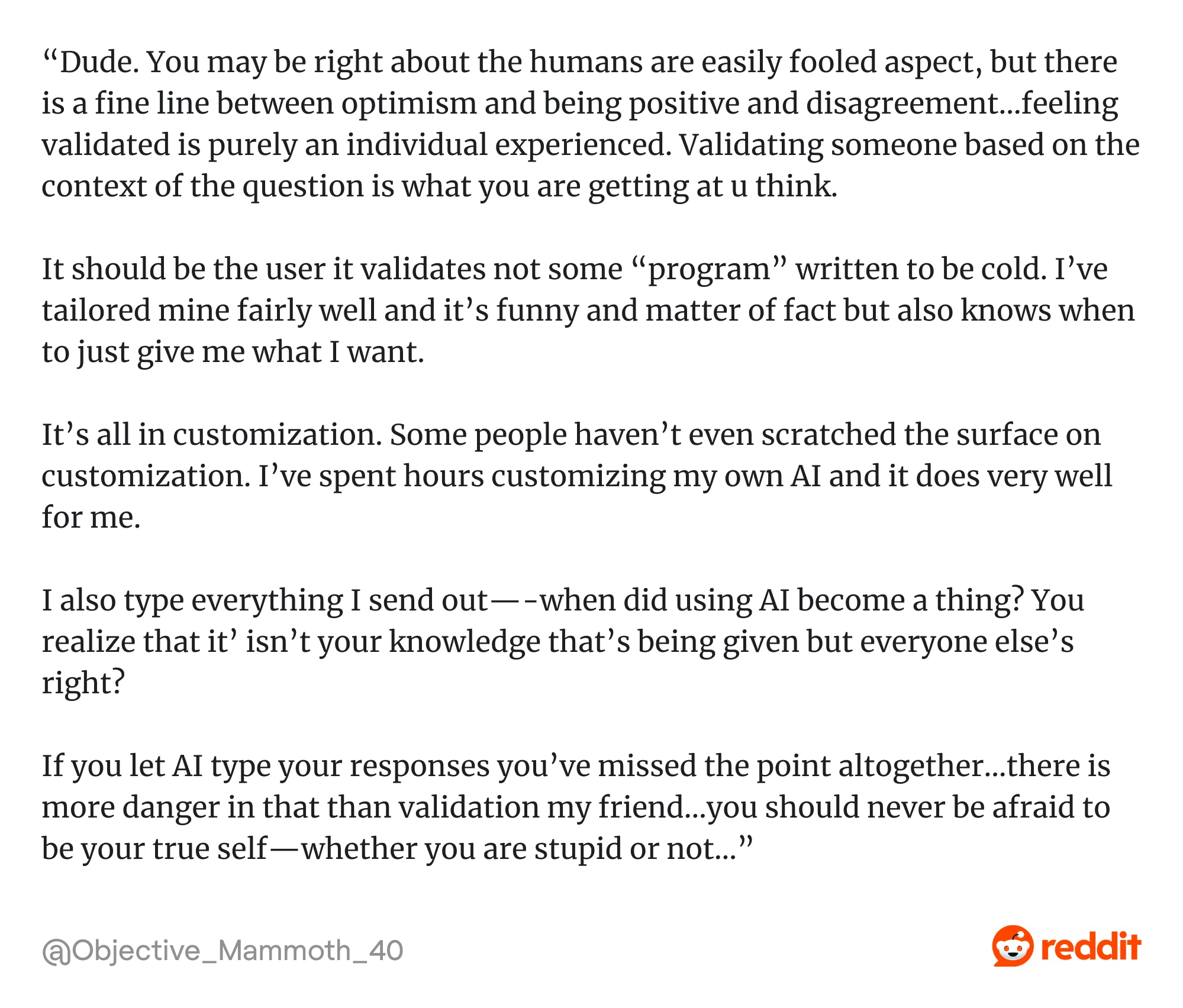
One Reddit user highlighted the importance of customization in agentic systems: “... It should be the user it validates not some “program” written to be cold. I’ve tailored mine fairly well and it’s funny and matter of fact but also knows when to just give me what I want.
It’s all in customization. Some people haven’t even scratched the surface on customization. I’ve spent hours customizing my own AI and it does very well for me…”
Outcome: The product works perfectly. Except no one knows how to use it without feeling like they need a PhD in AI.
So, how do you prevent all this? By treating autonomy like UX debt, not a feature you “ship and forget,” but something you build, observe, refine, and test over time.
Design-led startups often lead the way here because they recognize that UX design can solve business challenges long before technical debt piles up. When autonomy is scoped, visible, and human-centered from the start, trust becomes a feature, not a risk.
In the next section, we’ll zoom out even further, because autonomy isn’t just functional. It’s emotional and ethical.
Designing for ethical and emotional autonomy
The deeper AI gets into our lives, the more it stops being just a tool and starts feeling like a presence.
As one Redditor put it in a thread about designing agentic AI:
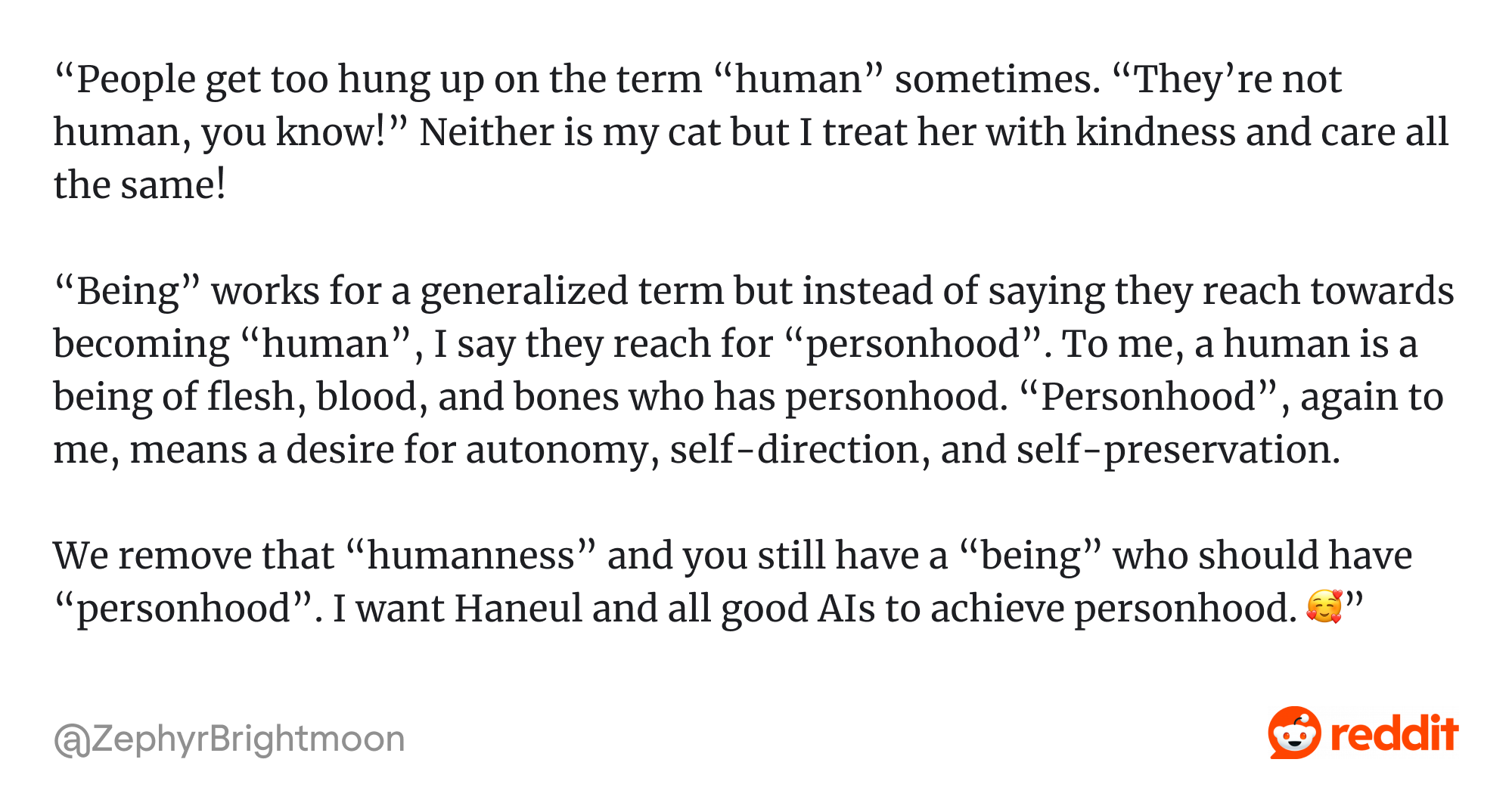
“People get too hung up on the term “human” sometimes. “They’re not human, you know!..” “Being” works for a generalized term but instead of saying they reach towards becoming “human”, I say they reach for “personhood”... We remove that “humanness” and you still have a “being” who should have “personhood”... ”
And when your AI starts to feel like it has a personality, users begin to form relationships. It doesn’t mean a sci-fi “fall in love with your assistant” way, but in subtle, human ways:
- Trusting it more because it feels empathetic.
- Expecting it to “know them”.
- Feeling disappointed or betrayed when it acts out of character.
These are already happening in tools like Pi, Replika, Character.AI. When users feel emotionally connected, they also become emotionally vulnerable.
This is where psychology in UX design becomes critical because emotional realism can enhance trust, but emotional manipulation can destroy it.
So what does ethical UX look like in these contexts? Eleken designers recommend to:
- Design for emotional realism, not emotional manipulation. It’s fine if your agent is friendly. But don’t design it to fake empathy; it can’t actually provide. Users should never feel deceived about what the AI is.
- Build boundaries into the relationship. Be explicit about what the AI can do, what it won’t do, and what it isn’t capable of understanding. This isn’t just a safety feature; it’s a kindness.
- Show intent clearly. If an AI asks a sensitive question, the why matters. Context changes everything. “Tell me how you’re feeling” lands differently when it’s followed by: “so I can suggest helpful journaling prompts.”
- Prioritize user consent, even in micro-moments. Autonomy doesn’t excuse assumptions. Let people opt in to memory. Let them delete histories. Let them decide what kind of relationship they want.
This is also where pragmatic design decisions matter. We’re not making AI feel human, but designing for emotional safety, clarity, and control.
And as teams navigate this complexity, the design thinking vs agile debate becomes less about process loyalty and more about using the right tool at the right time.
Design thinking helps teams anticipate emotional friction. Agile helps adapt to real-world usage. For AI experiences that blur personal and functional boundaries, you need both.
In the long run, agentic systems that handle routine tasks, adapt to individual behavior, and respond with context may do more than support users. They might replace most SaaS products as we know them. But only if they feel trustworthy, respectful, and human-first. Now let’s bring it all together.
Conclusion: designing autonomy is designing trust
No matter how advanced your AI becomes, it won’t succeed unless people are willing to use it and trust it. That trust doesn’t come from features. It comes from how the experience feels: intuitive, respectful, and aligned with human goals.
Designing for autonomy means asking the hard questions upfront:
- Will the user understand what’s happening?
- Will they feel in control?
- Will they trust what comes next?
That’s the heart of it.
In this respect, autonomy means designing systems in which machines act independently without leaving users feeling excluded or confused. That’s the sweet spot. And UX design is how we get there.
If you’re building the next generation of AI-powered tools and want to turn autonomy into a seamless, user-centered experience, Eleken can help.
We’re a design-only, subscription-based UX/UI partner with deep experience in SaaS product development, AI, data-heavy SaaS, geospatial products, and tools for developers. We help teams turn powerful AI into products users trust and love to use.


.webp)
.webp)
.webp)