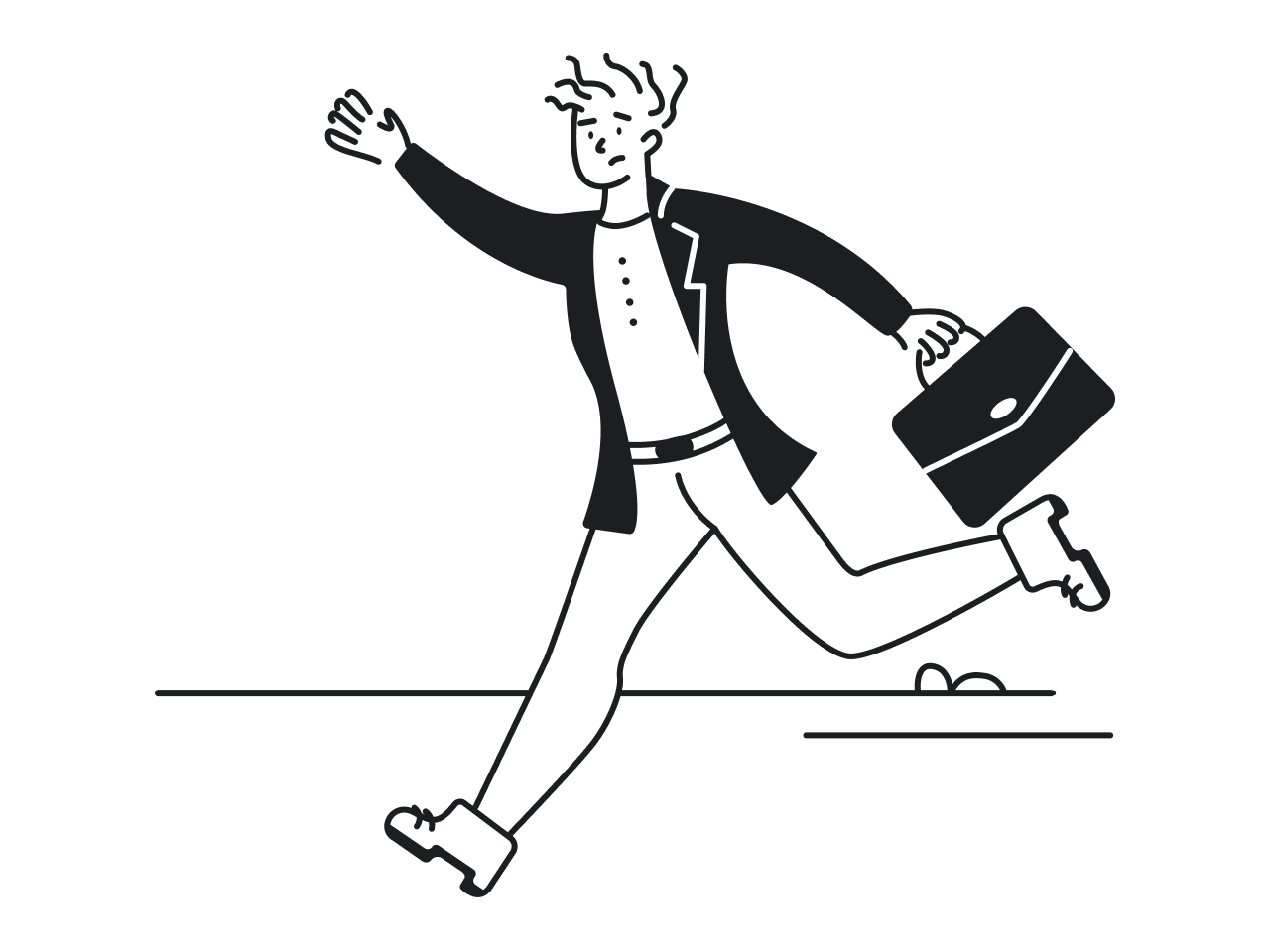

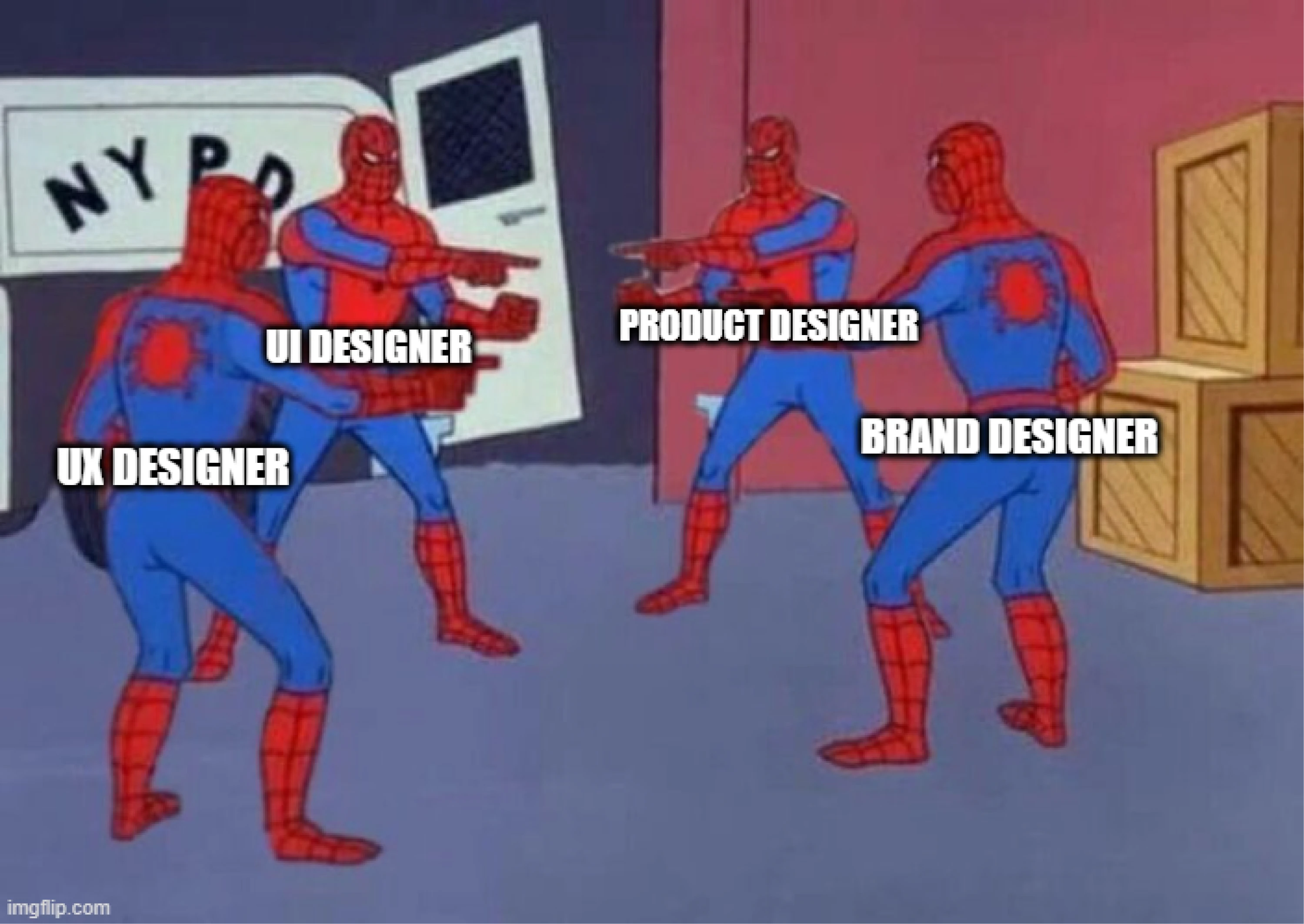
The word “designer” can mean many different things. The person working on a product might be a UX designer, UI designer, product designer, graphic designer, or brand designer, each focusing on a different part of the experience.
Because of this, many people assume designers simply create screens or make apps look better. In practice, the role often goes far beyond visual design.
For people exploring such a career, this creates confusion. To clear things up, in this article, we’ll focus specifically on the UX designer role, explaining what responsibilities and tasks the job includes and what career opportunities exist.
What is a UX designer?
A UX designer (user experience designer) is responsible for making digital products easy and enjoyable for people to use. The role involves exploring problems users face when interacting with software and finding design solutions to solve them.
Their main goal is to understand users’ needs and help people accomplish tasks with as little friction as possible. This requires thinking about the entire user experience.
The job is highly collaborative. UX designers typically work closely with product managers, developers, researchers, and other designers. Together, they discuss requirements, review user feedback, and decide how the product should evolve.
What does a UX designer do day-to-day?
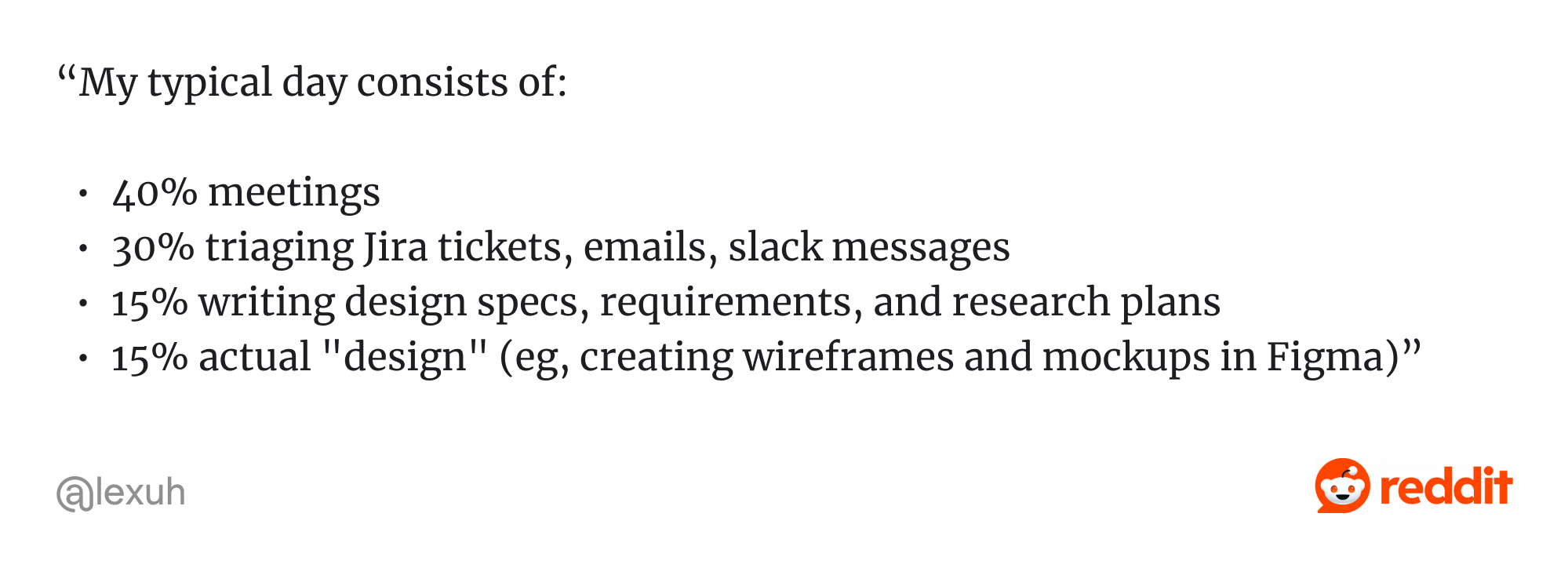
The daily work of a UX designer often varies depending on the product, team, and project stage. However, most designers spend their time researching user needs, designing solutions, and collaborating with teams to improve the user experience.
On a typical day, a UX designer might review user feedback, discuss product requirements with developers or product managers, create user flows or wireframes, and test design ideas through prototypes or usability testing.
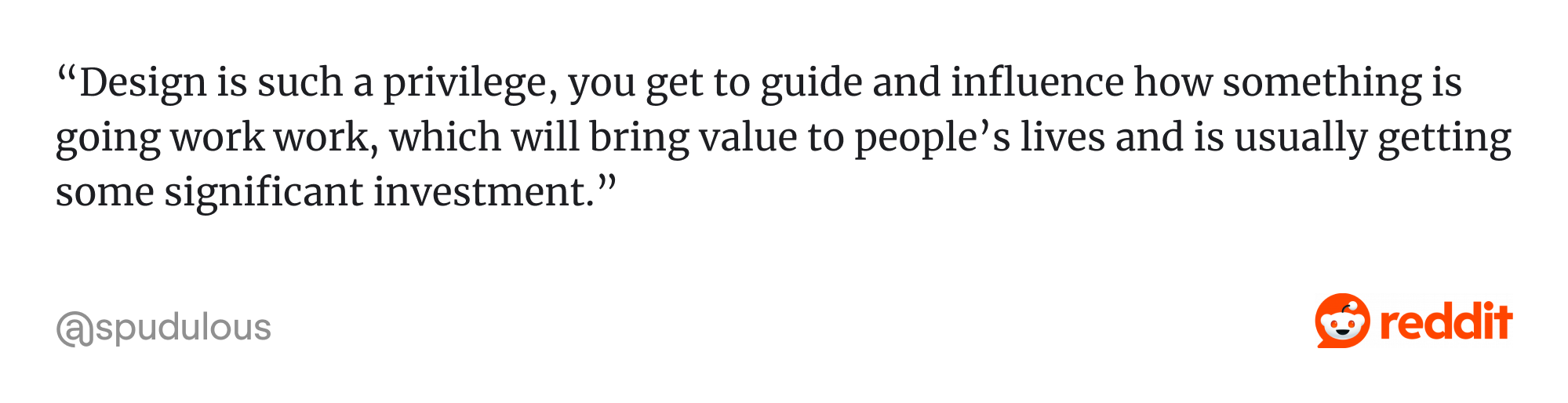
On Reddit, designers often describe their day-to-day work like this:
What is the difference between UI and UX designers?
The UX designer description is often confused with the UI designer role, since both positions work on digital product interfaces and focus on improving the user experience. However, they focus on different aspects.
A UX designer focuses on how a product works. Their responsibility is to analyze user needs, identify usability problems, and make the product easier to use.
A UI designer focuses on how the product looks. Their work includes designing visual elements such as layouts, typography, colors, buttons, and icons.
The boundaries between the two roles are often flexible. Many companies expect designers to work across both areas. That’s why you’ll frequently see the title UI/UX designer, which combines responsibilities from two disciplines.
This is also the approach used by our team at Eleken. By combining UX and UI skills, our designers create solutions that are intuitive to use and visually clear, ensuring the product works well and maintains a consistent user interface.
UX designer key responsibilities and tasks
Going back to the UX designer role, it’s worth understanding the responsibilities you’ll have. While the exact tasks may vary depending on the company, product, or team structure, the core mission is to improve how users interact with a product.
Conducting user research
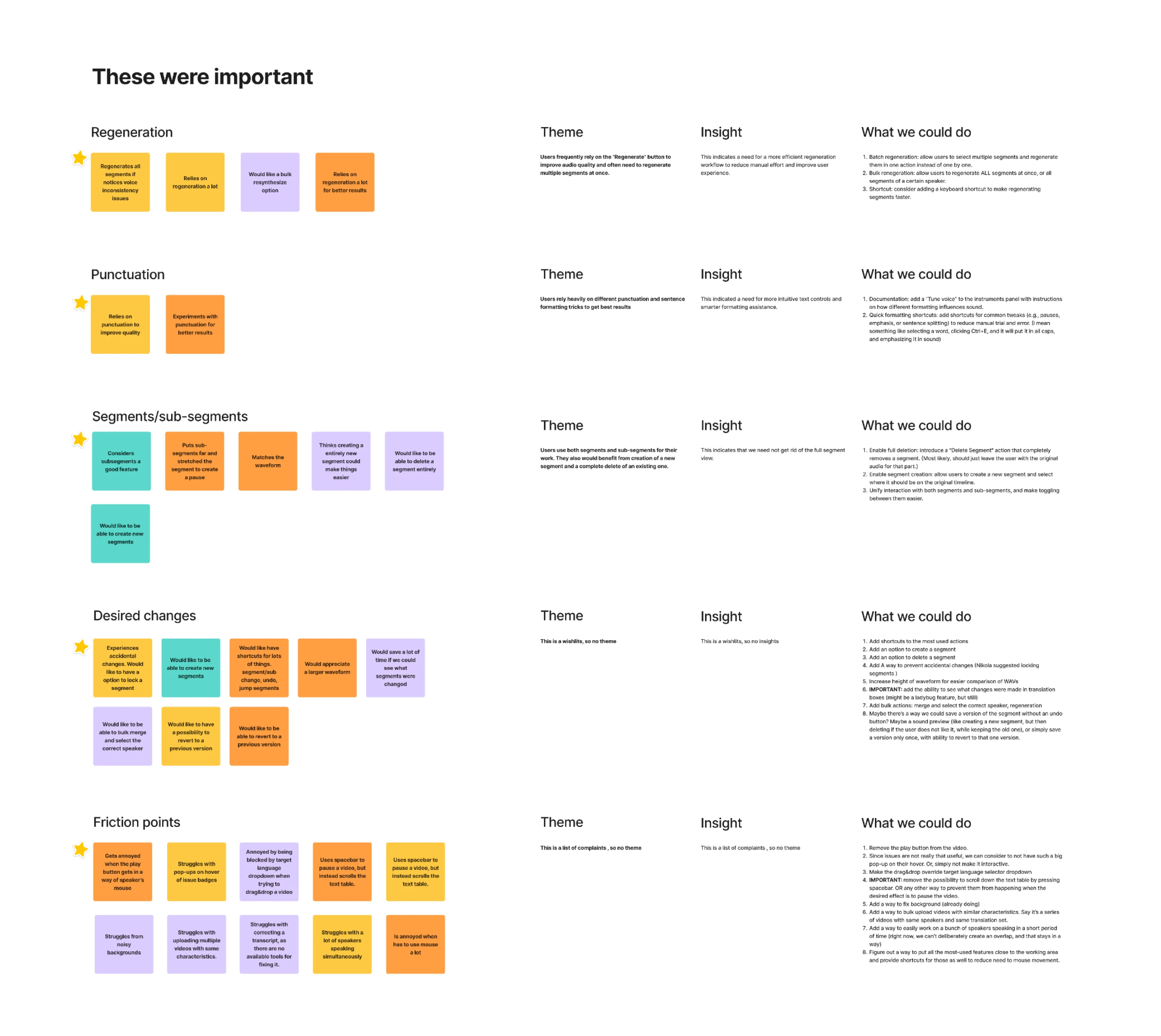
One of the most important responsibilities of a UX designer is conducting user research. Before designing solutions, you need to understand who users are, what they are trying to accomplish, and what problems they face.
It can take different forms. Designers may interview users, observe how people interact with a product, run surveys, or analyze product analytics. The goal is to gather insights about user needs, expectations, and pain points.
To see how this works in practice, check out our Panjaya case. In that project, our designer conducted user interviews whose insights shaped the next UX decisions.
Running a UX audit
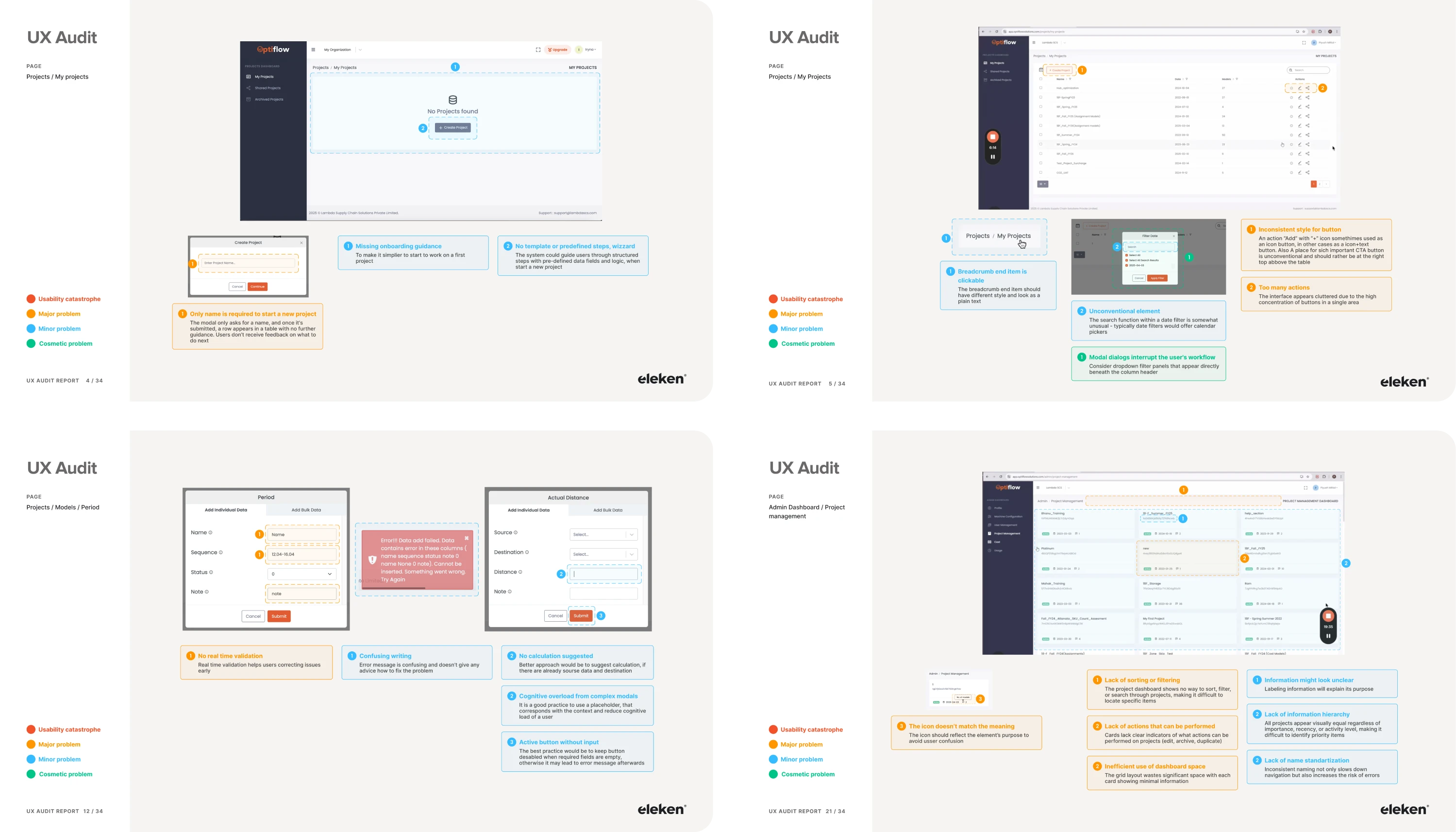
During a UX audit, designers review the product’s structure, navigation, interaction patterns, and usability. They may analyze user flows, review analytics data, examine user feedback, and evaluate the interface against established usability principles.
The goal is to uncover friction points that negatively affect the user experience. For example, designers might identify confusing navigation, unnecessary steps in workflows, or features that users struggle to understand.
That’s exactly what we did with Lambda. Our designer suggested starting with a UX audit, and once the findings were in place, we knew where to move next.
Creating user personas
After gathering insights through research, UX designers often organize this information by creating user personas. A persona is a simplified representation of a typical user that reflects their goals, behaviors, motivations, and challenges.
Personas help designers and product teams better understand who they are designing for. Instead of thinking about abstract “users,” the team can focus on specific types of people with clear needs and expectations.
Creating user flows
A user flow is a visual representation of the path a user follows through different screens and actions in a product. It shows how users move from one step to another, for example, from signing up for an account to completing their first task.
UX designers create user flows to make sure interactions inside the product are logical, efficient, and easy to follow. By mapping these paths, designers can identify unnecessary steps, confusing navigation, or moments where users might drop off.
Designing interaction patterns
Designing interaction patterns means deciding how different parts of the product should behave. In this case, designers determine how buttons respond when clicked, how menus open, or how forms guide users through input.
The goal is to create interactions that feel intuitive and predictable. To achieve this, interaction patterns should follow familiar conventions so users can navigate the product interface easily without needing instructions.
Organizing information architecture
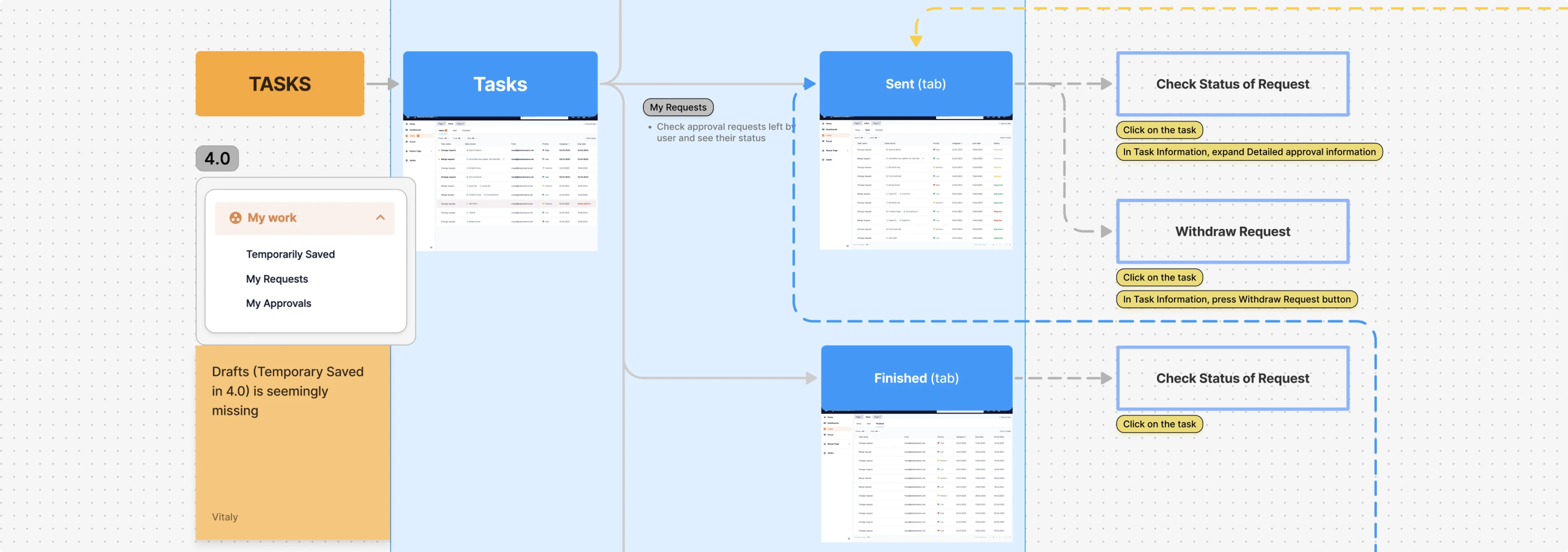
Being in a UX designer role, you’re also required to organize a product’s information architecture. In other words, how information and features are structured so users can find what they need without getting lost.
This work is more about clarity. UX designers decide how content should be grouped, what navigation should look like, how pages or sections connect, and how labels should be written so they make sense to the target users.
For example, in our work with Data Streams, we started by analyzing common user scenarios and redesigned the information architecture to make it more user-focused.
Prototyping and testing designs
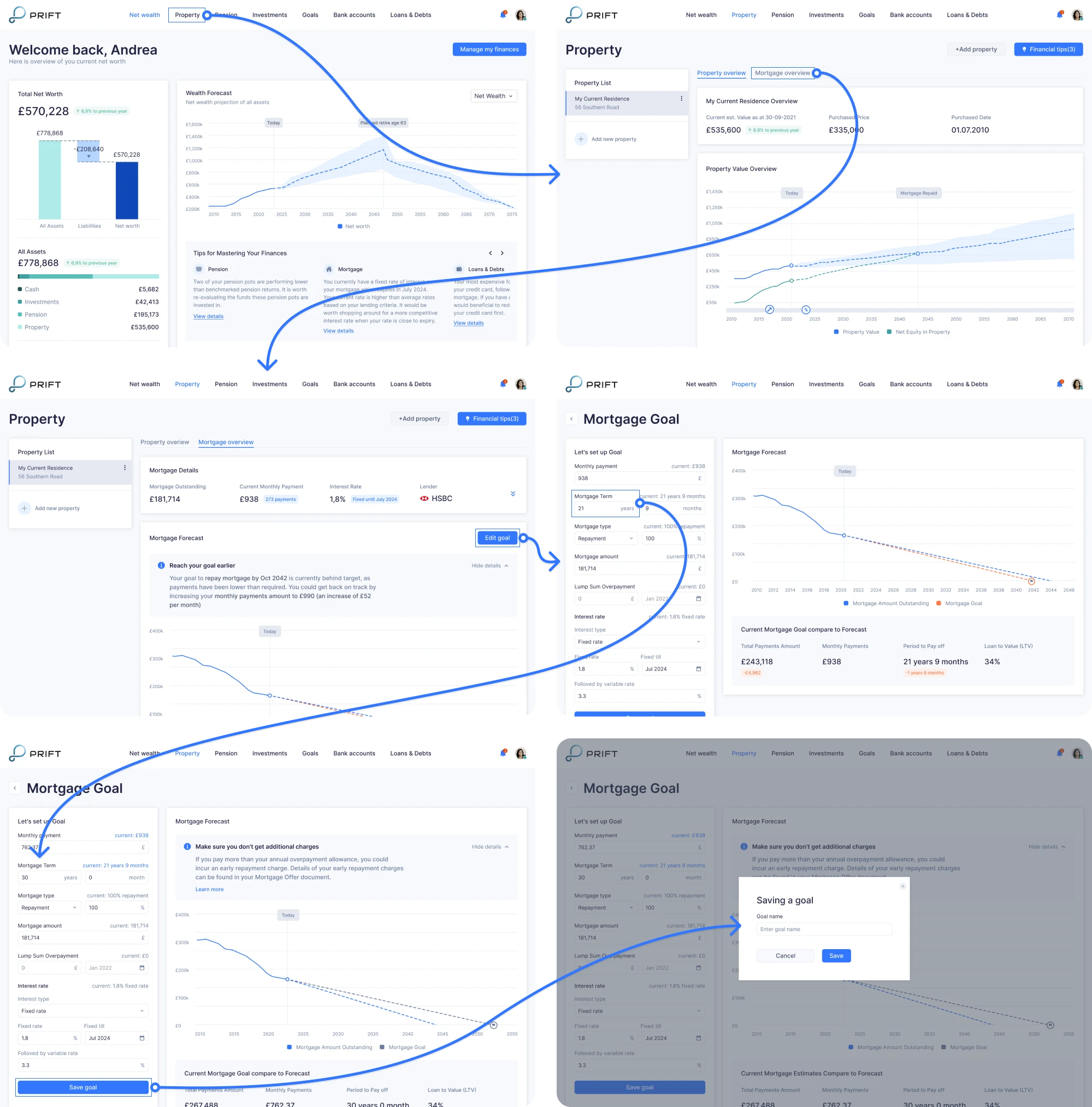
A prototype is a simplified interactive version of a product or feature that allows designers and stakeholders to experience how the interface will work. It helps teams quickly test ideas and identify potential issues early in the design process.
UX designers then run usability tests to observe how real users interact with the prototype. During these sessions, participants attempt to complete tasks while designers monitor where users succeed, struggle, or become confused.
At Eleken, we created a clickable prototype for Prift to simplify the complex process of managing personal finances and validate the solution early.
Analyzing user feedback and usability results
After usability tests or product releases, designers review how real users interact with the product. This feedback can come from multiple sources, including testing sessions, customer support tickets, user reviews, or direct user interviews.
UX designers analyze this information to uncover common pain points. For example, if several users struggle to complete the same task or repeatedly abandon a certain step in the process, it may signal that the design needs improvement.
Documenting design decisions
UX designers are required to create documentation that describes user flows, interaction behaviors, and edge cases so developers and product managers can understand how the solution should be implemented.
These materials may include design specifications, annotations, or detailed descriptions of how users move through the product. This helps teams stay aligned during development and reduces misunderstandings.
Skills valued in UX designers
To succeed in this role, UX designers need a strong set of both technical and soft skills. Hiring managers often evaluate these abilities during interviews, so let’s take a look at the key competencies for the job.
Technical skills
Technical skills help UX designers research user behavior, design effective solutions, and evaluate how well a product works for its users.
Some of the most valuable technical skills include:
- Familiarity with user research methods.
- Ability to create wireframes, user flows, and prototypes.
- Conducting usability testing.
- Interpreting product analytics.
- Experience building and maintaining design systems.
- Understanding accessibility principles (WCAG).
- Knowledge of design principles.
- Proficiency in design tools such as Figma or Sketch.
While these technical abilities form the foundation, many companies may expect additional expertise. For example, our team at Eleken specializes in designing SaaS products, and we source designers with relevant experience.
Soft skills
In addition to technical expertise, UX designers rely heavily on soft skills to collaborate with teams, communicate ideas, and advocate for user needs.
Some of the most valuable soft skills include:
- Strong communication skills.
- Storytelling abilities.
- Presentation skills.
- Collaboration with cross-functional teams.
- Problem-solving mindset.
- Empathy for users.
- Self-management.
- Critical thinking.
At Eleken, we vet candidates for strong design skills, fluent English, and critical thinking. Even when a person already demonstrates strong abilities, we still train them for 3 months so they can learn our UX standards and design process.
Compensation and career growth in UX design
One of the common questions people ask when considering this career is how much UX designers earn. To get a clearer picture, we analyzed several industry sources and found the following average annual salary estimates for UX designers:
Based on these figures, we can assume that UX designers commonly earn around $80,000–$110,000 per year on average, with higher salaries often associated with senior roles, specialized expertise, or positions in major tech hubs.
Freelance UX designers usually charge for working hours. For example, rates on freelance platforms such as Upwork commonly range between $25 and $39 per hour, though experienced designers may charge significantly more.
If you’d like to explore it further, check out our full article on UX designer salaries.
Beyond compensation, UX design also offers multiple career growth opportunities. As designers gain experience, they can move into different roles depending on their interests, strengths, and the type of work they enjoy most.
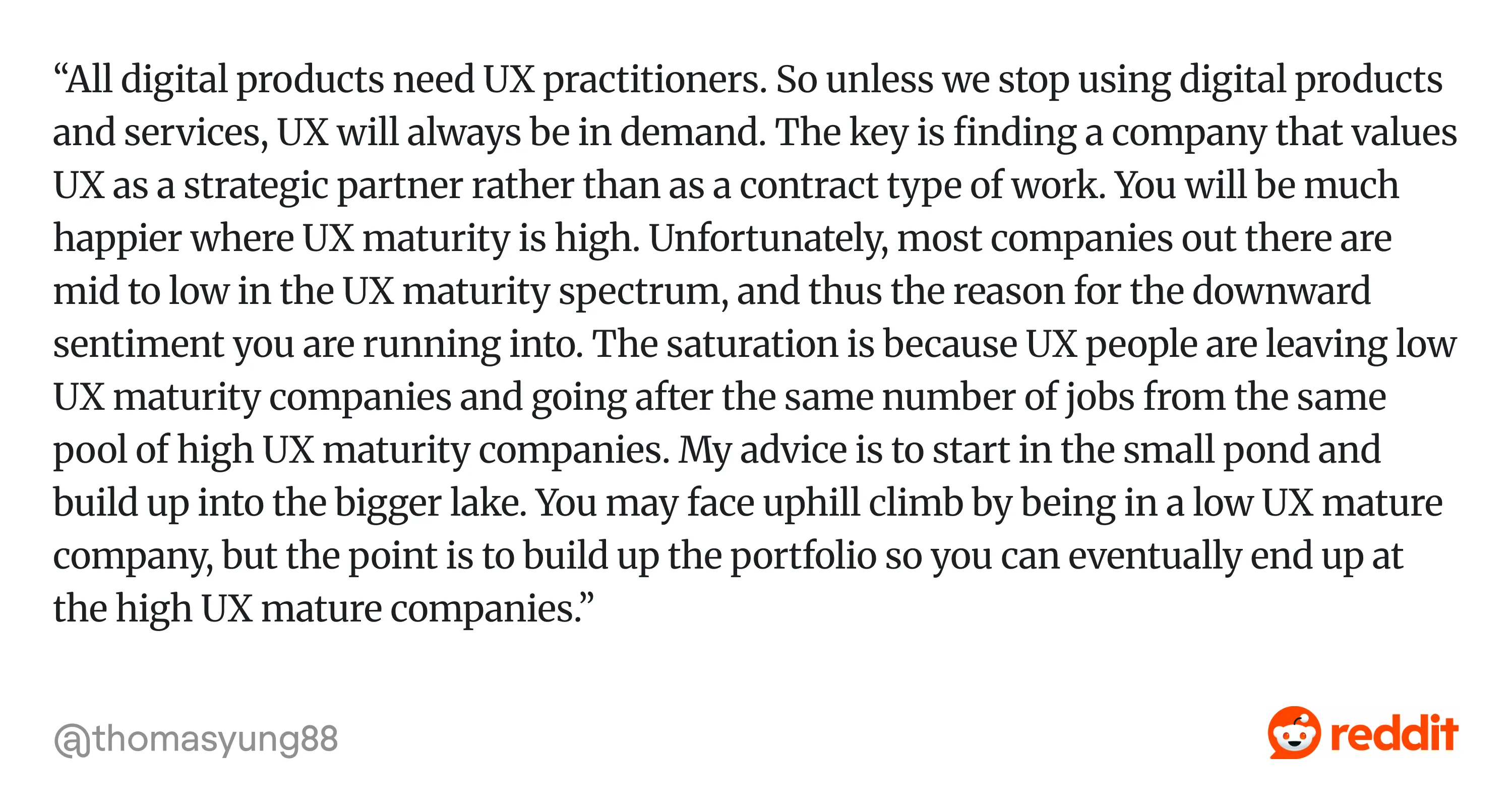
Some common career paths in UX design include:
- Product designer.
- UI/UX designer.
- UX researcher.
- UX writer.
- UX strategist.
- Design systems specialist.
- UX engineer.
- UX consultant or freelance expert.
- Interaction designer.
- Design lead or head of design.
For a detailed breakdown, check out our article on UX team roles.
If you’re still unsure which path to take, exploring online courses can help you understand whether the job suits you. You can also learn a lot by joining design communities where professionals share insights about roles and expectations.
What the UX designer role looks like across companies
While the core responsibilities remain similar, the daily work and expectations can vary depending on where a designer works. Freelance, agency, and in-house roles offer different opportunities, so let’s take a closer look at each of them.
Freelance UX designer
Working as a freelance UX designer means being flexible. You can choose the projects, set your own schedules, and often work remotely. Freelancers may also gain experience across different industries by collaborating with a variety of clients.
At the same time, freelance UX work comes with its own challenges. In addition to design tasks, designers are responsible for managing communication with clients, setting project scope, and handling contracts or payments.
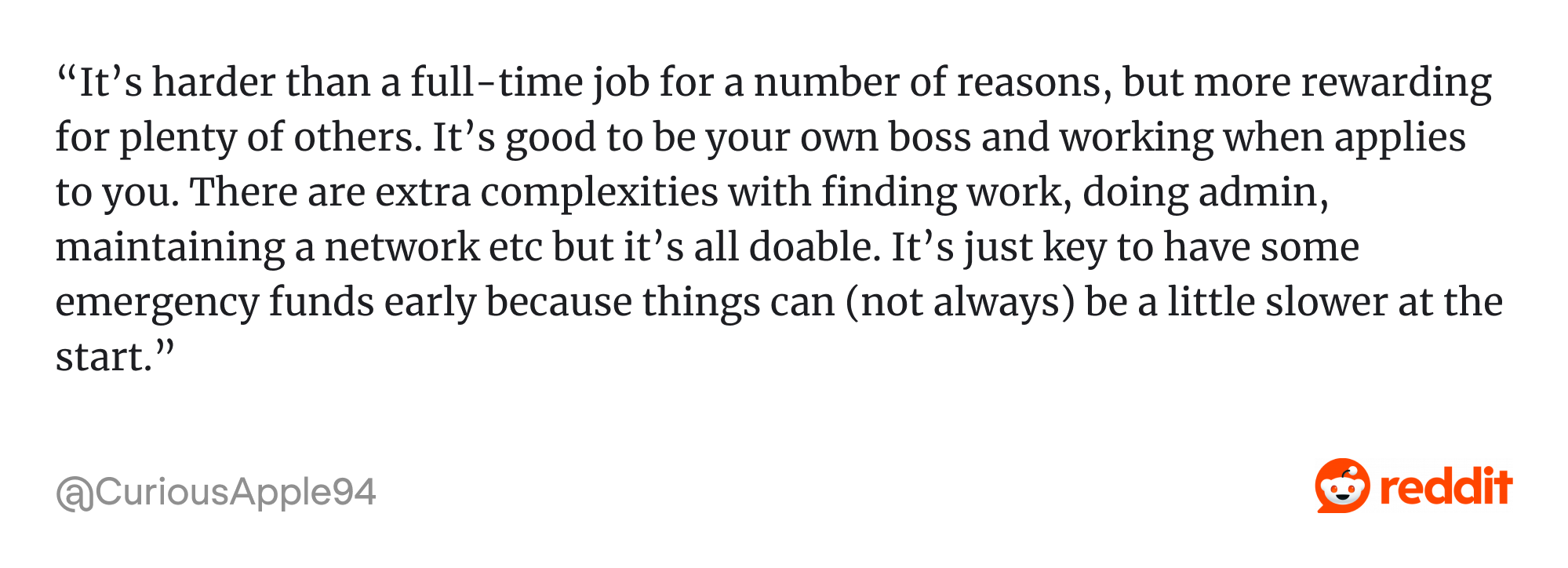
Some common aspects of freelance UX work include:
- Finding and securing clients through platforms.
- Self-managing multiple projects at once.
- Communicating design decisions clearly.
- Balancing creative work with administrative tasks.
- Building a strong portfolio and personal brand.
Agency UX designer
UX designers who work at a design agency collaborate with multiple clients to improve or build digital products. Agencies are often hired by startups or companies that need external design expertise to solve specific product challenges.
Unlike freelancers who typically work alone, agency designers are usually part of a larger design team. This means they collaborate with other designers, researchers, and product specialists who contribute different perspectives to the project.
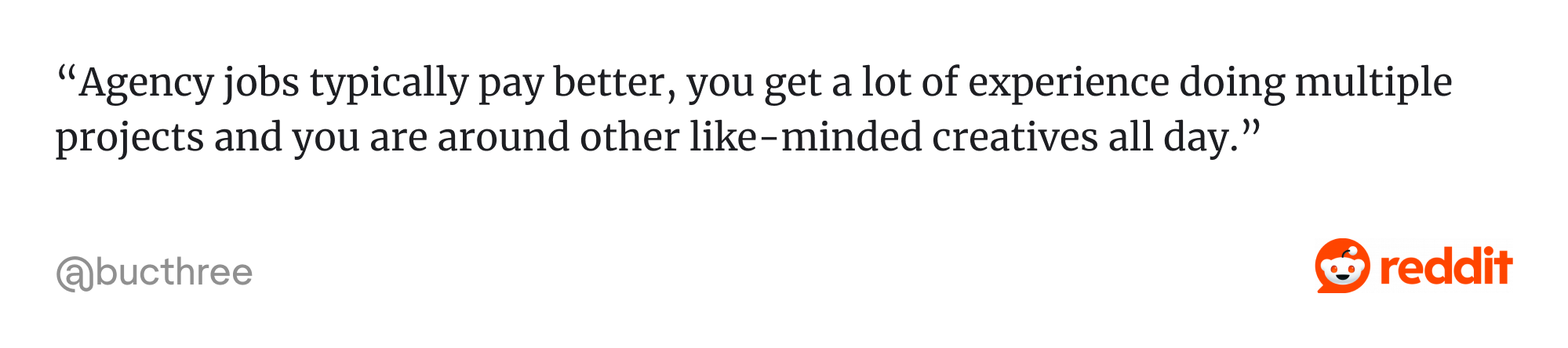
Some common aspects of agency UX work include:
- Working on multiple products or clients.
- Collaborating closely with other specialists.
- Adapting quickly to new product domains and user problems.
- Delivering design solutions within project timelines and client expectations.
- Receiving regular feedback and mentorship from experienced designers.
In-house UX designer
An in-house UX designer works as part of a company’s internal product team, focusing on improving a single product or platform over a long period. These designers usually develop deep expertise in one product and its users.
Working in-house also means designers can continuously refine the product based on user feedback and analytics. Over time, this helps them gain a deeper understanding of user behavior and the product’s business goals.
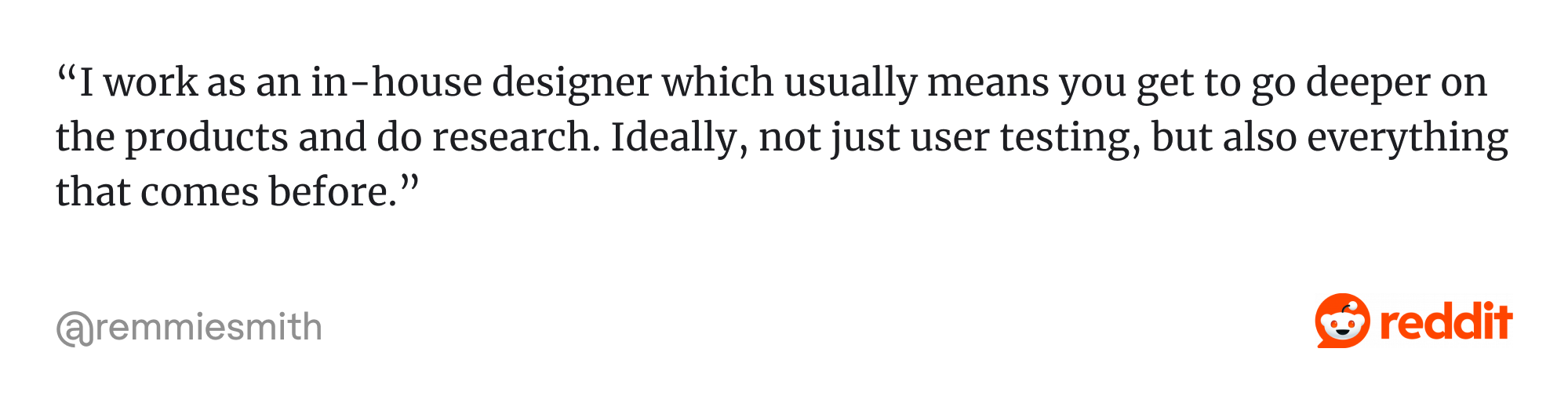
Some common aspects of in-house UX work include:
- Focusing on a single product or platform.
- Collaborating closely with cross-functional product teams.
- Iterating on features based on user feedback.
- Contributing to long-term product strategy and improvements.
- Maintaining and evolving design systems.
How to become a UX designer
For those interested in a UX design career, the path may seem unclear at first. Unlike some professions, UX design doesn’t always require a university degree. Many successful designers enter the field from different backgrounds.
What matters most is developing the right combination of design knowledge, practical skills, and real project experience. While everyone’s journey may look slightly different, most follow a similar learning path when entering the industry.
Below are some common steps that can help you start a career in UX design.
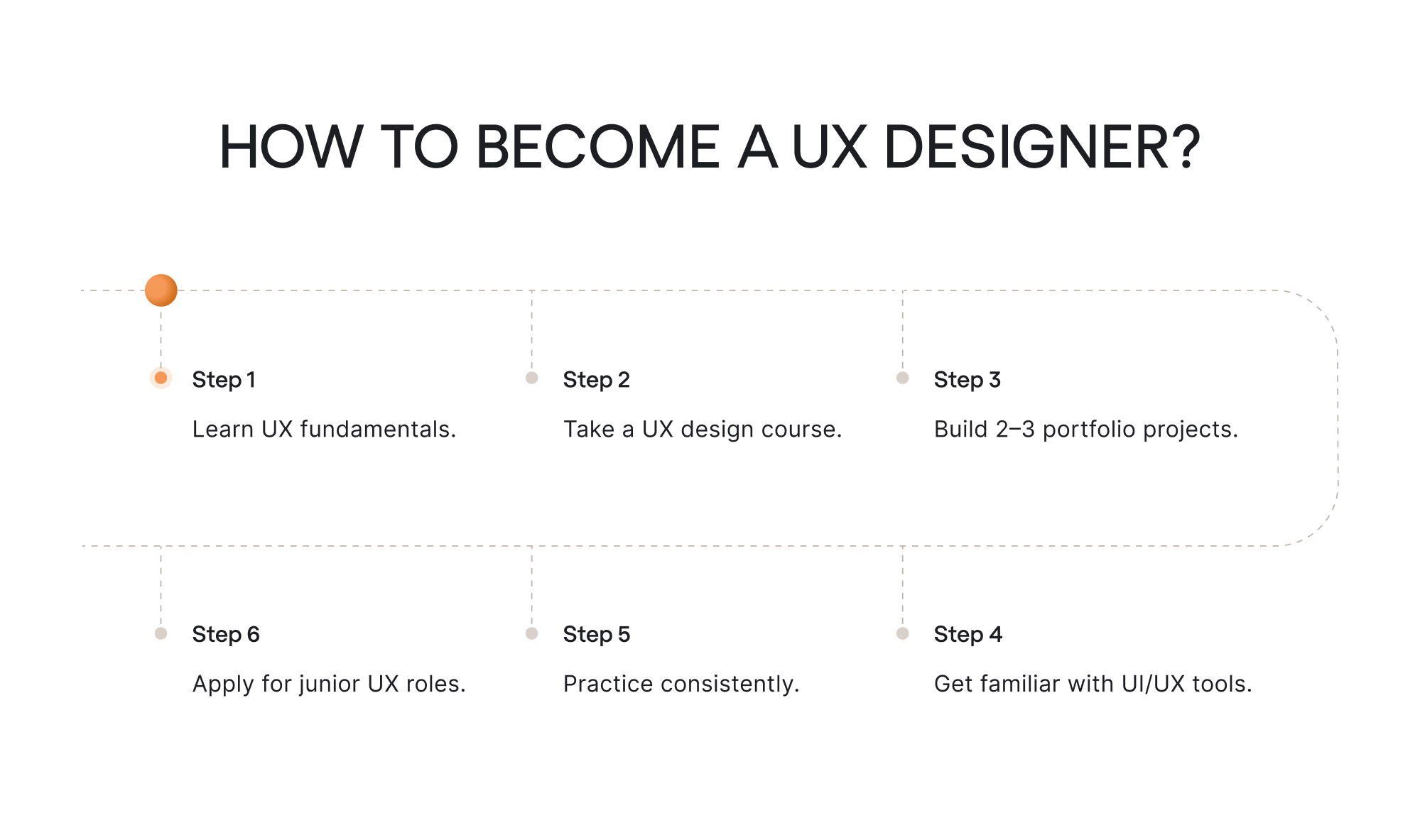
1. Learn UX fundamentals
The first step is understanding the fundamentals of user experience design. This includes learning about user-centered design, usability principles, design thinking, and how people interact with digital products.
At this stage, it’s helpful to read UX articles, books, and case studies, as well as explore examples of well-designed products.
2. Take a UX design course
Many beginners choose to take a UX design course or bootcamp to structure their learning. These programs often cover the main parts of the UX process, including research methods, wireframing, prototyping, and user testing.
Courses can also provide mentorship, feedback on design work, and guidance on building a portfolio, which can significantly accelerate the learning process.
3. Build 2–3 portfolio projects
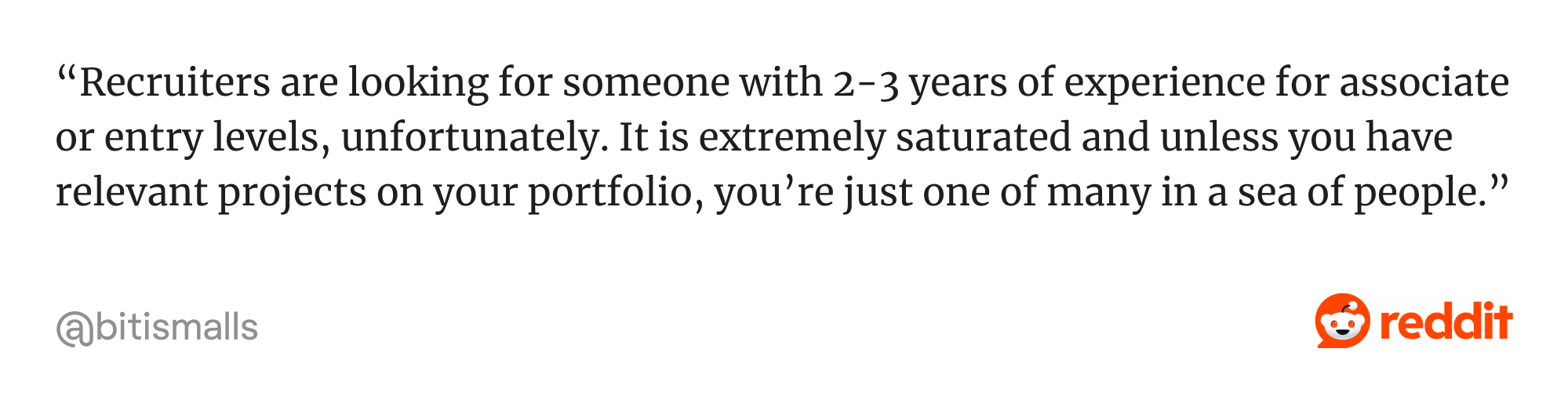
A strong portfolio is one of the most important factors when applying for UX roles. Hiring managers want to see how you approach problems and develop solutions.
Beginners usually start by creating two or three case studies that demonstrate their design thinking. These projects can be redesign concepts, personal projects, or work completed during courses that help demonstrate your skills.
4. Get familiar with UI/UX tools
UX designers rely on various platforms to create wireframes, prototypes, and design systems. Learning popular tools such as Figma or Sketch helps you communicate your ideas more effectively and collaborate with teams.
However, tools are only a means to an end. Employers care more about how designers solve problems than about which software they use.
5. Practice consistently
Like most creative fields, UX design improves with practice. The more projects designers work on, the better they become.
Practicing can involve redesigning existing products, participating in design challenges, or collaborating with other designers on small projects. These activities help refine both design thinking and technical skills.
6. Apply for junior UX roles
Once you’ve built a portfolio and developed core skills, the next step is applying for junior roles. At this stage, employers typically look for candidates who demonstrate strong problem-solving skills and the ability to communicate their ideas.
Entry-level roles provide valuable real-world experience and an opportunity to learn from more experienced designers and grow within the field.
Final takeaway
Throughout this guide, we explored what the UX designer role actually looks like. While the path into UX may vary from person to person, the common thread is a strong focus on user needs, thoughtful problem-solving, and collaboration.
For those considering this career, UX design offers a dynamic field with plenty of opportunities. If you choose to work as a freelancer, join an agency, or contribute to an in-house team, you’ll still help shape how people interact with technology.
And as digital products continue to evolve, the demand for designers who can connect user needs with smart product solutions will only continue to grow.


