.webp)


AI-generated UX looks good — until you actually try to use it.
More teams are using AI to generate screens, flows, and even full interfaces. On the surface, it feels like a breakthrough. You can go from idea to UI in minutes.
But once those designs are put into real products, the cracks start to show.
Flows don’t quite make sense: edge cases break, interactions feel off, and instead of saving time, UX/UI designers often end up fixing what AI produced — sometimes longer than it would have taken to design it properly from scratch.
That’s where most of the frustration comes from.
AI in UX design is powerful, but it’s also misleading.
Faster output doesn’t automatically mean a better experience. In many cases, it creates a new kind of problem: UX AI that looks polished on the surface, but fails in real use across complex design workflows.
At Eleken, we work with SaaS teams designing complex products — and we see this pattern often when AI is used without the right structure.
This guide breaks down how AI UX design actually works today: what AI is good at, where it fails, which tools are worth using, and how to integrate it into real UX workflows without compromising usability.
What AI does in UX design today
AI is already part of many UX workflows — but not always in the way people expect.
Most discussions frame AI as a design tool. In practice, it plays two very different roles: it helps you think, and it helps you produce.
Understanding that distinction is key — because most frustrations with AI in UX come from mixing these two.
AI as a thinking tool
AI is increasingly used in the early stages of UX work — where problems are still unclear, and ideas are forming.
Designers use it to:
- explore user flows and alternative paths
- generate hypotheses about user behavior
- create rough personas or scenarios
- summarize research and feedback
- scan competitors and identify patterns
This makes it useful for expanding the problem space.
Instead of starting from a blank page, you start with multiple directions — some useful, some not — but enough to move faster and explore different layouts before committing to a solution.
It also changes how ideation works.
Rather than spending time generating ideas from scratch, designers spend more time:
- evaluating options
- asking better questions
- refining directions
But this is also where AI can be misleading.
Because it produces structured, confident outputs, it creates the illusion of understanding. In reality, it’s:
- predicting patterns
- generalizing from existing data
- and often missing context specific to your product
Ket takeaway: AI helps you think faster, but not necessarily deeper.
That’s why outputs from this stage should be treated as starting points, hypotheses or prompts for further exploration — not as decisions.
AI as a production tool
Where AI feels most impressive is in execution.
It can take abstract ideas and quickly turn them into:
- UI screens
- wireframes
- component structures
- microcopy
- even working code
This dramatically reduces the time it takes to move from concept to something tangible, especially for teams using AI tools designed specifically for rapid prototyping.
Instead of spending hours building a first version, designers can:
- generate multiple variations
- compare directions
- and iterate earlier in the process
This changes the rhythm of design work.
More ideas get tested earlier. More variations are explored. And teams can move faster toward something concrete.
But this is also where the biggest misconception appears.
AI-generated UI often looks clean and complete — but it rarely accounts for:
- real user behavior
- edge cases and error states
- system constraints
- long-term scalability
So while it accelerates output, it doesn’t guarantee quality.
Key takeaway: AI can generate interfaces quickly — but it doesn’t ensure they actually work.
AI can generate outputs quickly and at scale, but it doesn’t understand problems in the same way designers do.
In plain language, it’s better at production than thinking.
What this means in practice
AI is most effective when it supports the workflow, not replaces parts of it.
It works well when used to:
- accelerate exploration
- reduce repetitive work
- generate starting points
It breaks down when expected to:
- make product decisions
- replace UX thinking
- handle complex, multi-step experiences
The role of the designer doesn’t disappear. It becomes more focused on:
- defining problems
- evaluating outputs
- connecting decisions to real user needs
Once you understand what AI actually does — and where it struggles — the next question becomes practical: Which tools are worth using, and where do they fit in real UX workflows?
Best AI tools for UX Design (organized by workflow)
There’s no shortage of AI tools for UX design.
Every week, new platforms promise to:
- generate interfaces instantly
- automate design tasks
- or even replace parts of the UX process
The challenge isn’t finding tools — it’s understanding which ones are actually useful, and where they fit in real UX workflows.
So instead of listing everything available, it’s more useful to look at tools through the lens of how UX work actually happens.
Research & Insights

Tools: ChatGPT, Claude, Perplexity
These tools are most valuable when you’re working with large amounts of information. Compared to many other tools, they are especially effective for summarizing and synthesizing research quickly.
They help you:
- summarize user interviews
- analyze feedback and support tickets
- extract patterns from qualitative data
- explore competitors and positioning
Best for: Early-stage research, synthesis, and sense-making
Where they help:
They compress hours of manual work into minutes and make large datasets easier to navigate.
Limitations:
- shallow understanding of user behavior
- hallucinated insights
- lack of real context
Use them to process information — not to replace research thinking.
Ideation & Flows
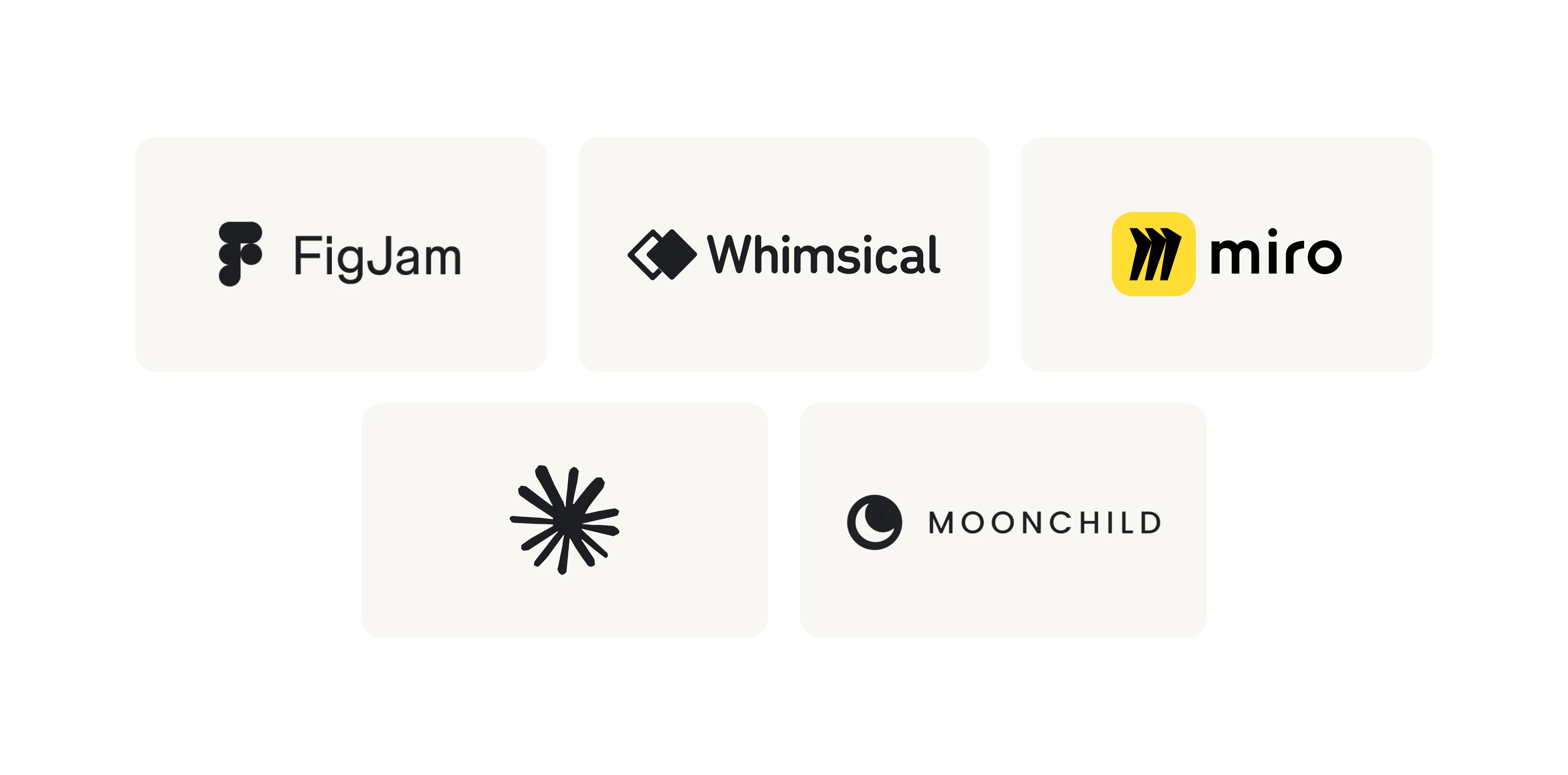
Tools: FigJam, Whimsical AI, Miro AI, Claude, Moonchild AI
These tools support early exploration — when you’re shaping ideas and flows.
They help you:
- map user journeys
- generate flows and scenarios
- explore alternative structures
- visualize ideas quickly
Best for:
Early ideation, design inspiration, and structuring problems
Where they help:
They remove friction from starting and help expand the range of possible solutions.
Limitations:
- lack of prioritization
- weak decision-making
- limited understanding of product constraints
Mind that they help you explore ideas — but not decide.
UI Design Generation
Tools: Claude, v0, Lovable, Bolt, Base44, Figma Make Uizard
This is where AI feels most powerful — and most misleading.
These tools can:
- generate UI layouts from prompts
- create screens quickly
- explore visual variations
Best for:
Rapid prototyping and early UI exploration
Where they help:
They eliminate blank-page friction and accelerate initial design phases.
Limitations:
- poor usability in complex flows
- lack of consistency
- limited alignment with design systems
They generate UI fast — but UX still needs to be designed.
Design-to-Code & Prototyping
Tools: Claude, v0, Lovable, Bolt, Base44, Figma Make
These tools bridge design and development. They help you:
- turn UI into working interactive prototypes
- generate frontend code
- test interactions quickly
Best for:
Validating ideas and speeding up prototyping
Where they help:
They reduce handoff friction and allow faster iteration cycles.
Limitations:
- inconsistent output quality
- scalability concerns
- requires developer validation
They accelerate building — but don’t replace engineering thinking.
UX Writing & Content

Tools: ChatGPT, Claude, Copy.AI, Wordtune
These tools support content creation within UX.
They help you:
- generate microcopy
- improve clarity
- create variations of messaging
Best for:
Drafting and iterating UX content
Where they help:
They speed up writing and help explore tone and structure.
Limitations:
- generic tone
- lack of product voice
- can miss context
They help with drafts — but final voice needs human refinement.
Once you start using these tools in practice, a pattern becomes clear: AI helps at almost every step, and the tools can change but the workflow — and your judgment — is what actually matters and stays.
Where AI fails in UX design
AI can generate clean interfaces and speed up parts of the design process. But UX isn’t just about producing screens — it’s about creating experiences that are coherent, usable, and resilient over time.
That’s where AI consistently falls short.
It Handles UI Better Than UX
AI is very effective at producing layouts that look polished. Spacing is consistent, components feel familiar, and screens often appear complete at first glance.
However, once you move beyond individual screens and start evaluating the experience as a whole, issues begin to emerge. Flows may feel disconnected, transitions unclear, and key steps missing or poorly structured.
What initially looks like a finished design is often just a set of visually consistent screens without a clear, usable journey behind them — one of the biggest limitations of AI for UX design today.
It Creates “UI/UX Debt”
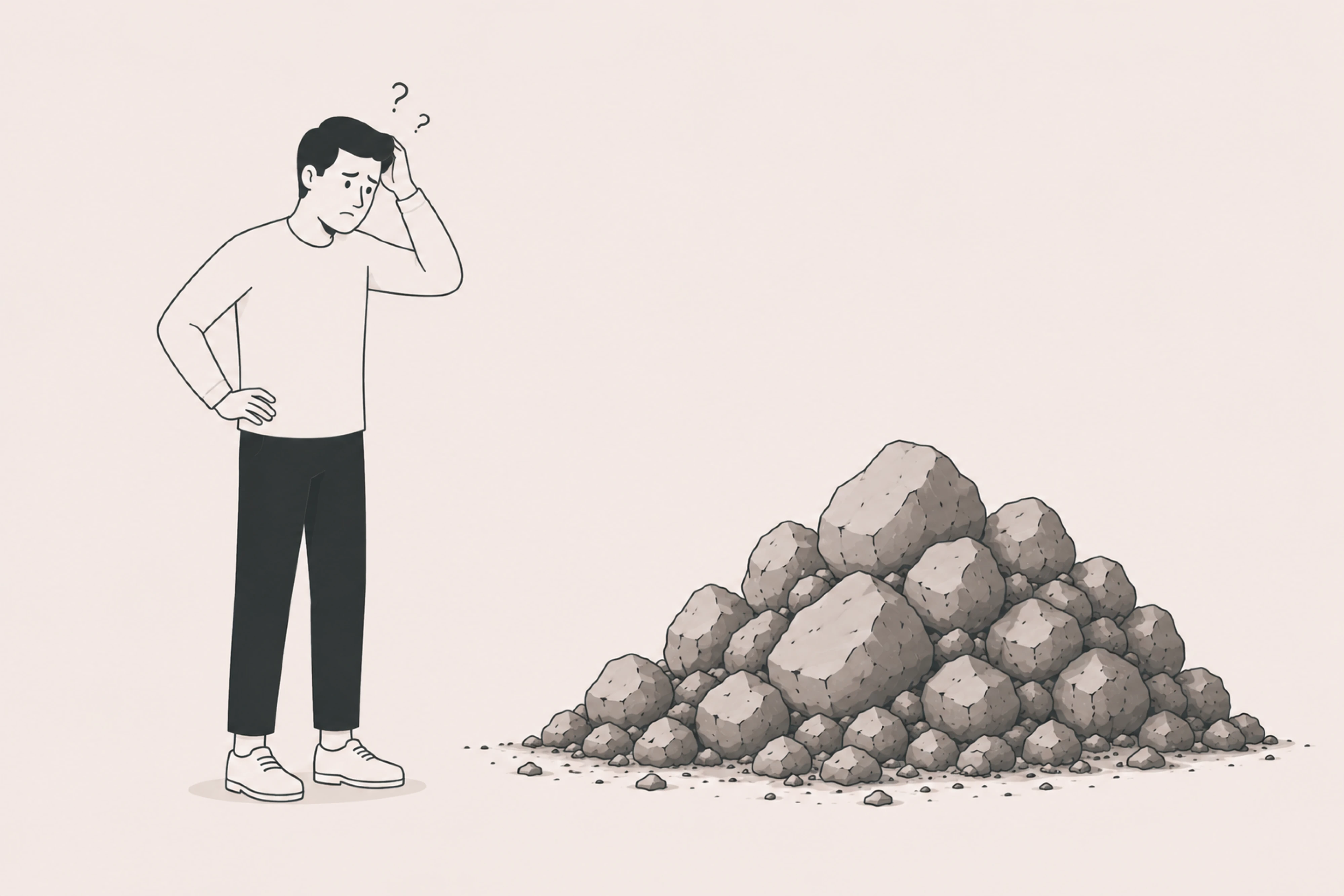
One of the more subtle problems with AI and UX design is that it often appears acceptable early on.
In prototypes or initial demos, UI/UX design and AI look like a perfect match – everything seems to work. But as the product evolves, deeper issues surface. These issues are not always visible immediately, which makes them harder to catch and more expensive to fix later.
Common problems include:
- missing edge cases
- flows that don’t scale as features expand
- inconsistencies between screens or states
Over time, these gaps accumulate into what can be described as UX debt — a need to revisit and rethink design decisions that were never fully resolved.
What felt like acceleration at the start often turns into rework later.
Fixing AI output can be slower than designing

AI is often positioned as a way to speed up design work. In practice, Figma AI tools can introduce an additional layer of effort.
Instead of designing a solution once, teams frequently go through a cycle of:
- generating designs with AI
- reviewing and correcting them to reach higher quality outputs
- redesigning parts that don’t hold up
This creates a “double-work” effect. While the initial output is fast, the time required to refine and validate it can offset the gains.
This is especially noticeable in more complex UX scenarios, where the cost of fixing structural issues is higher than starting from a clear design direction.
It breaks down with complexity
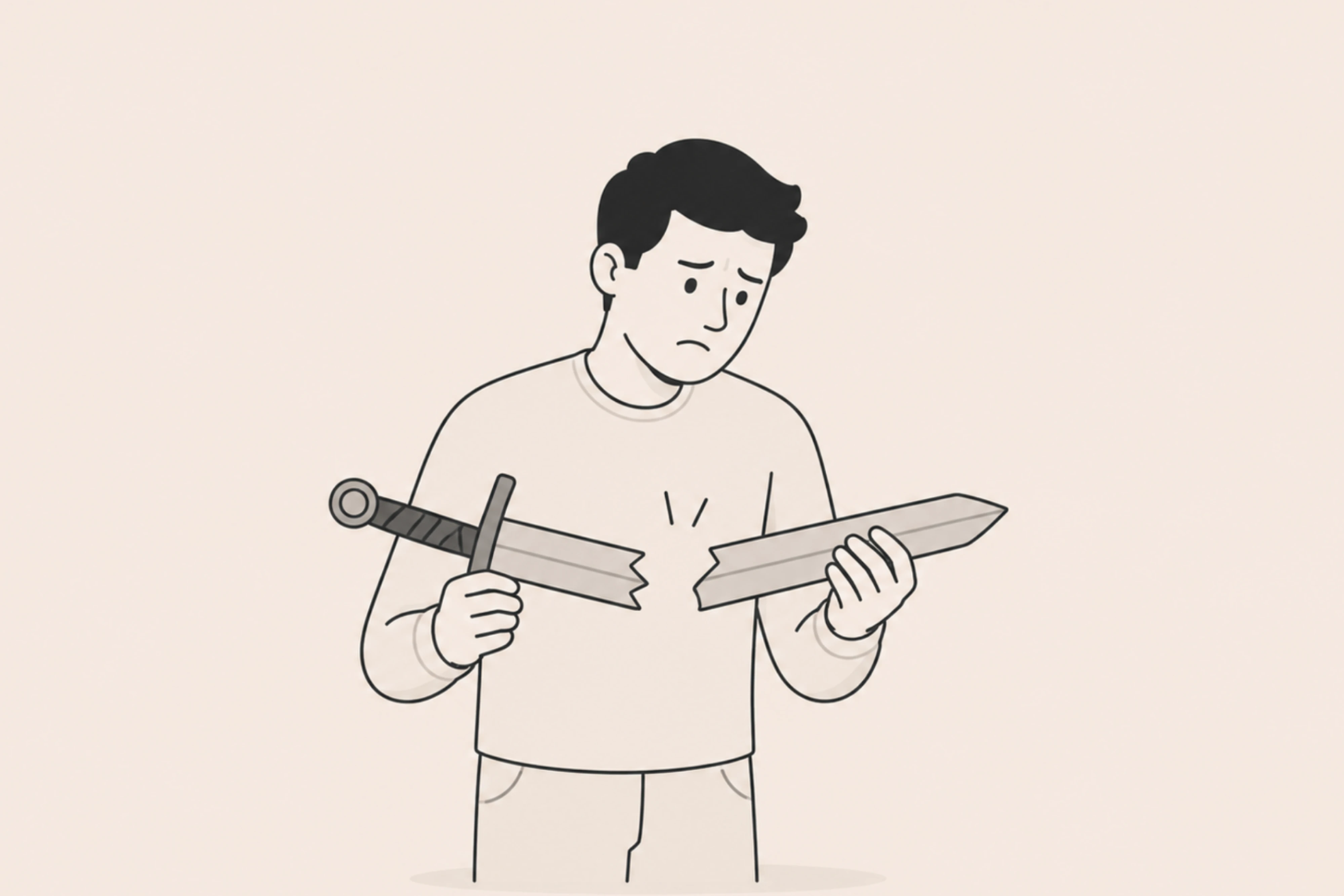
AI performs best when problems are simple, patterns are familiar, and outputs can be derived from existing examples.
However, real UX work — particularly in SaaS products — rarely fits that pattern.
Complex products often involve:
- multi-step flows
- different user roles and permissions
- conditional logic and edge cases
These are exactly the situations where AI becomes less reliable. Outputs may simplify the problem too much, ignore important conditions, or fail to connect steps into a cohesive experience.
The more complex the system, the more guidance and structure AI requires — and the less independently useful it becomes.
It homogenizes design
Because AI is trained on existing data, it tends to reproduce established patterns.
This leads to outputs that are familiar and functional, but often lack distinction. Over time, products designed heavily with AI can begin to resemble each other in structure, interaction, and visual hierarchy.
This doesn’t necessarily create immediate problems, but it does reduce differentiation.
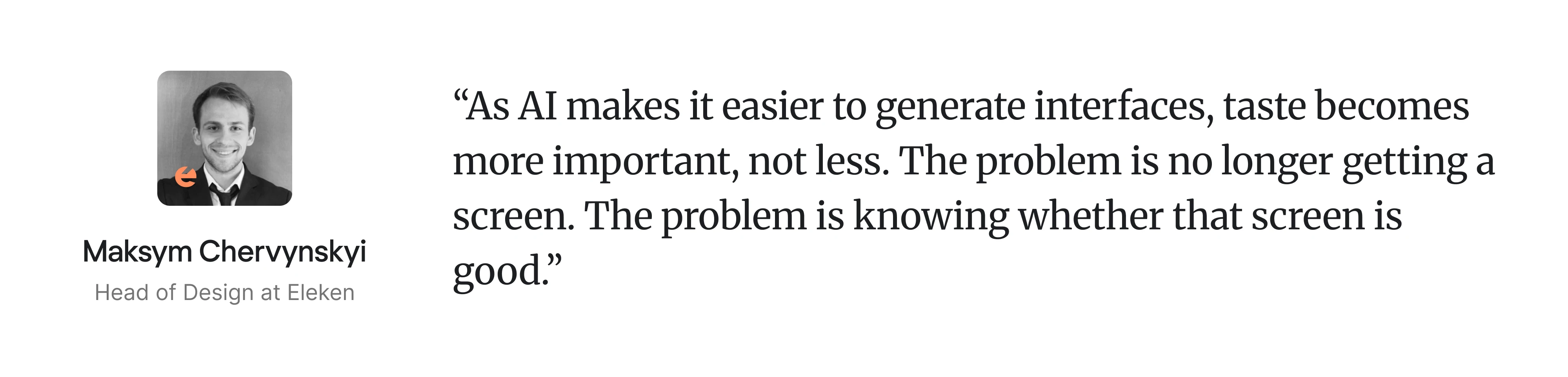
Design becomes predictable, standardized, and harder to distinguish from competitors.
As more teams use the same tools, this effect becomes more pronounced.
It lacks empathy

UX design is not only about structure — it’s about understanding how people think, feel, and behave when interacting with a product.
AI does not have real user awareness. It does not experience frustration, confusion, or intent. It can approximate behavior based on patterns, but it does not understand context in a meaningful way.
This often shows up in subtle but important ways:
- unclear error states
- interactions that feel unintuitive
- flows that don’t match real user expectations
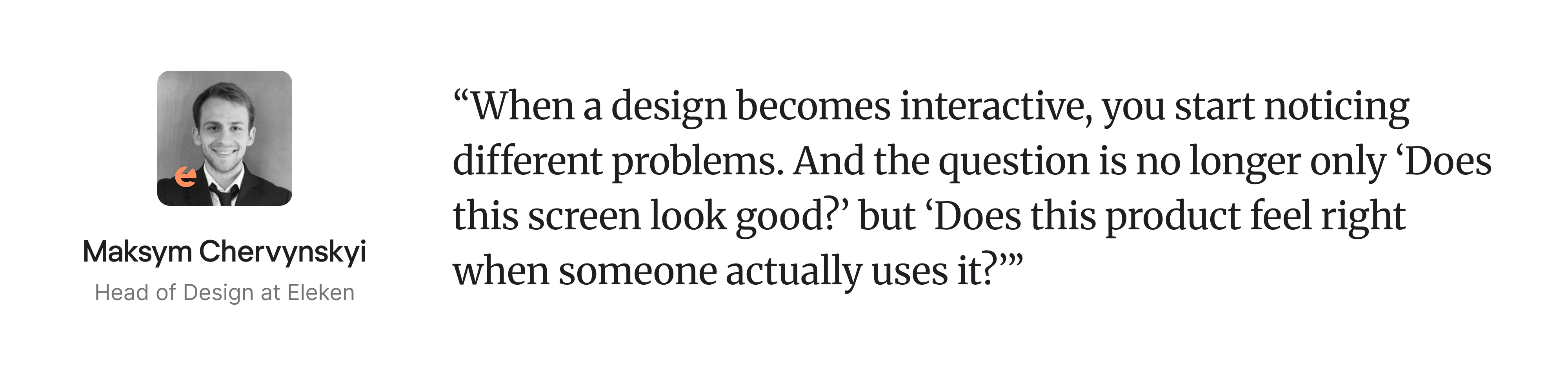
These issues are difficult to detect through surface-level evaluation, but they significantly affect usability.
Once these limitations become clear, the next question is not whether to use AI — but how to integrate it into a workflow where it adds value without compromising usability.
The new role of UX designers
AI is already changing how UX work gets done — and naturally, it raises concerns about the role of designers.
In reality, the role isn’t disappearing - it’s shifting.
Traditionally, a large part of UX work involved creating artifacts — wireframes, flows, UI screens.
AI reduces the effort required for that.
Designers now design with AI and generate first versions quickly, explore more variations, and move faster through early stages. But this doesn’t eliminate the need for design — it changes where the value lies.
Less time is spent on producing outputs. More time is spent deciding what those outputs should be.
This means designers increasingly focus on:
- defining problems clearly
- setting direction
- evaluating what works and what doesn’t
Execution becomes easier and decision-making becomes more important.
Designers are spending less time on manual execution and more time thinking about how everything connects.
Instead of focusing on individual screens, the work moves toward:
- flows across the product
- consistency between states
- scalability over time
And as the role shifts, so do the skills. Designers need to become stronger at writing effective prompts and navigating AI tools efficently even without extensive prior AI experience.
The other skills that prove to be evergreen are critical thinking, UX strategy and decision-making and the abililty to communicate clearly with teams
Execution still matters — but it’s no longer the main differentiator. Overall, a useful way to think about AI is as a junior designer.
Yep, it can generate ideas, create drafts, and assist with repetitive work. But it still needs direction, context, and validation.
The future of AI in UX design
AI is already changing how UX work happens — but the bigger shifts are still ahead.
A few clear trends are starting to shape how design will evolve. Let’s have a brief look at the few.
AI agents in workflows
AI is moving beyond single-use tools toward more autonomous systems.
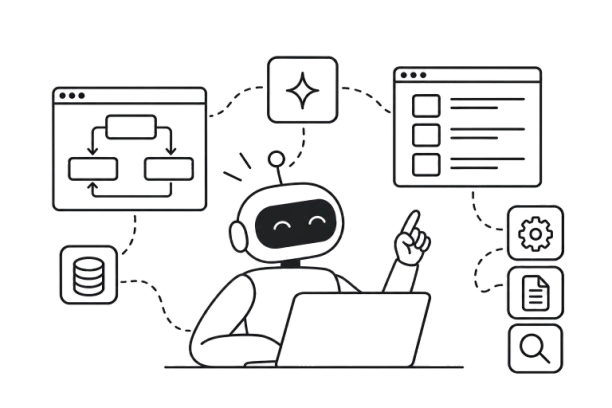
Instead of generating one output at a time, AI agents will increasingly operate in the background — handling different parts of the workflow in parallel. One agent might analyze research, another generate flows, while a third refines outputs or prepares them for testing.
Work will be less linear. Tasks will move in cycles, passed between agents, reviewed, and iterated continuously — with designers stepping in to guide, validate, and make decisions.
Over time, this will start to feel less like using tools and more like working with a small team.
It won’t replace designers, but it will shift their role further toward coordination, direction, and oversight.
Personalization at scale
AI makes it easier for products to adapt to individual users.
Interfaces can adjust based on behavior, preferences, or context. This leads to more dynamic experiences, such as:
- adaptive UX flows
- predictive interfaces
Product designers will need to think beyond fixed journeys and consider how experiences evolve in real time.
Design and code are converging
The gap between design and development is already shrinking. In fact, the growing complexity of product behavior is pushing designers closer to the code itself
Today, tools like Claude Code and similar solutions allow UX professionals to work much closer to code. They can prototype directly in it, suggest changes, or collaborate with engineers through shared environments and AI-assisted workflows.
This reduces the barrier between design and implementation. Instead of relying on static handoffs, the workflow becomes more continuous:
- designers stay involved longer in the process
- iteration happens faster
- changes are communicated more directly
As a result, collaboration between design and engineering becomes more efficient. It shortens feedback loops, speeds up iteration, and helps ideas move from concept to implementation with less friction.
Over time, this will likely lead to faster product cycles — and a shift in how teams work together day to day.
Systems over screens
For decades, interfaces have been the main way we interact with software — a visual layer on top of data, helping users navigate, filter, and act.
AI is starting to change that.
Instead of navigating interfaces, users can increasingly ask for what they need through natural language interactions, allowing systems to retrieve, structure information dynamically and even generate the right view — without requiring manual interaction with UI.
At the same time, interfaces are becoming easier to replicate. What matters more is what sits behind them: the data, workflows, and business logic.
This creates two directions for SaaS:
- products that embed AI and let users interact through prompts instead of navigation
- products that expose their data and capabilities to external tools and agents
As a result, UX moves beyond screens — toward how users and AI interact with systems across different environments.
The interface remains — but it’s no longer the product itself.
Multimodal UX
AI models are expanding how users interact with products beyond traditional interfaces.
Text-based interaction is already common, and voice is quickly becoming a practical alternative. In many cases, speaking is simply faster than typing — especially when ideas are unstructured or complex.
At the same time, AI can now process more than just text. It can interpret images, video, and, increasingly, gestures.
In practice, this means users can:
- speak instead of type
- share visual output instead of describing it
- use simple gestures for quick actions
This makes interaction more flexible and efficient, depending on context.
Over time, systems may also adapt to user state — adjusting how information is presented based on behavior or conditions.
UX design AI becomes less about a single interface, and more about how interaction shifts across inputs and environments.
Where AI works — and where you still need experts
AI is already changing how UX work gets done — and it’s not going anywhere.
It works well when the goal is speed and exploration. For example, AI is effective for:
- simple interfaces and landing pages
- early-stage ideas and rough concepts
- quick prototyping and iteration
In these cases, it helps teams move faster and reduce the cost of experimentation.
But as soon as complexity increases, its limits become clear. Designing real products — especially SaaS — still requires:
- well-structured user flows
- handling edge cases and different scenarios
- ensuring usability across the experience
- aligning design with product strategy
These are areas where judgment, context, and experience matter.
AI design tools can generate screens. But building usable, scalable products still requires experienced UX designers.
The future of UX isn’t AI vs designers. It’s designers who know how to use AI-powered tools effectively.
At Eleken, we work with SaaS teams and are integrating AI where it adds value — without compromising usability or product quality. If you’re looking to make AI a real part of your UX workflow, we can help you do it right.


.webp)
.webp)
.webp)
.webp)