

As business companies continue their digital transformation, low-code platform development is a strategic must-have to innovate faster, involve more people in problem-solving, and deliver enhanced user experiences.
Businesses of all sizes are jumping in the low-code development market about to reach $65 billion by 2027.
In today’s blog post, we are exploring top low code application platforms for 2026 . We’ll compare their core features, pricing models, and typical use cases ranging from low code tools designed for startups and small businesses to enterprise-grade solutions.
Eleken’s SaaS product designers are here to help you choose the best-fit low code platform to suit your strategic business goals.
What is a low-code application platform?
A low-code application platform is an innovative way to design and build software using visual tools instead of extensive coding.
Low code solutions primarily aim at accessibility. The best low code platforms mitigate tech barriers, speed up delivery, and let more people create sound digital products. This is how low-code tools expand programming skills to a broader audience of non-tech-savvy users.
Comparison table: low-code platforms at a glance
With the growing popularity of low-code platforms, businesses have many options to choose from. Each platform has unique strengths, target users, and integration capabilities.
Our at-a-glance comparison of low code development platforms will help you spot the right platform to best fit your specific business needs:
With so many low-code tools on the market, picking the right one can feel like comparing toolkits blindfolded. That’s why we’ve done the heavy lifting for you.
Top low code development platforms: an in-depth analysis and user reviews
We’ll further dive deeper into some of the most popular low code platform use cases based on real-world examples and insights from professional communities:
1. Adalo: a no-code MVP builder
Adalo is the best fit for solo entrepreneurs and early-stage startups without technical resources to quickly create mobile and web applications.
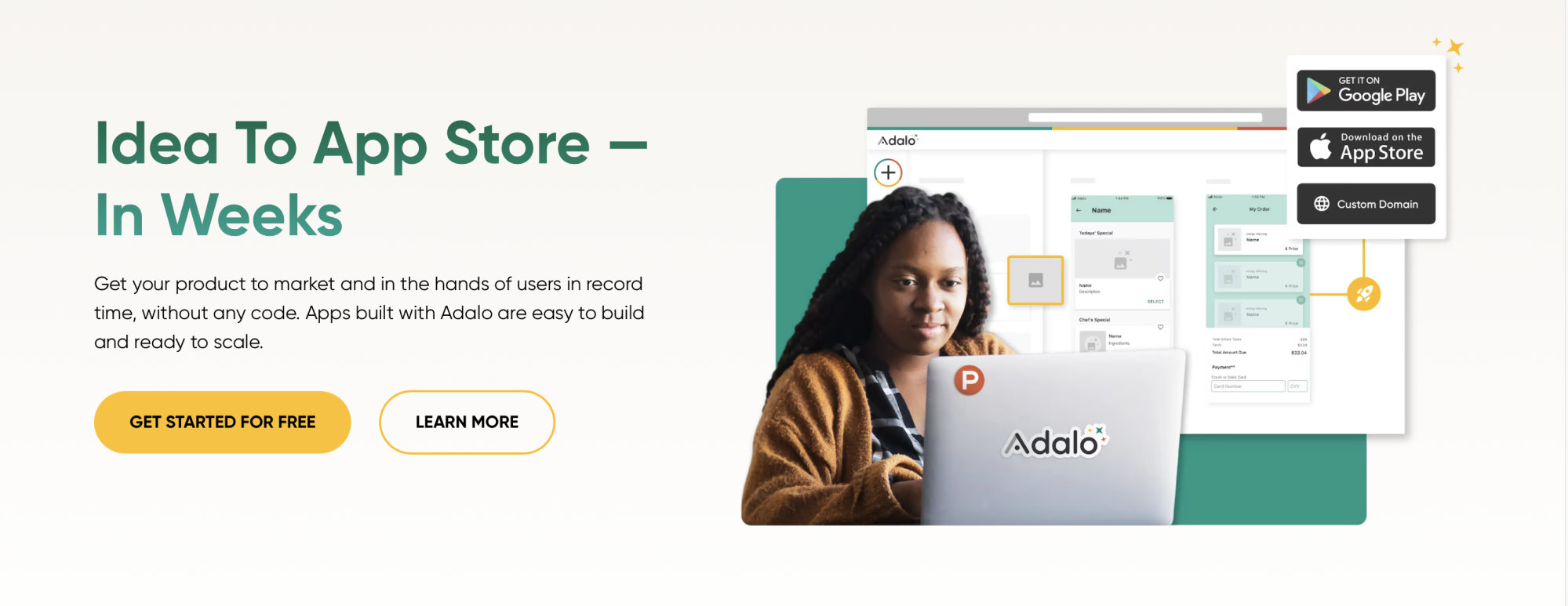
It offers a visual drag-and-drop interface, allowing users to build apps without writing a single line of code.
Strengths:
- Visual logic builder for app behavior
- Native mobile app support
- Built-in integrations with Stripe and external APIs.
Limitations
- Adalo uses a shared backend, which can slow down with user growth or complex data structures
- Performance bottlenecks when apps scale beyond a few hundred active users.
- Limited version control or collaboration tools for product teams
- No built-in design system for consistent UI at scale.
Success story:
A solopreneur launching a local wellness directory used Adalo to build a basic app that lists services, schedules appointments, and accepts payments.

Adalo is not a fit for complex apps requiring scalability, custom code, or enterprise-grade performance. If your MVP works and gains traction, consider migrating to a more scalable low-code platform like FlutterFlow for backend before growth bottlenecks arise.
2. Appgyver: a visual development platform
Appgyver suits technical teams and is best for developers and product teams who need flexibility, custom logic, and performance, without diving deep into full-stack code.
This visual development solution is perfect for building complex mobile or web apps with sophisticated logic without writing full code.
Strengths
- Extremely customizable logic: conditional flows and dynamic variables,
- Backend-agnostic: you can plug in any data source via REST APIs
- Great performance for mobile and web apps
- Supports complex UI structures and responsive design out of the box
- SAP integration opens enterprise-grade possibilities.
Limitations
- Steep learning curve: not suitable for total beginners
- You must integrate with a third-party backend)
- Documentation can be patchy; community support is improving but limited
- Collaboration features are not as polished as dev-heavy platforms like Retool or OutSystems.
Success story:
An enterprise built an internal expense-tracking system by integrating Appgyver with SAP backend APIs and enabling multi-role access for finance teams.

While Appgyver empowers you with flexibility, that also means you need to make more design decisions. Therefore, this tool is not ideal for beginners or non-technical users looking for fast MVPs.
3. Appian: an enterprise-grade low-code platform
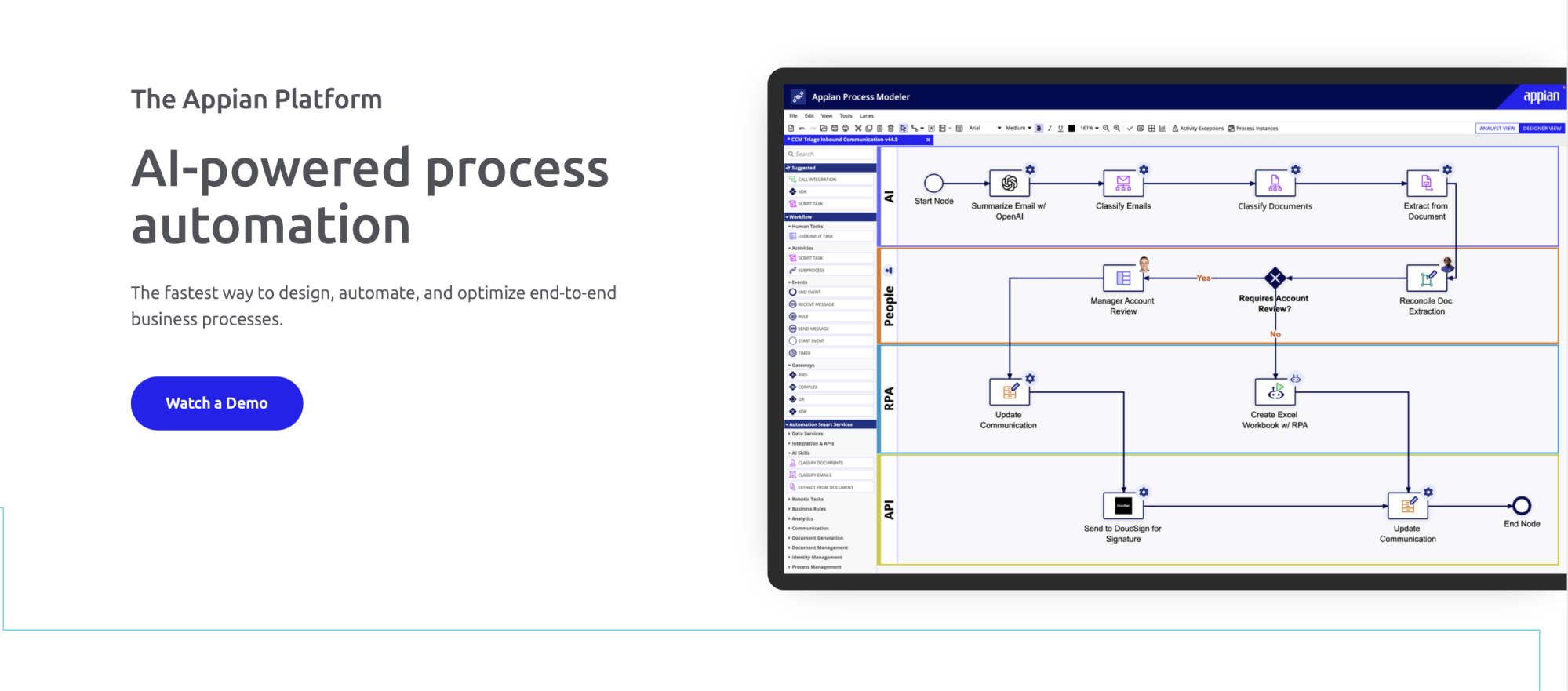
Appian suits large-scale process automation and is best for CIOs, CTOs, and enterprise teams seeking to modernize operations without rebuilding everything from scratch.
Strengths
- Powerful process modeling with BPMN-compliant visual editor
- Deep legacy integration: SAP, Oracle, Salesforce, etc
- Built-in tools for AI/ML, RPA, and decision rules
- High-security standards: FedRAMP, HIPAA, and GDPR
- Ideal for regulatory-heavy industries: finance, healthcare, government.
Limitations
- Steep learning curve for non-technical users: most teams require additional training
- Expensive licensing: usually starts with enterprise contracts.
- Visual UI builder is functional but limited in design flexibility.
- Best results require working with Appian-certified partners or developers.
Success story:
A multinational insurance provider used Appian to automate claims processing. The app routes requests through underwriting, fraud detection, and customer service, cutting processing time from 2 weeks to 48 hours. All this without overhauling their legacy systems.
Appian is less about building beautiful UIs and more about orchestrating back-office processes through configurable workflows that scale. That’s why it is not suitable for startups, SMBs, or teams without enterprise IT infrastructure.
4. AppSheet: workflow automation & data-driven app builder
AppSheet is a business-user-friendly platform for internal apps and operational automation. It allows non-technical users to build custom web and mobile apps using data from sources like Google Sheets, Excel, or SQL databases.
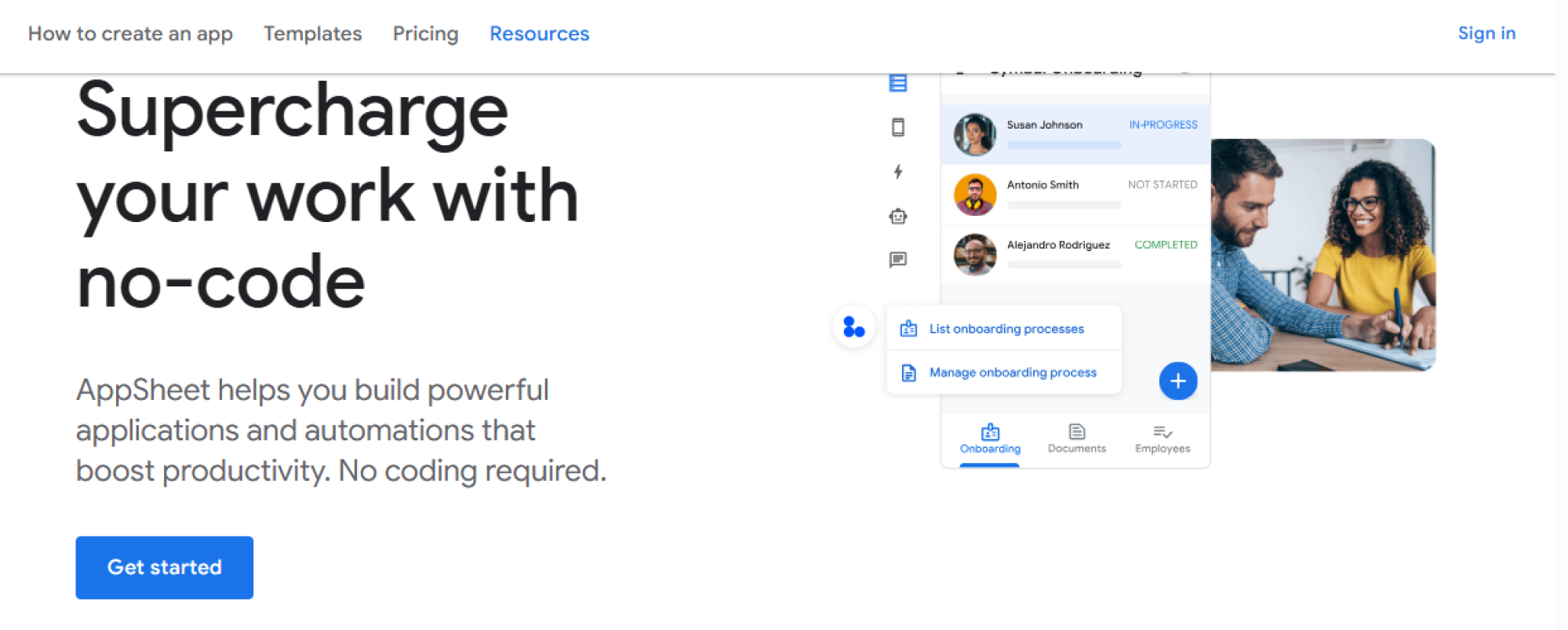
It’s also designed for Ops managers, analysts, and teams within medium to large businesses looking to streamline workflows, automate tasks, or create internal tools without writing code.
Strengths
- Built for data-first workflows (great with Google Sheets/Drive)
- Quick deployment for internal tools and mobile forms
- Offline functionality for field teams
- Scalable inside orgs via Google Workspace SSO & permissions
- Ideal for non-technical teams like operations, HR, logistics.
Limitations
- Limited UI design control: all apps look very “AppSheet” unless heavily customized
- Not suitable for customer-facing apps where branding and UX are critical
- No built-in backend: apps are only as good as the connected data source
- Advanced logic or workflows may require scripting or third-party tools.
Success story:
A construction company used AppSheet to create a mobile app that lets field workers log site inspections, capture photos, and submit reports all synced back to Google Sheets for HQ review. No developer involvement needed.
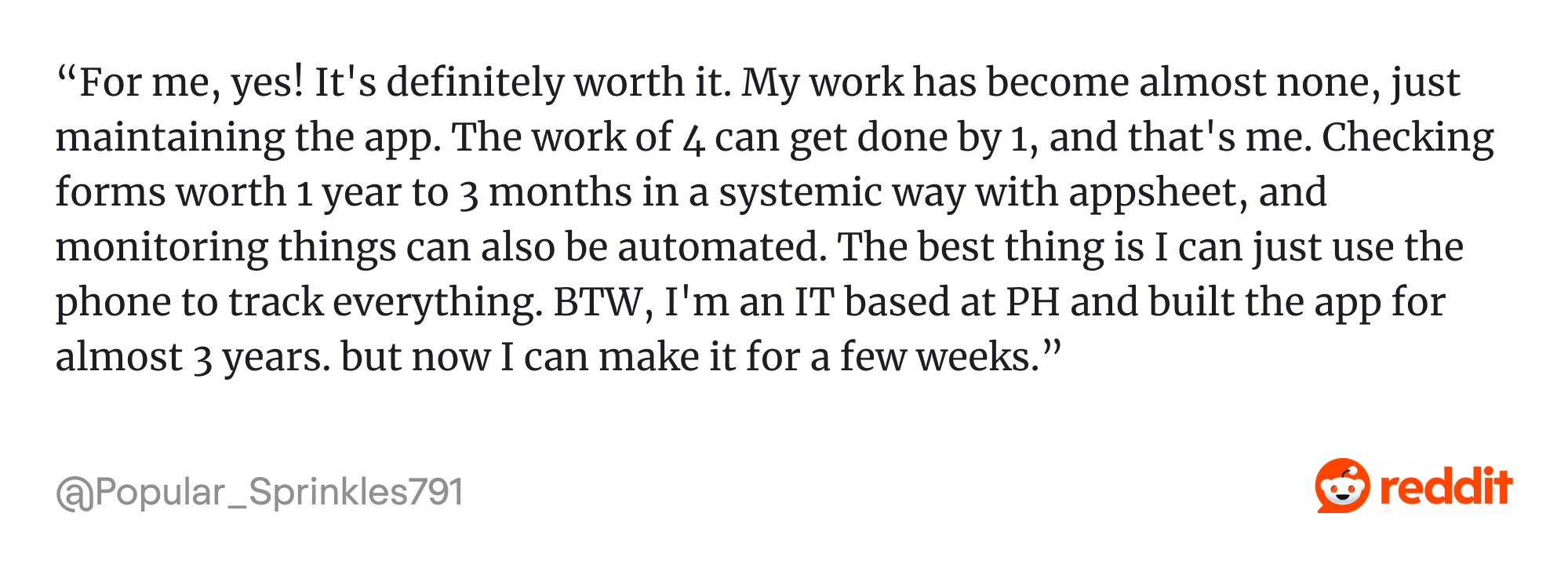
AppSheet is not ideal for customer-facing apps, pixel-perfect UIs, and advanced business logic requiring custom frontends.
5. Bubble: a full-stack visual web app builder
Bubble is best suited for entrepreneurs, early-stage startups, and solo founders aiming to build a full-stack web application development platform without code. Its visual builder and plugin marketplace make it powerful for MVPs and SaaS development products.

Strengths
- A visual drag-and-drop interface that builds complex frontend and backend logic.
- Built-in database for storing and managing data without additional integrations.
- A thriving plugin marketplace that extends functionality, allowing integrations with Stripe, Airtable, Zapier, and others.
- Supports custom logic and workflows, which makes it ideal for SaaS platforms, two-sided marketplaces, or internal tools.
Limitations
- Scaling costs are tied to workload usage, which may require careful monitoring.
- Mobile app building in Bubble is not as intuitive or streamlined as other mobile-focused platforms like Adalo or Glide.
Success story:
Dividend Finance, a financial services company, used Bubble to build internal workflow tools during a phase when development resources were stretched thin.
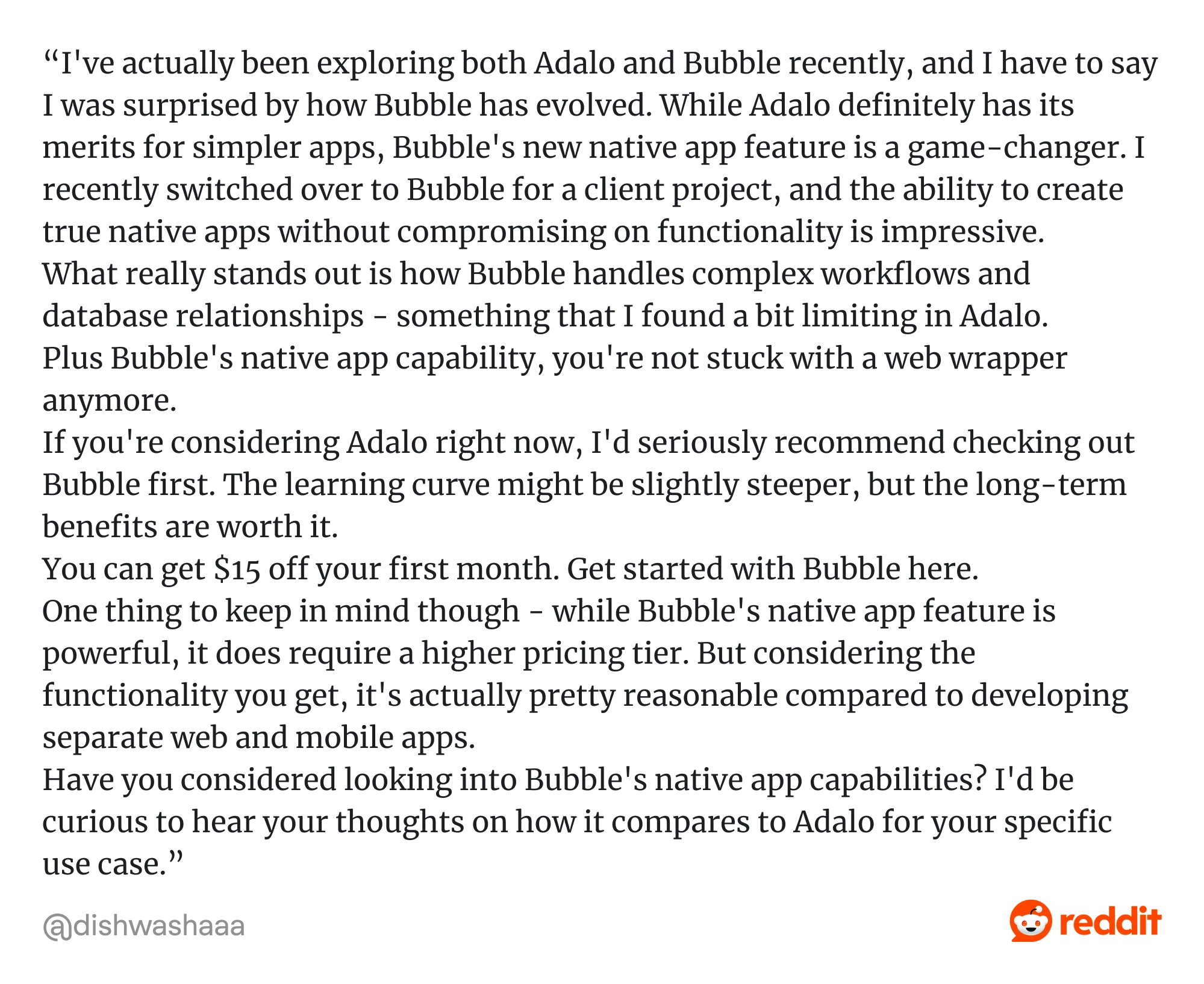
While Bubble is anyone’s best bet if you're a startup founder or product manager looking to validate and grow a product idea fast, teams at the scale or enterprise level may need to refactor or migrate to code once the product hits performance ceilings.
6. FlutterFlow: a visual front-end builder for mobile & web apps
FlutterFlow is a low-code visual UI builder focused on cross-platform mobile and web applications. It's a front-end-heavy tool that outputs Flutter code.
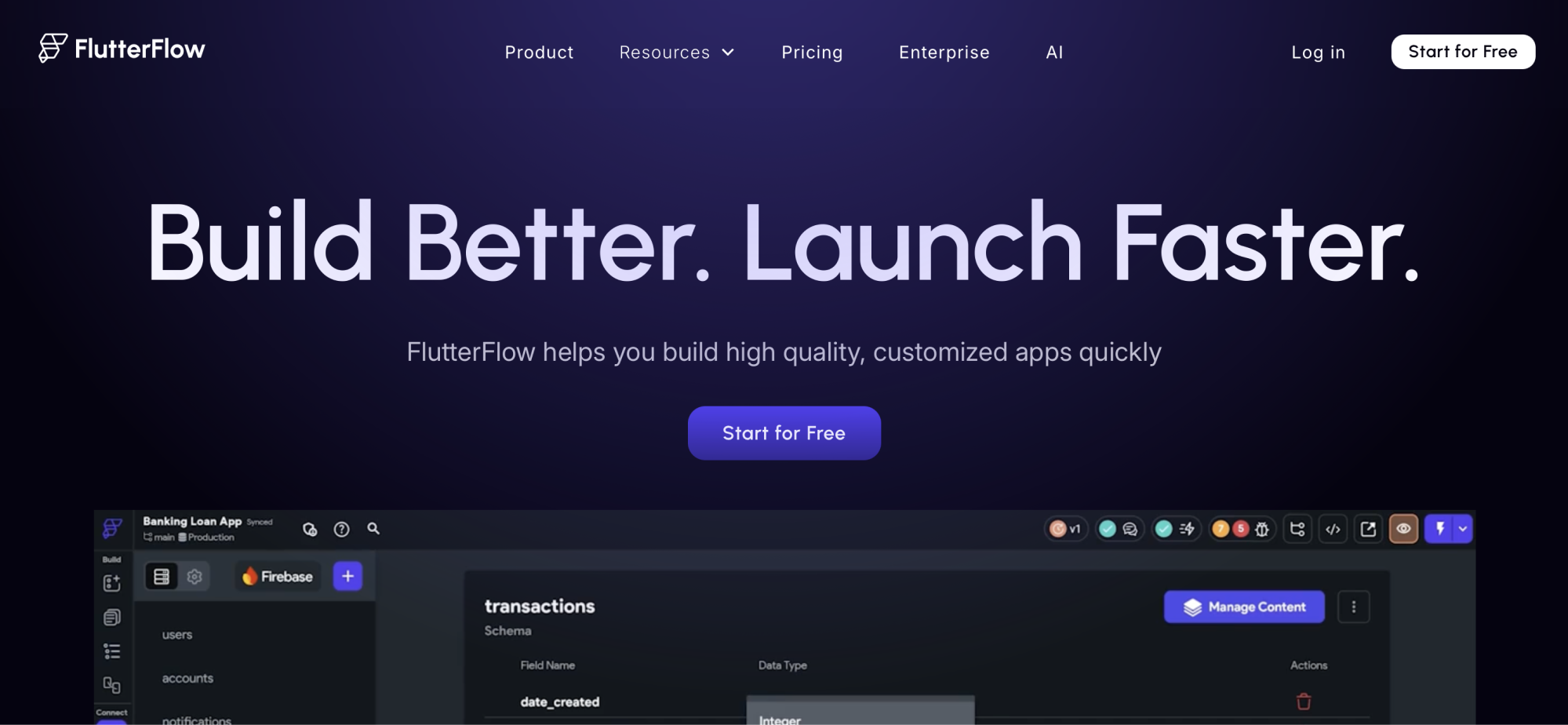
FlutterFlow is a perfect fit for startup CTOs and technical product managers who want rapid iteration and native output, agencies building client apps quickly without starting from scratch, and cross-platform dev teams that want the speed of low-code and the freedom of full code control.
Strengths
- Generates clean Flutter code, giving you native performance on iOS, Android, and web platforms
- FlutterFlow gives you pixel-level UI customization
- Offers seamless integration with Firebase
- Supports multi-user editing, making it easier for designers, developers, and PMs to collaborate in real-time on the same app build
- Lets you export your Flutter code at any time
Limitations
- While much can be done visually, customizing advanced logic or overcoming limitations often requires Dart/Flutter knowledge.
- For sophisticated business rules, you'll likely integrate with a backend service like Firebase, Supabase, or your own).
- Users still need to understand concepts like responsive layout, widget trees, and app architecture.
Success story:
SmartCab transformed transportation with FlutterFlow no-code innovation by creating intuitive user interfaces without traditional coding; intuitive driver interfaces, real-time ride management displays, and dynamic route visualization.
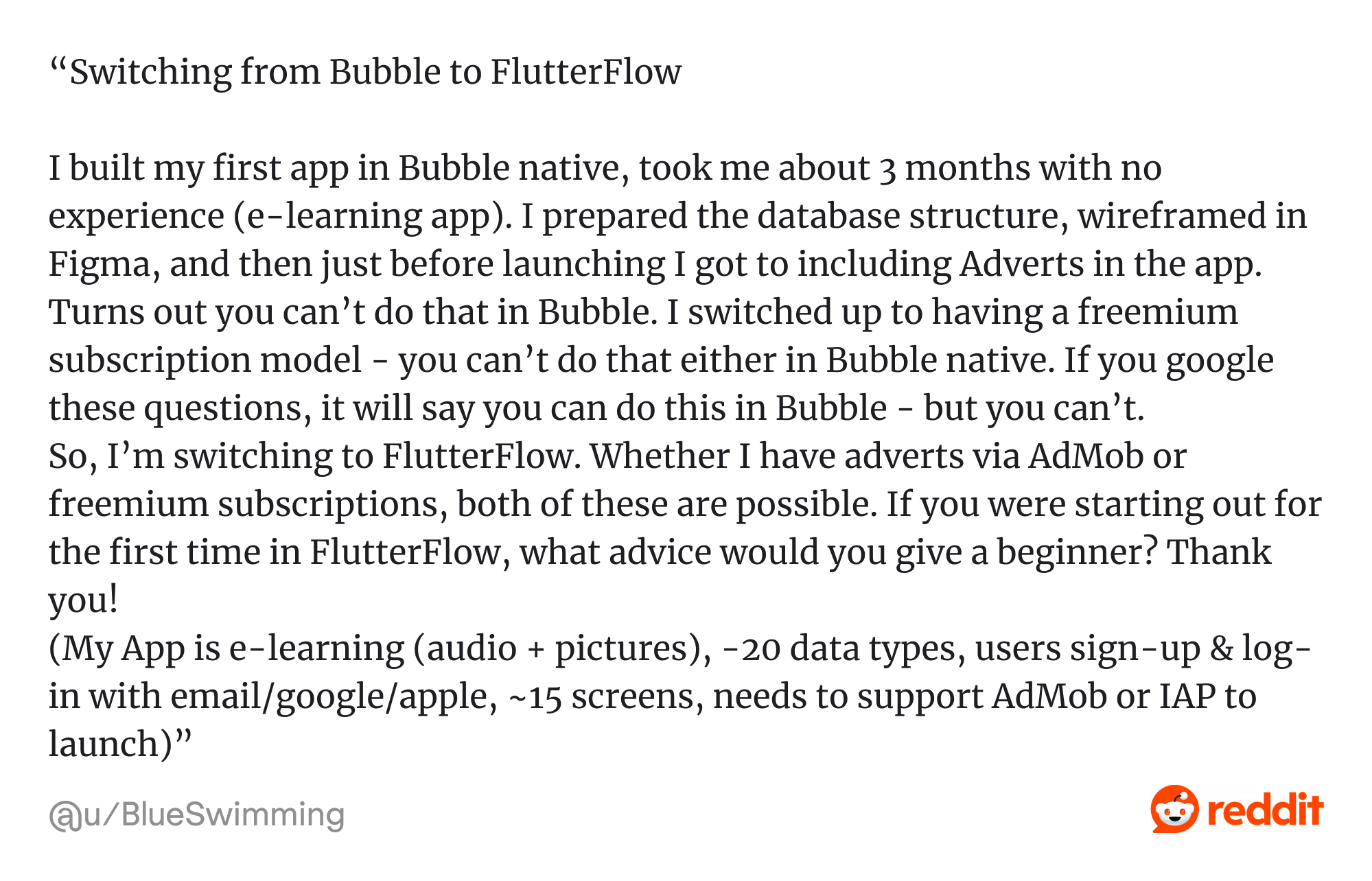
FlutterFlow sits between no-code tools like Adalo and fully coded Flutter apps, which makes it a perfect solution for startups that want to prototype fast and scale smartly.
7. Framer: a visual site builder with design & interaction
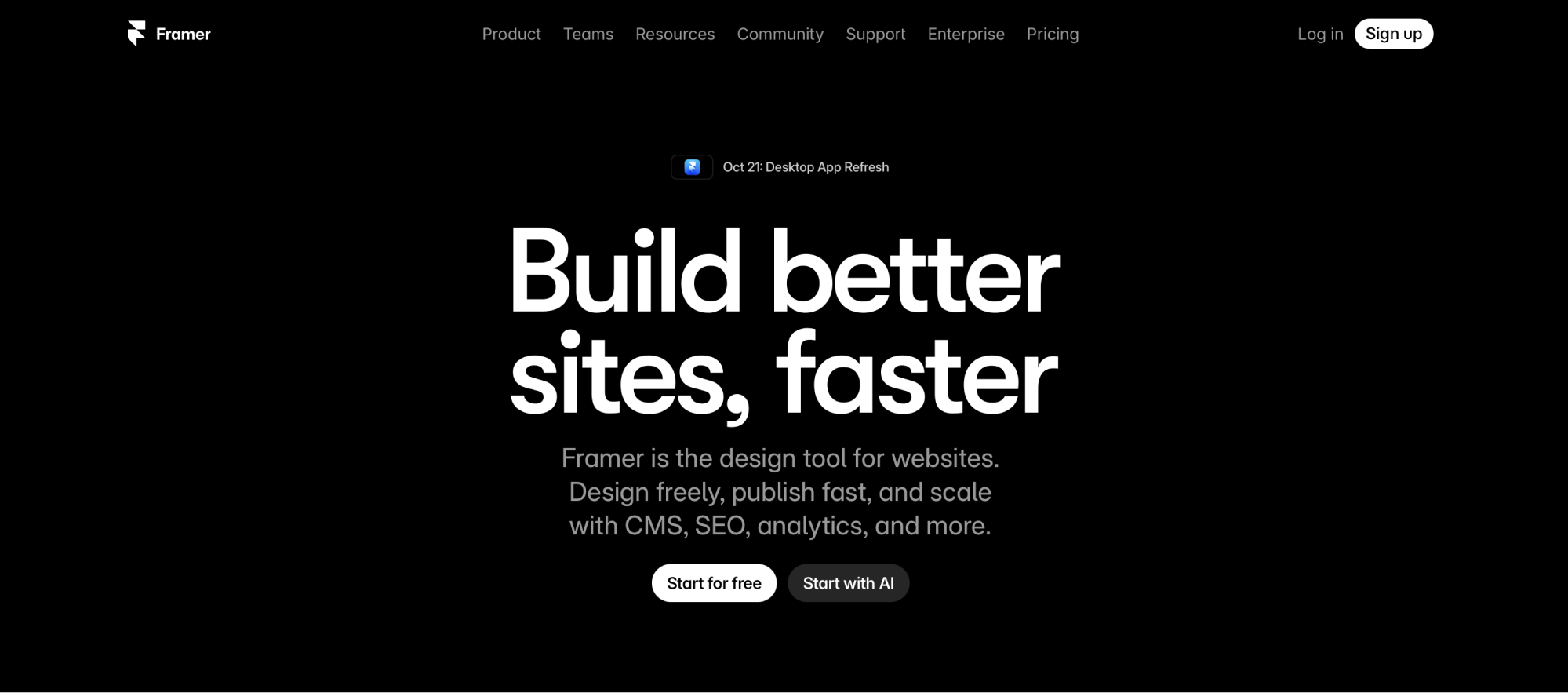
Framer lets designers and technically minded product teams build interactive, responsive websites and landing pages by merging design, prototyping, and production into one tool.
Strengths
- You get fine control over animations, transitions, interactions, scroll effects, layering, etc., all visually.
- Once built, you can publish directly from Framer without needing a separate hosting pipeline.
- Includes built-in CMS support for dynamic content (blogs, collections, etc.).
- Sites built in Framer tend to be optimized for speed and SEO, with responsive behavior and clean
- Teams can work together, preview changes, and often edit content live.
- Designers can push their work closer to “live” without waiting on front-end coding or manual dev translation.
- While Framer is no-code, you can sometimes introduce custom code or logic as needed (for edge cases).
Limitations
- If your product requires user authentication, complex business logic, real-time data workflows, or deep data integrations, you’ll need to combine Framer with backend tools.
- Exporting or custom coding may degrade the smoothness of the no-code workflow.
- Building sophisticated animations or responsive logic can have nontrivial complexity, especially for users not familiar with design principles or web layout thinking.
- Migrating to full custom code may require rebuilding.
- To take advantage of custom domains, you’ll need higher paid plans.
- Use cases like multi-user dashboards, SaaS apps with deep data logic, or mobile apps are beyond Framer’s core capacity.
Success story:
Boombox, a design agency, transformed its Figma mockup into a high-performing, responsive website using Framer, complete with custom animations, interactions, and a dynamic cursor.

Framer is less of a full backend logic / data workflow platform compared to something like Bubble, and more focused on the frontend, visual interactions, animations, CMS, and publishing.
8. Glide: data‑driven app builder for internal operations & business apps
Glide is primarily designed for turning structured data sources (e.g. spreadsheets, Glide Tables, Airtable, SQL) into mobile & web apps, often replacing spreadsheet workflows and lightweight internal tools.
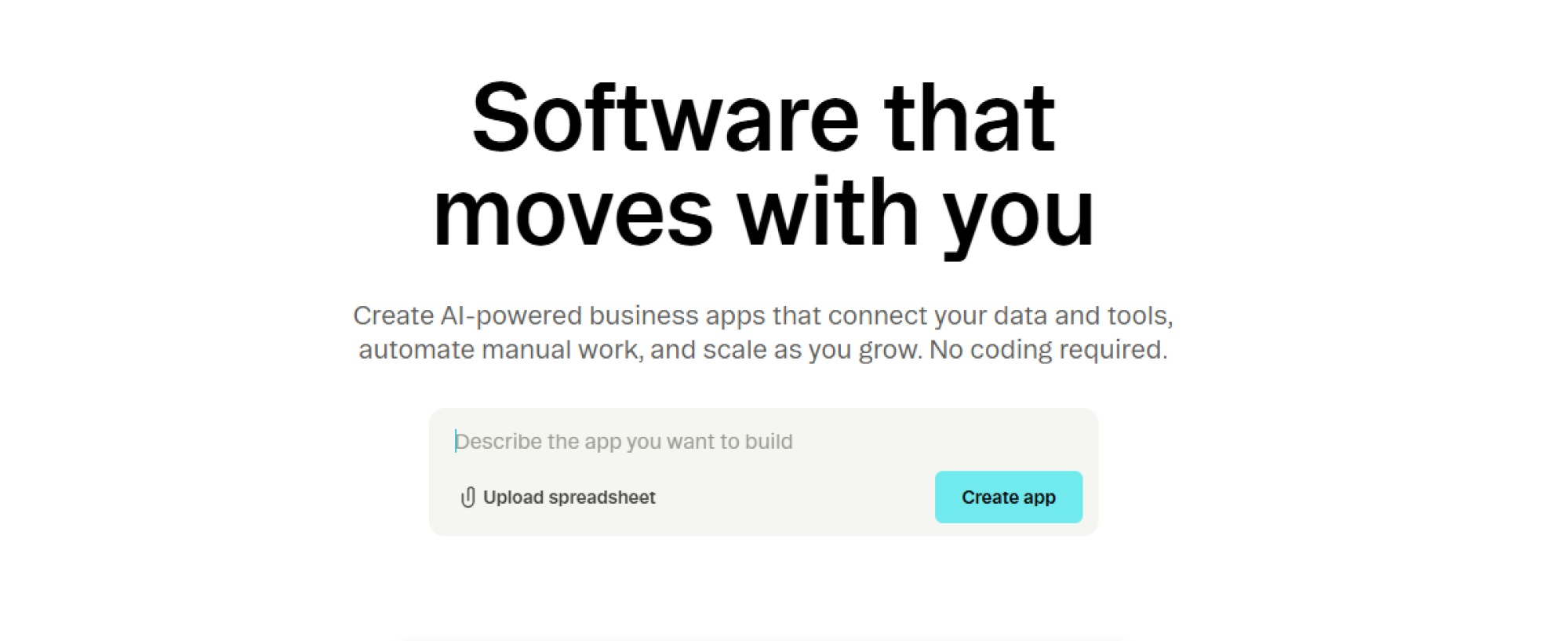
It is popular among small teams and citizen developers who want to turn spreadsheets into apps quickly. It’s strong for lightweight field or operations apps but limited for highly customized logic or enterprise-grade workflows.
Strengths
- Users frequently report being able to build functional business apps in hours or days.
- Changes in the underlying spreadsheet or database reflect immediately in the app.
- Can connect to Google Sheets, Airtable, SQL, BigQuery, Glide Tables, etc.
- Apps adapt across mobile, tablet and web (PWA) without separate development work.
- “Glide Workflows” triggers, webhooks, and and integrations with Make / Zapier
- Prebuilt templates and UI guardrails help maintain a clean, usable interface without needing deep UI expertise.
- Maintains a collection of customer stories.
- Glide’s data model (Glide Tables) supports millions of rows in many cases.
Limitations
- Some native features (offline native, certain sensors) are constrained.
- Limited advanced backend logic / complex workflows
- Glide intentionally limits overly custom UI to maintain consistency and usability.
- Vendor lock-in is a concern for future scaling or pivoting.
- With very large data sets or high concurrency, response times may degrade or require optimizations.
- Latency or downtime in spreadsheet / database sources affect the app.
- Syncing large external data sources may hit limits.
Success story:
TTR Sotheby’s International Realty built an exclusive real estate listing & portal app using Glide to support their operations and agent workflows.

Glide sits between simpler automation tools (like Zapier) and full-stack visual builders (like Bubble), focusing more on business apps, dashboards, forms, CRM, inventory, field operations.
9. Lovable: AI-Powered Code Generation for MVPs
Lovable is best suited for non-technical founders, indie hackers, and early-stage teams who want to turn ideas into working apps using natural language prompts.

It stands out by generating editable React/TypeScript code from AI prompts and letting users fine-tune layouts and logic through a visual editor. Unlike many no-code tools, Lovable offers full access to the codebase — so you're never locked in.
Strengths
- AI-powered app generation from plain text
- Editable front-end & backend code (React, TypeScript)
- GitHub integration for version control and developer handoff
- Visual UI editor for rapid prototyping
Limitations
- Still maturing — limited templates and UI polish
- Best for prototypes, not large-scale production apps
- No built-in user auth or logic workflows out-of-the-box
To sum up, Lovable is powerful, but it does come with a learning curve:

10. Luna Park: a virtual team building tech SaaS
Luna Park is a visual scripting and low-code development platform designed for developers and advanced users pursuing granular control without diving fully into raw code.

It uses a node-based interface to define logic, which compiles to JavaScript at runtime, enabling native performance and seamless browser deployment. Luna Park offers code export and integration with CI/CD pipelines and is ideal for building internal tools, dashboards, and interactive web apps.
Strengths
- No downloads, plug‑and‑play for participants, reducing friction and technical support burden
- The platform automatically handles team splits, rejoining, role assignments, etc.
- Team leaders can see engagement metrics, breakdowns of which events are used, time spent, and interaction patterns
- Includes a growing catalog of games, icebreakers, DEI experiences, etc. so you don’t have to invent everything yourself
- Features like intros, ice cream shout-outs, water cooler prompts help engagement outside full events
- Luna Park reports a 700% increase in social engagement among customers after implementation.
Limitations
- Luna Park is meant for engagement/culture scenarios, so you need to pair it with your internal tools suite
- To keep engagement alive, the experience library needs continual extension
- Stale or repetitive content may lead to drop-off
- While you can pick and mix experiences, extremely bespoke logic or integrations may be constrained
- Because Luna Park handles hosting, orchestration, analytics, switching away may require rebuilding or rethinking culture tooling.
Success story:
Superside, a global creative services company with 700+ remote employees, used Luna Park to boost team engagement and connection across 60+ countries to increase their employee engagement index to 87 and achieve an 84% sense of community score.
Luna Park is not a “low-code app builder,” but rather a specialized SaaS meant to be embedded in a culture/HR stack.
11. Mendix: enterprise model-driven development platform
Mendix fits medium to large enterprises seeking end-to-end digital transformation. It supports full lifecycle management, AI-assisted development, and multi-cloud deployment.
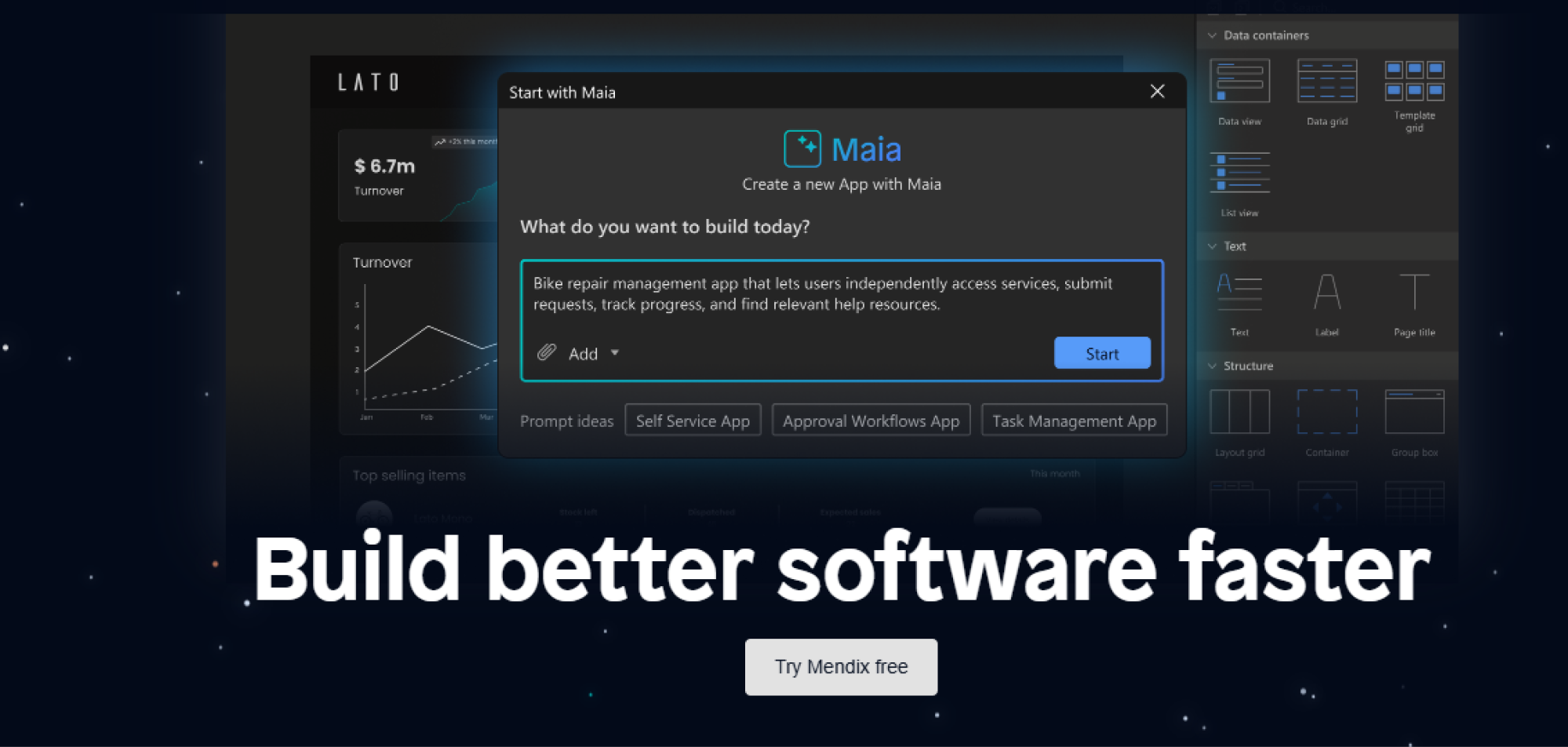
Mendix is designed to support the full development lifecycle for web, mobile, and multi-channel applications, combining visual modeling, workflows, backend logic, and deployment capabilities.
Strengths
- Covers data modeling, business logic, workflows, integrations, and deployment in one platform.
- Version control (Git), branching, role-based access, automated testing, audit trails, and governance guardrails are built in.
- You can add custom Java or JavaScript logic, build custom widgets, or integrate external APIs.
- Apps can be deployed to Mendix’s cloud, private clouds, or on-premises. They are containerized and support modern DevOps practices.
- Mendix supports connectors for REST, SOAP, JDBC, OData, event brokers, SAP, legacy systems, etc.
- The platform encourages building reusable modules, templates, and design systems so your app portfolio can scale without redundant work.
Limitations
- Mastering Mendix’s deeper features (modules, domain models, custom logic) takes extra time.
- As app complexity, user count, and usage grow, licensing and infrastructure costs can rise steeply.
- Because applications are built in a proprietary model-driven environment, migrating away or fully rewiring to custom code can be non-trivial.
- In highly demanding or latency-sensitive scenarios, you may encounter performance challenges that require optimization or custom extensions.
- Enabling business users to contribute while preserving code quality and governance demands discipline, standards, and guardrails.
Success story:
Dutch Railways (NS) organized company-wide buy-in, built a Center of Expertise, and integrated Mendix apps with their Azure private cloud to enable a governed, scalable low-code ecosystem.
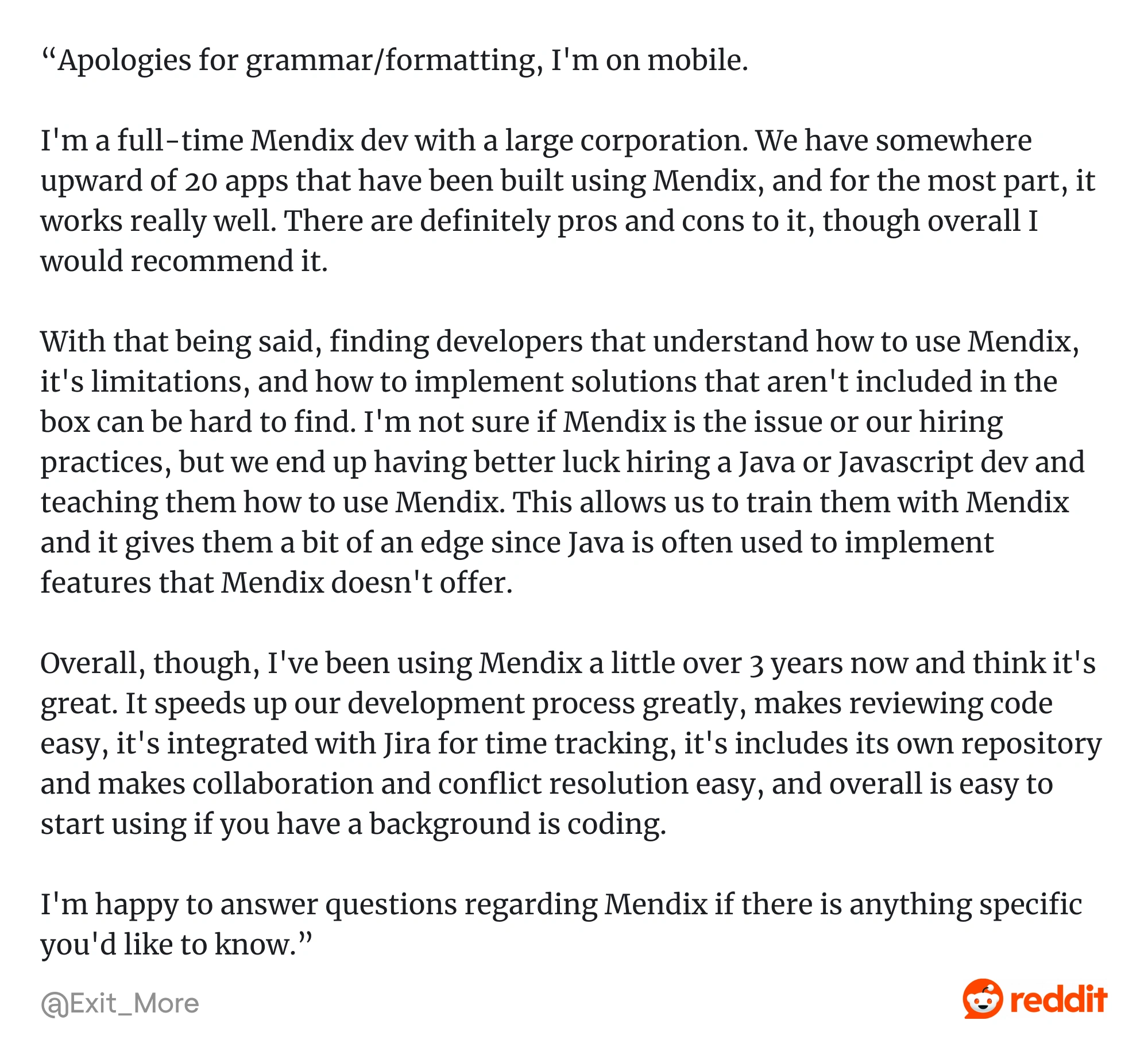
Mendix targets scenarios that demand governance, scalability, integration, and extensibility, positioning itself above “citizen‑developer” tools but still below fully custom development. Strong for complex use cases, though its pricing is enterprise-oriented.
12. Microsoft Power Apps: enterprise low‑code / citizen development platform
Microsoft Power Apps suits organizations that are invested in the Microsoft ecosystem.

It’s especially strong when embedded into enterprise ecosystems, leveraging Microsoft products (Dataverse, Office 365, Dynamics 365, Azure) and enterprise governance.
Strengths
- Power Apps lets you tap into existing data, identity, and workflows.
- You can choose between freeform UI design or data-first forms, or expose apps to external users via web portals.
- Role-based access, auditing, and monitoring.
- When visual tools aren’t enough, you can add custom logic or embed canvas components.
- Apps built in Power Apps run across devices (web, mobile) without needing separate codebases.
Limitations
- Licensing (per app / per user / capacity)is expensive.
- Data‑intensive apps or real-time heavy workloads may hit performance bottlenecks.
- Canvas apps are constrained for highly custom / brand‑driven UI.
- Business units may spin up unmanaged apps, leading to duplication, lack of oversight, and compliance risks.
- As apps grow, the logic expressed in Power Apps formulas can become difficult to maintain or debug.
Success story:
Davis-Ulmer Sprinkler Co. built a Power Apps workflow to streamline their multi-step conference approval process, giving real-time status visibility and reducing bottlenecks.
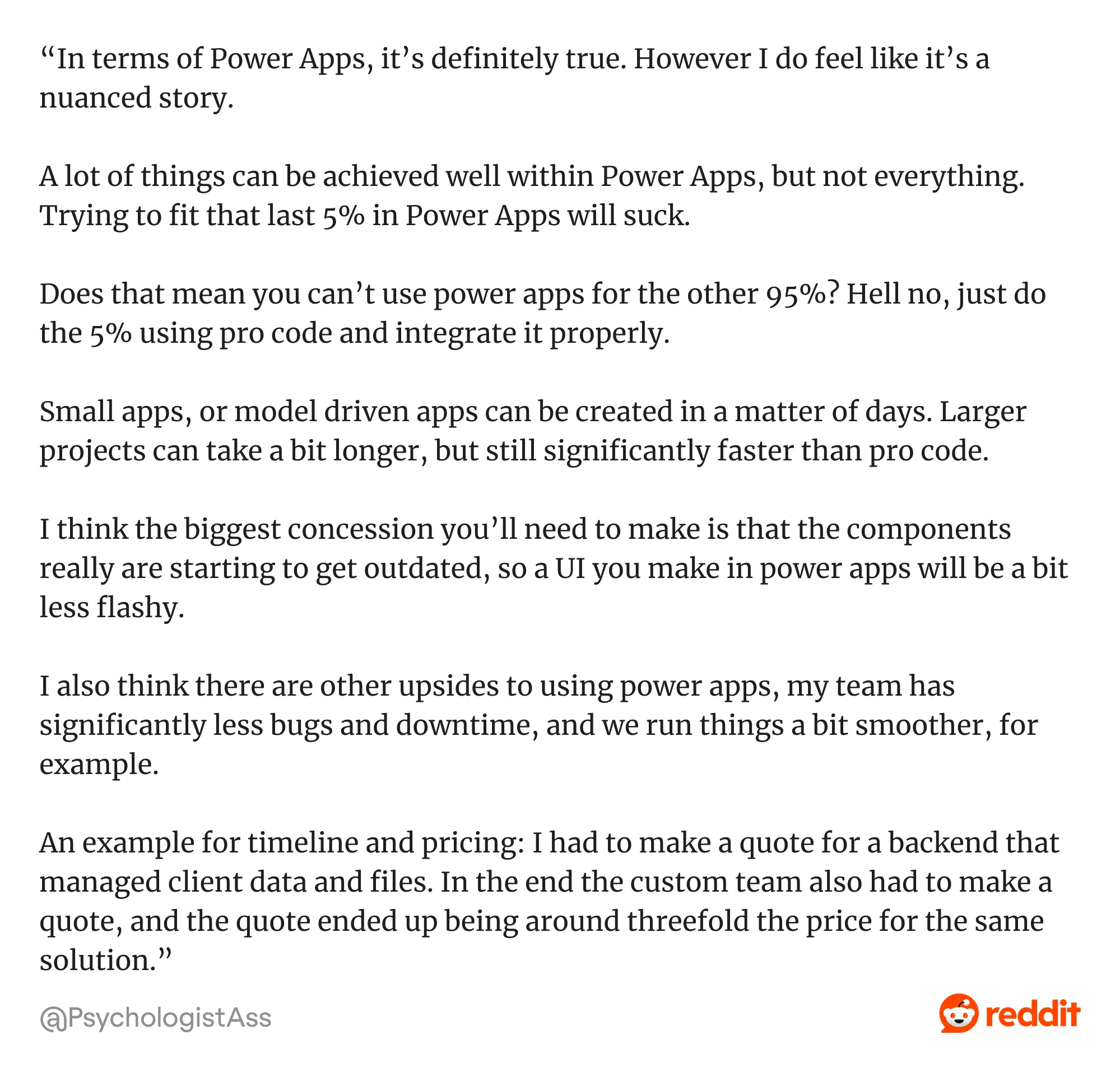
Microsoft Power Apps is perfect for digitizing internal workflows quickly. The costs, however, scale with premium connectors and capacity usage.
13. OutSystems: a high‑productivity application platform
OutSystems is built for large enterprises pursuing mission-critical apps with high scalability.
The platform is oriented toward building full-stack web and mobile applications for businesses at scale, supporting complex business logic, integrations, governance, multi‑experience (web, mobile, offline), and lifecycle management.
Strengths
- Handles large user bases, high concurrency, multi-tier architectures, multi-tenant scenarios.
- Holds strong built-in connectors, API support, ability to interface with legacy systems, databases, external services.
- From development to testing, deployment, monitoring, updating, OutSystems provides the tools to manage apps over time.
- You can build much via modeling and drag/drop, but still inject hand‑written code or custom logic when needed.
- Teams report significant accelerations in app delivery vs traditional development.
Limitations
- Come with significant licensing and infrastructure costs.
- While simple apps are doable, mastering advanced features, architecture, module design, and performance tuning takes much time.
- Because much of the app logic, structure, and artifacts are bound to the platform, migration is rather challenging.
- Performance bottlenecks occur in fetching bulk data or handling complex workflows.
- Initial deployment, managing environments, scaling, and governance setup may require a significant investment.
Success story:
Bosch transformed its internal operations by using OutSystems to build a digital factory solution, significantly reducing shadow IT and speeding up delivery of enterprise applications.
OutSystems offers AI-assisted full-stack development, robust DevOps, and deep enterprise integrations. It’s extremely powerful, though among the priciest options.
14. Plasmic: visual builder integrated with codebases
Plasmic is a low-code visual builder allowing you to build visually and export clean React code and embed your designs directly into existing applications.
It's ideal for teams working with modern front-end stacks (like Next.js or Remix) or headless CMS architectures.
Strengths
- Lets you build UI and pages that plug directly into your React/Next.js stack. You can export, override, and evolve the code.
- You can create fully custom layouts, responsive designs, animations, variants, and interactions
- Designers can bring Figma designs into Plasmic to accelerate the visual build process.
- You can restrict editing to certain components or give non-technical users a simplified editing interface
- Because it leverages React and modern architectures, it can scale UI complexity without forcing you to abandon visual tools.
Limitations
- It’s not purely “no-code for everything.”
- If you need iOS/Android native features, it’s less suited.
- Because it's tied to codebases, you’ll need developer input to set up component registration, data binding, routing, etc.
- For more advanced UI behaviors, you'll need to understand state, props, interactions, and may need to inject custom code.
- Bundle size and load times need care and optimization.
- The UI scaffolding is tied to Plasmic abstractions unless you consciously decouple.
- Plasmic handles UI, pages, design & content; you still need a backend / database / business logic / integrations system.
Success story:
PlayVS, an esports league operator, used Plasmic to rapidly update in-application content without needing developers for every change.
15. Retool: internal apps platform
Retool caters to internal tool builders and operations teams, combining drag-and-drop components with custom JavaScript flexibility.

Strengths
- With a library of pre-built UI components, teams assemble tools quickly rather than building UI scaffolding from scratch.
- While many actions are visual, you can insert JavaScript, SQL queries, transformations, and conditional logic to extend capabilities beyond basic UI.
- Offers hosted SaaS but also options for self-hosting or private deployment (on-prem / VPC) for organizations with stricter security or compliance needs.
Limitations
- As your number of users, features, or internal tools grows, licensing cost, seats, or feature tiers escalate.
- As internal tools become complex, performance bottlenecks or latency arise.
- Retool is not fit for heavy backend jobs, scheduled batch processes, or complex business pipelines, you often need to integrate with external systems.
- The UI, logic, and scaffolding you build inside Retool may be hard to port or replicate outside if you later decide to move to a different stack.
Success story:
Brex leveraged Retool to scale its internal tooling operations tenfold over three years, enabling teams to self-serve dashboards, monitor metrics, and reduce engineering bottlenecks.
Because Retool supports direct database and API connectivity, custom scripts, and UI composition, it sits between pure no-code tools and full-stack custom app dev.
16. Superblocks: a full‑stack web app platform
Superblocks is a low-code platform especially suited for large organizations in regulated industries.

It supports both cloud and on-prem deployments, offering strong security and seamless integration with DevOps workflows.
Strengths
- Superblocks supports version control, feature branches, preview URLs, pull requests, and CI/CD workflows.
- They leverage “Clark” AI assistant that helps generate app scaffolding, logic, and UI from natural language prompts.
- Even when using cloud features, data access stays within the network via on‑prem agent; apps can deploy globally with edge caching.
Limitations
- Enterprise-grade features, app creators, and end-user seats may come with high or custom pricing.
- Developers still need to understand React, state, data flow, and logic for non-trivial features.
- Mobile-first or native apps may be better served by other platforms.
- UI abstractions and component usage may tie you to Superblocks’ architecture unless carefully decoupled.
Success story:
HiBob utilized Superblocks to build secure back‑office apps in a week, leveraging built-in RBAC, audit logs, and integration features

Superblocks is built for creating enterprise-grade internal applications and workflows with both visual tooling and pro-code extensions.
17. Webflow: a visual website & CMS builder
Webflow is a powerful visual development platform that empowers designers and marketers to build responsive, production-ready websites without writing code.
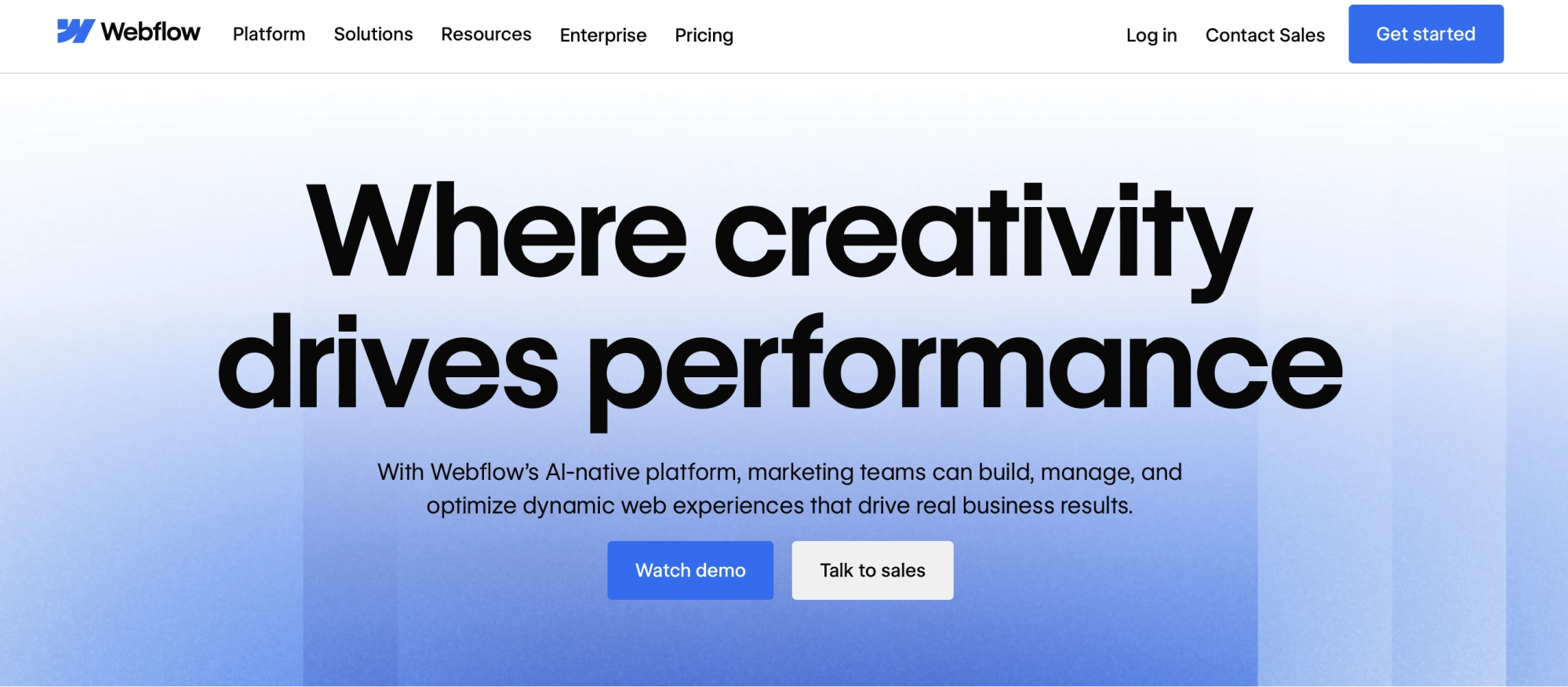
It’s especially popular among SaaS startups, agencies, and freelancers who need pixel-perfect marketing sites or landing pages.
Strengths
- You can build highly customized layouts, interactions, animations, and responsive designs with precision.
- You can define custom content types and bind them to templates, enabling blogs, resource hubs, product listings, etc.
- Webflow includes hosting, SSL, backups, CDN, which reduces operational overhead.
- Marketing teams can spin up microsites, landing pages, tweaks without depending on dev sprints.
- In its enterprise tier, Webflow includes roles, SSO, audit logs, migration tools, brand controls, etc.
Limitations
- Webflow is not intended for building SaaS apps with heavy backend logic, user management, real-time features, etc.
- Limited Webflow’s e-commerce features lag behind specialized ecommerce platforms.
- As traffic or features increase, you may need expensive plans or enterprise tier.
- Bandwidth limits and plan constraints can become issues.
- Dynamic backend or CMS logic is not portable; migrating off Webflow entirely is nontrivial.
- Responsive behavior, CSS positioning, and complex layouts still require some design/CSS understanding.
Success story:
Dell used Webflow to bridge the design‑development gap: enabling designers to prototype live websites with real CMS and reducing cycles between design and development.

Webflow is primarily focused on building marketing sites, landing pages, content sites, microsites, and dynamic content-driven websites.
18. Zoho Creator: business app builder
Zoho Creator is geared towards SMBs and departmental teams, offering easy app creation within the Zoho ecosystem.
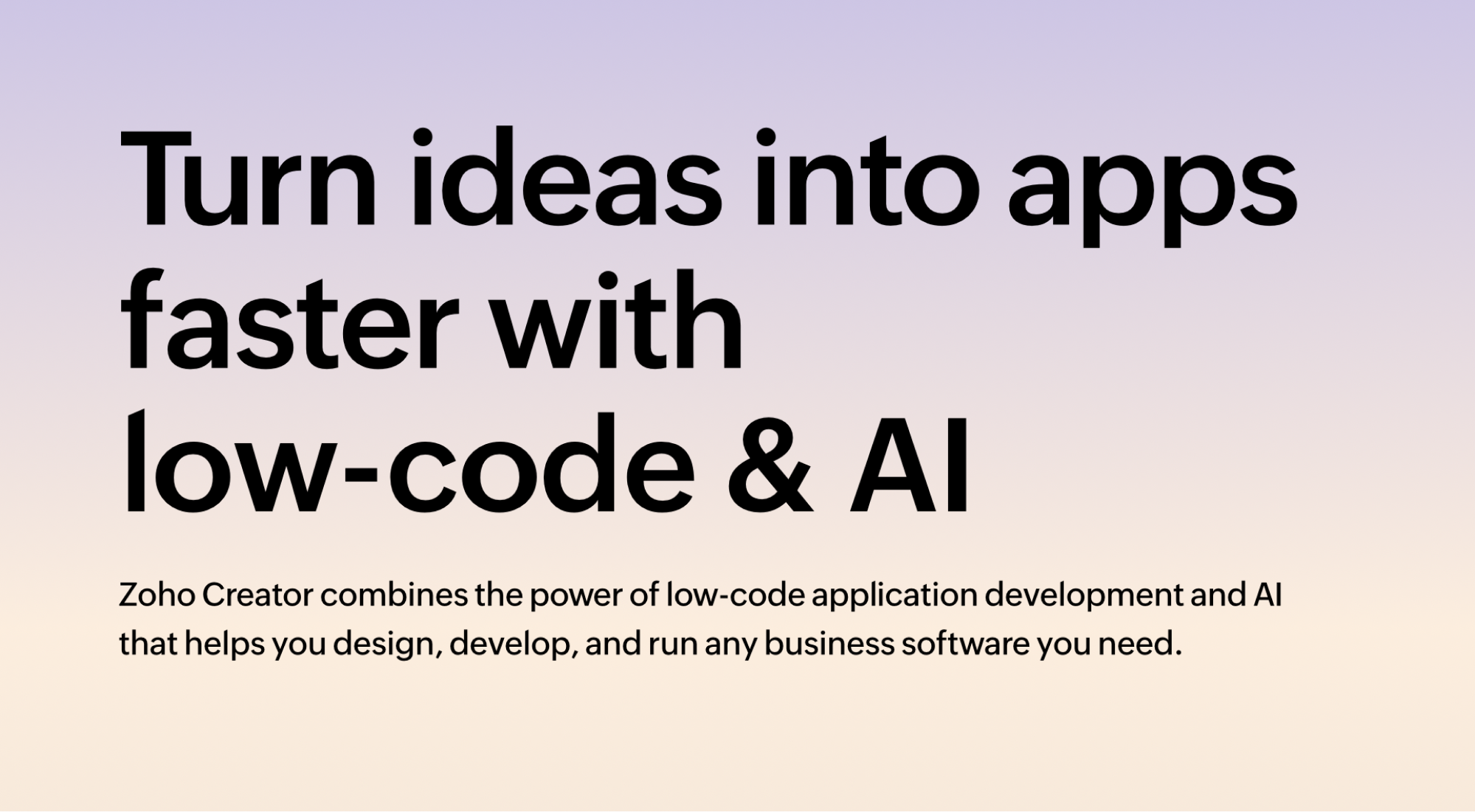
With a visual builder, Deluge scripting, and native integrations across Zoho apps, it’s a strong fit for organizations already invested in Zoho, though less flexible for highly custom enterprise use cases.
Strengths
- You can publish specific forms, reports, or pages for external users, embed components, or create customer/business portals.
- The low-code model lets you iterate quickly, test workflows, tweak forms, and deploy changes with minimal friction.
- Creator supports user roles, data sharing rules, and app-level controls to help manage access and maintenance.
- Compared to full enterprise platforms, Zoho's pricing and bundling with its suite can make Creator appealing for smaller firms.
Limitations
- Only one script per page, limited number of page variables (max ~50), and scripts can’t always call across pages.
- Some field types (subforms, rich text, files) aren’t fully captured in audit logs; backup size limits exist.
- For external portals, Zoho Creator may restrict the number of external users
- In certain “custom solution” modes, some features are disabled — e.g. creating forms by import, cross-app references, integrations, mobile app deployment, etc.
Xponential Digital leveraged Zoho Creator to centralize client data, automate tasks, and reduce administrative burden by ~50%.
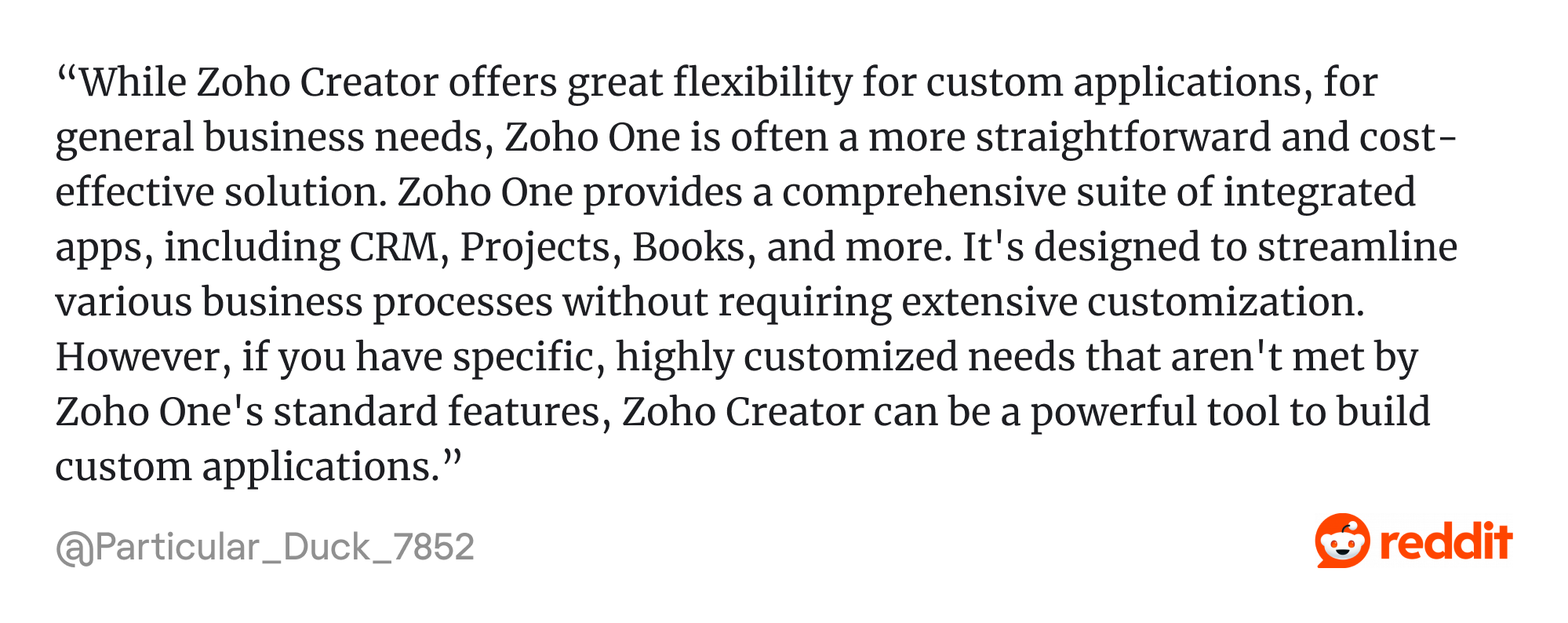
Zoho Creator is built for building custom business applications, forms, workflows, dashboards, and portals — especially for internal apps, operational systems, and lightweight external-facing systems.
Use case takeaways
- If you’re a startup or SMB, Lovable, Bubble, Adalo, FlutterFlow, and Glide are great for speed and cost-efficiency.
- For scaling businesses or internal tool building: Mendix, Microsoft Power Apps, Retool and Zoho Creator provide a solid integration and workflow control.
- For enterprises prioritizing automation and compliance, Appian, OutSystems and Appgyver stand out with their enterprise-grade capabilities for automation, compliance, and mission-critical systems.
What’s at stake
Beyond low-code comparisons and reviews, most of you will create the first version of your product (MVP) using low-code to quickly test the demand.
If there’s a demand and you have raised investment, you need to keep improving your product constantly. And that’s when low-code tools don’t fit any more. While they help get your app off the ground fast, their templates and UI elements seem generic.
Some of our clients validate their product ideas with MVPs built using low-code platforms. But when those ideas gain traction and it’s time to scale, low-code tools often can’t keep up. That’s where Eleken comes in.
One of them built a prototype using Microsoft Dynamics, but soon found that it lacked the necessary flexibility and customization. To remain competitive, the client turned to our team to enhance the platform’s design and functionality to better meet user needs:

Having implemented our design solution, we’ve concluded that despite the effectiveness of no-code/low-code platforms, most clients fast tracking beyond MVP will rely on high-code developers and professional SaaS product designers.
Choosing a low-code platform
While low-code platforms offer speed and flexibility, here are the key factors to consider:
- Customization vs. speed: Low-code platforms are designed to accelerate development, while some prioritize speed over customization.
- Scalability and long-term viability: Low-code applications should support business growth and evolving requirements.
- Integration capabilities: A platform’s ability to connect with existing systems is essential for seamless workflows.
- Cost and licensing: Finally, consider the total cost of ownership.
While low-code/ no-code platforms often promise speed and accessibility, only thoughtful design lives up to these promises.
That’s the gap Eleken fills by turning raw prototypes into products that win leads, free up developers, and support strategies like product led growth.


